DTF Printer Maintenance, How, When and Why: Capping Stations, Wiper, Dampers, Rods, Panel, on a Working 24-Inch Machine
Published 4 December 2025
This is the maintenance video for people who already own a production DTF printer and want the schedule, not the sales talk. Fifteen minutes on a working 24-inch i3200 line in December 2025: capping stations, wiper, dampers, rods, platform, shaker, panel. The upload has no usable audio track, so this post gives each shot its reason and puts the whole thing on a calendar: daily, weekly, monthly, six-monthly.
What the video shows
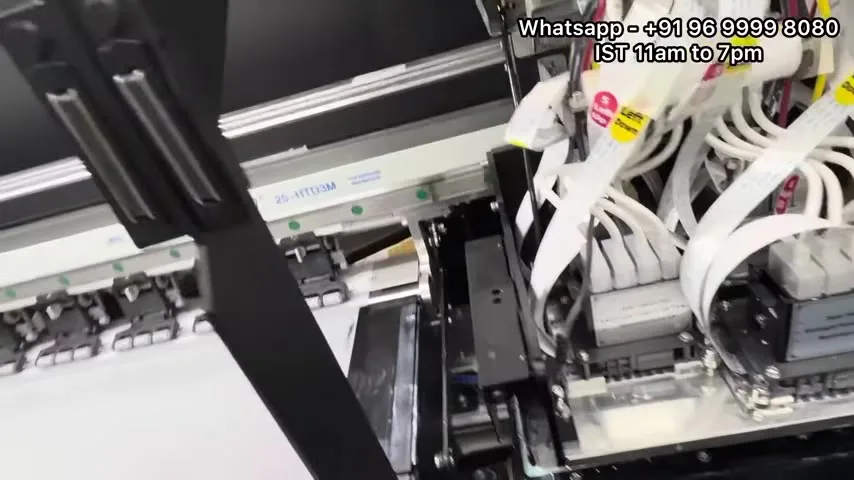
- 0:36 — The machine: 24-inch i3200 with shaker, printing
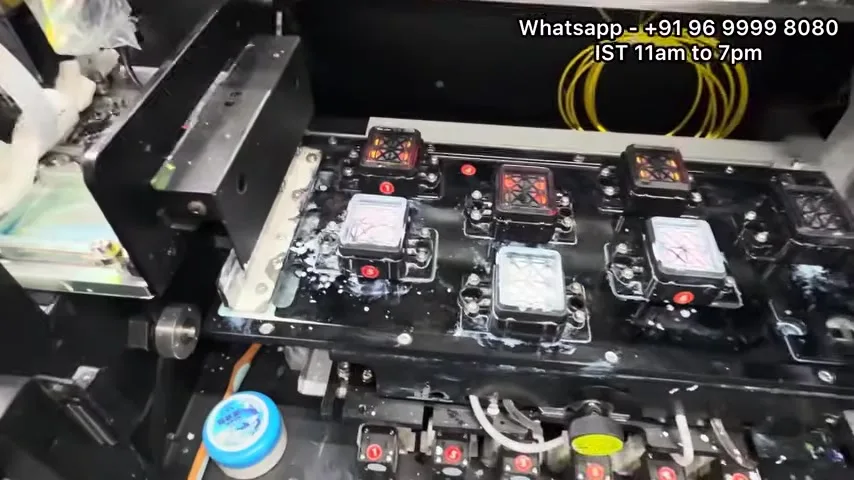
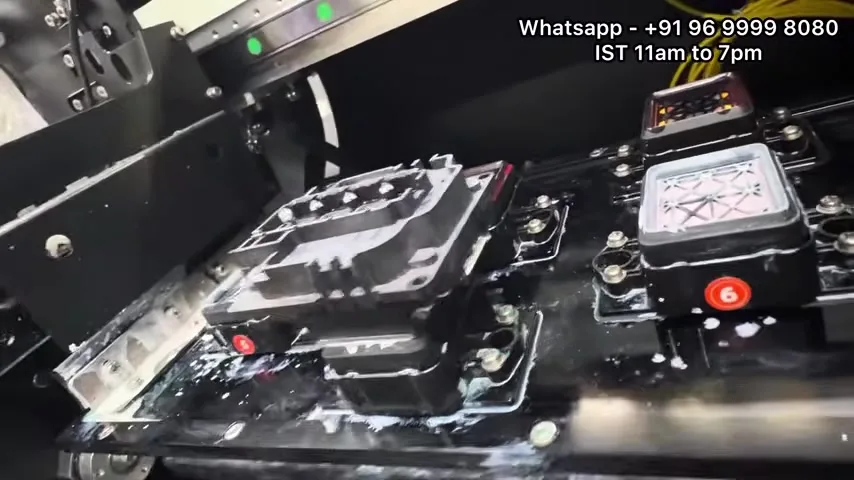
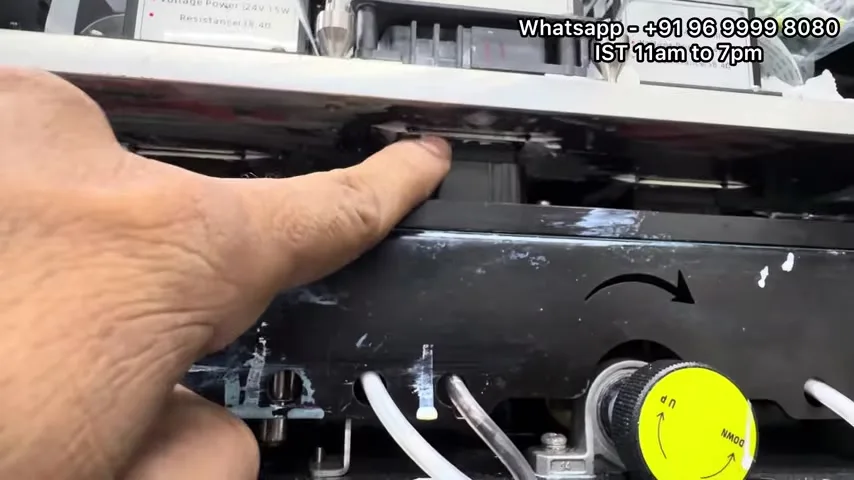
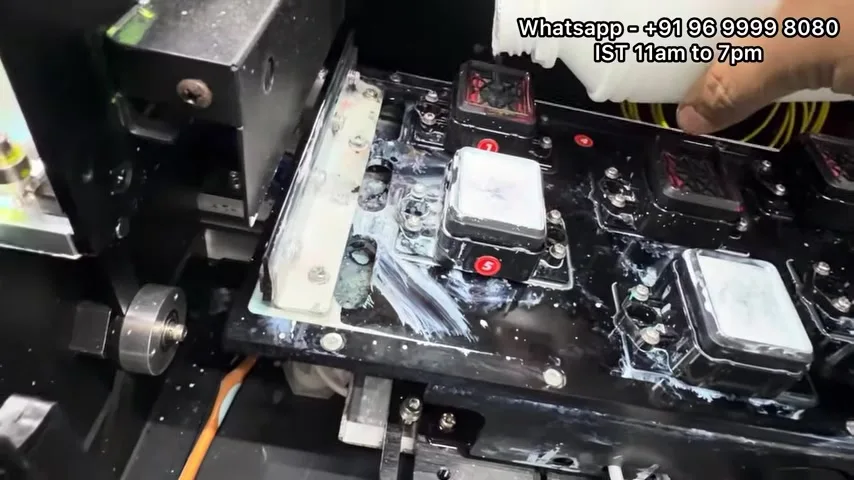
- 1:49 — Capping stations: solution level, crust on the rims
- 3:01 — Wiper blade and the cleaning station
- 4:14 — Topping up the capping units
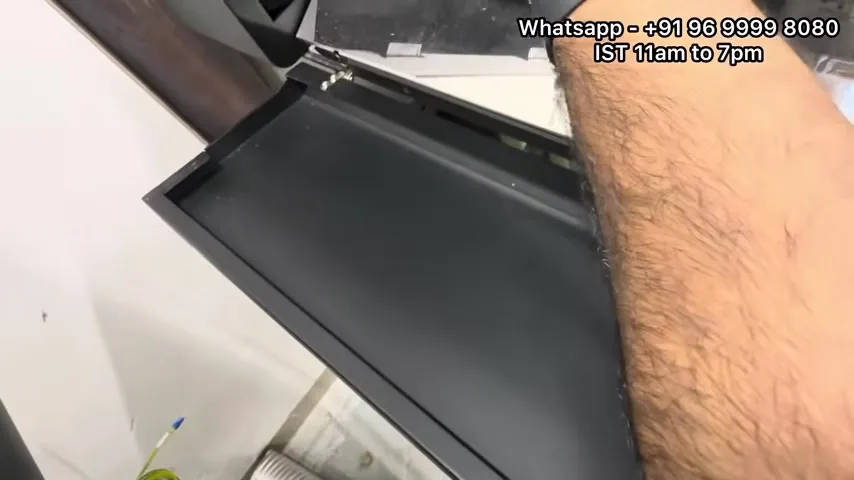
- 5:27 — Platform and bed underside
- 6:39 — Behind the panel: pump and waste line
- 7:52 — Film path and shaker entry
- 9:05 — Rods and belt
- 10:17 — Dampers and pipes on the carriage
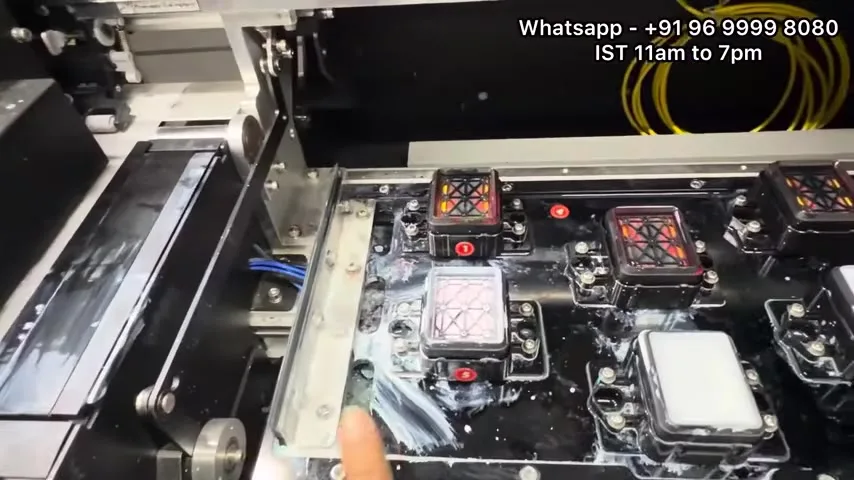
- 11:30 — The capping station drawer
- 12:43 — Capping stations back in; nozzle check
- 13:55 — Panel timers
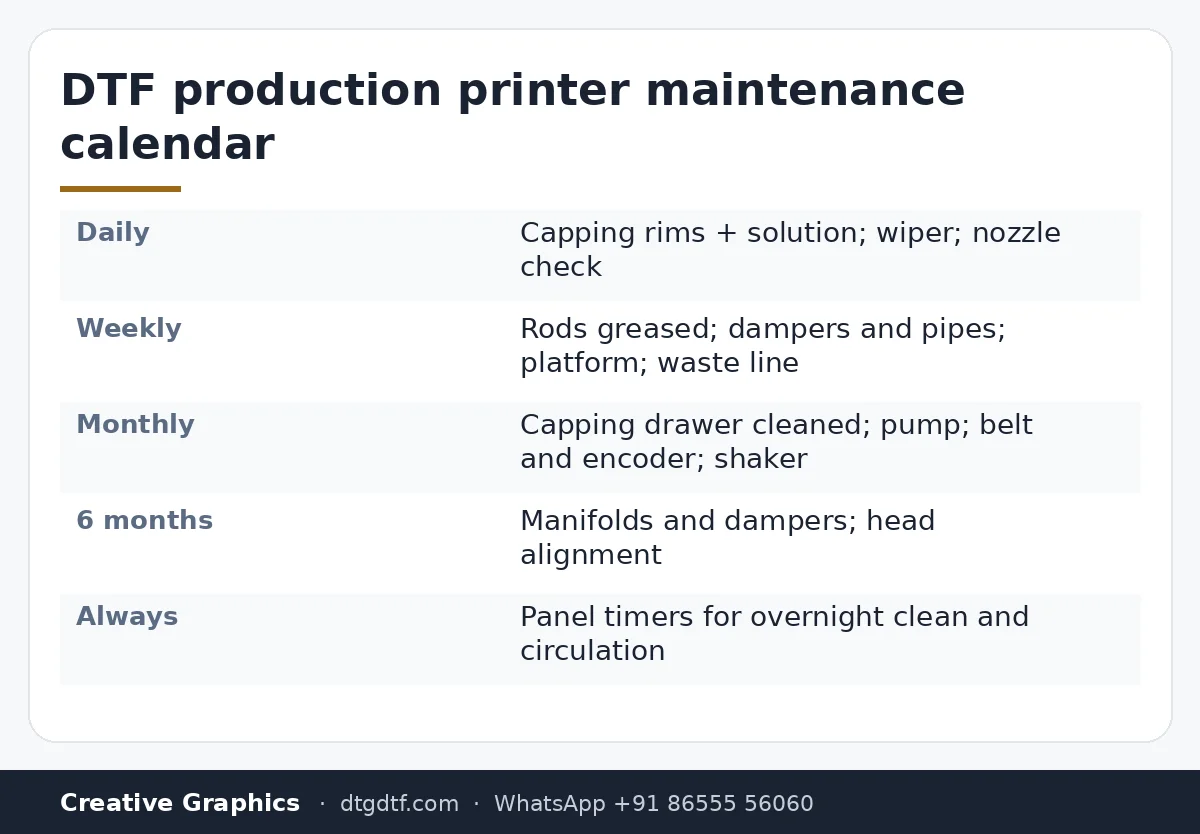
Daily
Before the first print: look at the capping stations. Each head parks on one overnight; the rim must be clean and the station wet with solution, or the head dries at the edges and the morning nozzle check shows gaps. Wipe the rims, top up the solution. Then the wiper blade: it drags across every head on every clean, so a crusted blade scratches the nozzle plate and smears white across the colours. Wipe it. Nozzle check, then print.
Weekly
Grease the carriage rods lightly; dry rods mean vibration and banding. Check the dampers and the pipes to them for kinks, air, and ink level. Clean the platform and look under the bed edge for powder and dried ink that lifts the film. Empty and check the waste line behind the panel.
Monthly
Pull the capping station drawer, clean it properly, check the pump pulls when a clean runs. Check the belt tension and the encoder strip for ink mist. Run the shaker empty and vacuum the powder return.
Six-monthly
Manifold on each head, dampers replaced, head alignment rerun. At 400 to 600 metres a day that interval is not optional; the reasoning and the procedure are in the i3200 manifold post and head alignment.
The panel
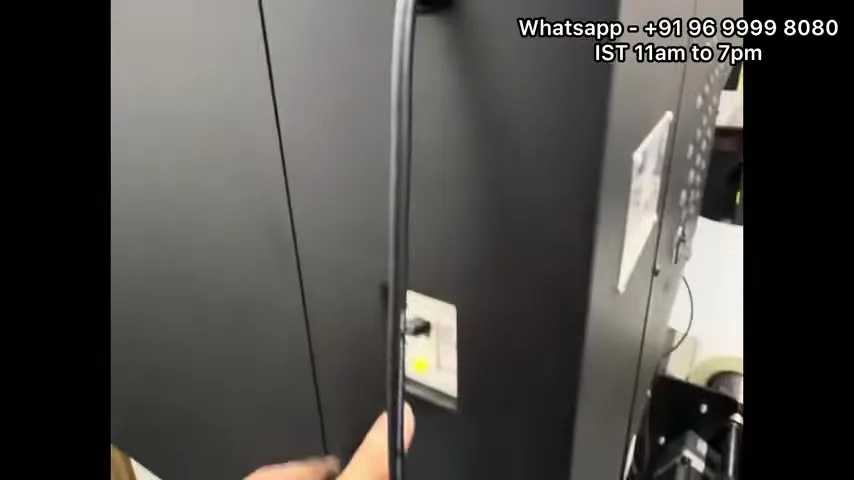
Set the automatic cleaning and circulation timers on the panel so the machine does the overnight part itself. Holiday mode on the X-Arc is described in this post; the same idea applies here. Parts: i3200 capping unit, manifold, solution; the desktop version of this schedule is L18050 daily maintenance.
Frequently asked questions
What is daily DTF printer maintenance?
Capping station rims cleaned and topped up, wiper blade wiped, nozzle check before the first print.
What is weekly?
Grease the rods, check dampers and pipes, clean the platform, check the waste line.
What is monthly?
Capping station drawer out and cleaned, pump checked, belt and encoder checked, shaker emptied.
What is six-monthly?
Manifolds and dampers replaced, head alignment rerun.
Why does the wiper matter so much?
It touches every head on every clean; crust on it scratches nozzle plates and smears white.
Want the calendar as a checklist?
WhatsApp your machine model; we send the printable schedule for it.
WhatsApp +91 86555 56060More videos: Print heads, dampers and spares
- White Not Printing After a Few Days Off? Manual Head Flush and Metal-Mesh Dampers on the L1800 / L805
- Replacing the L18050 Manifold and Dampers With XP600 Parts, and Cleaning the Head by Hand: 30 Minutes, Uncut
- Manual Head Cleaning on the Epson L18050: Pull the Ink Out First, Then Push Solution In, One Damper at a Time
- Scratches Over Your DTF Print? Clean the Head Area, Then Fix Where the Film Lands
- Both Lights Blinking Red on the Epson L1800 or L805? Reset the Waste Ink Pad Counter in Three Minutes
- Fitting a White Ink Circulation System on an L1800 Yourself: Y-Connector, Two Pipes, and How to Run It Every Morning