Fitting a White Ink Circulation System on an L1800 Yourself: Y-Connector, Two Pipes, and How to Run It Every Morning
Published 26 August 2022
White ink settles. On a desktop DTF printer that is not run every day, it settles in the lines and the dampers and you spend the morning cleaning instead of printing. So we built a two-way circulation unit for the L1800 and I filmed fitting it on a brand-new printer, start to finish, including the pipe I cut too short. If you can remove a damper and cut a pipe straight, you can do this. Here it is in English, with the daily routine at the end.
What the video shows
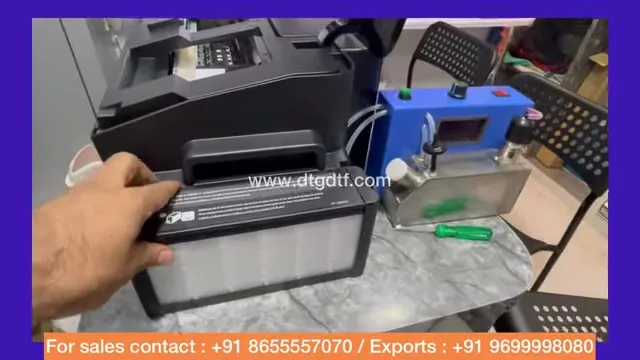
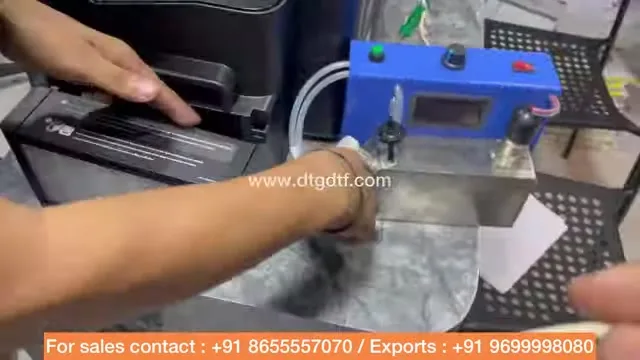
- 0:01 — The unit: metal body, circulates white from dampers to tank
- 0:53 — Remove the two pipes from the LC and LM inputs
- 1:30 — Why: white settles on desktop printers that are not used daily
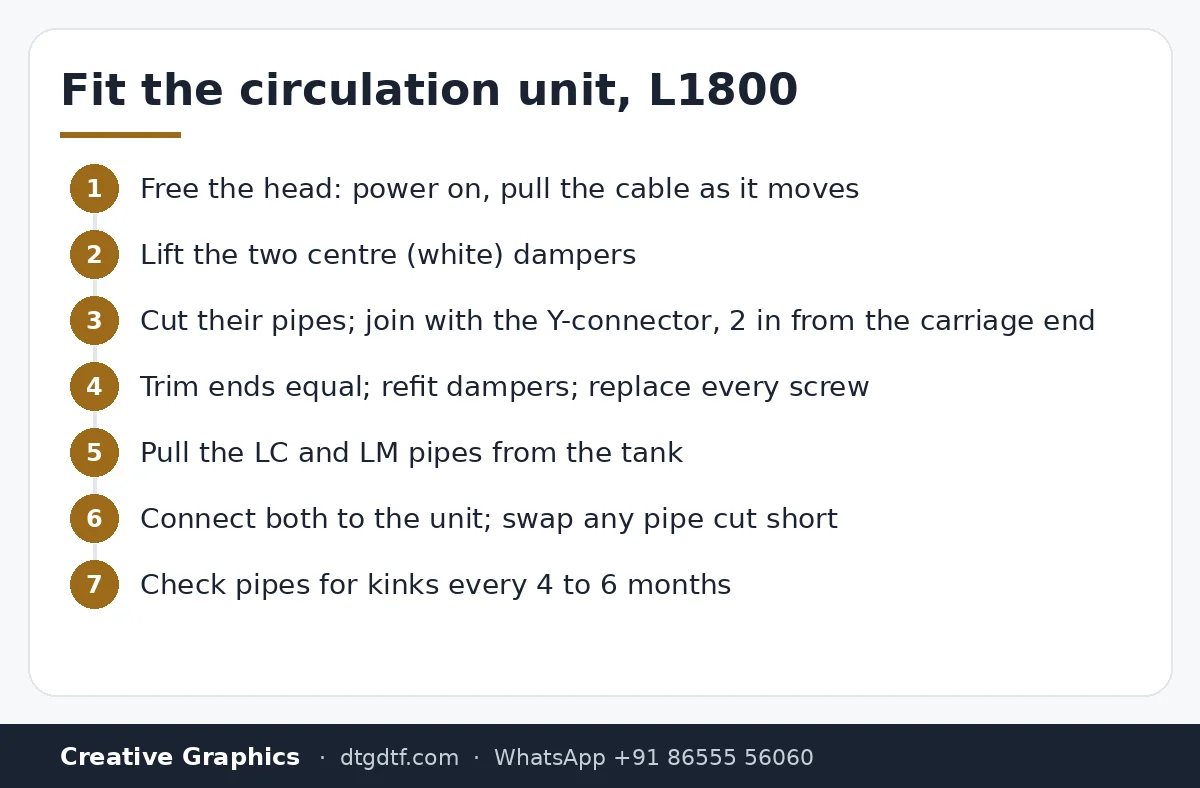
- 2:31 — Free the head: plug in, switch on, pull power as it moves
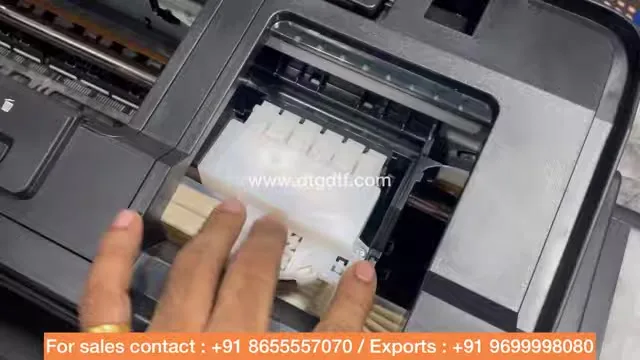
- 4:32 — Remove the two centre dampers
- 5:33 — Y-connector joins the two white dampers to one input
- 6:10 — Cut the pipes equal; refit
- 10:27 — Y-connector at least two inches from the black plastic end
- 12:00 — Take the LC and LM pipes out of the tank
- 13:20 — A stirrer is not circulation; it must be two-way
- 14:40 — Check pipes every four to six months; DTF ink is thick
- 18:00 — Connect to the unit; replace a pipe cut too short
- 18:50 — Morning routine: circulator on, pump 5 s on, off, repeat
What it is
A heavy metal-bodied unit with its own white tank. It pulls white ink from the two white dampers and pushes it back to the tank, both ways, so pigment never sits in the lines. The printer's own LC and LM tanks are no longer used for white; the unit's container holds it. Earlier systems on the market were stirrers; stirring the tank does nothing for ink already in the pipes and dampers, which is where it settles.
Free the head
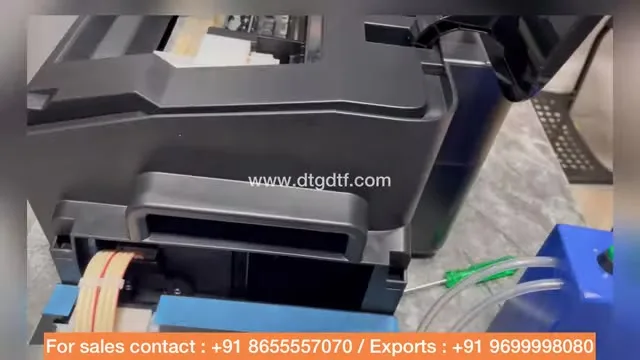
Plug in, switch on, and as soon as the head starts moving pull the power cable. The head is unlocked and you can slide it to reach the dampers.
The Y-connector
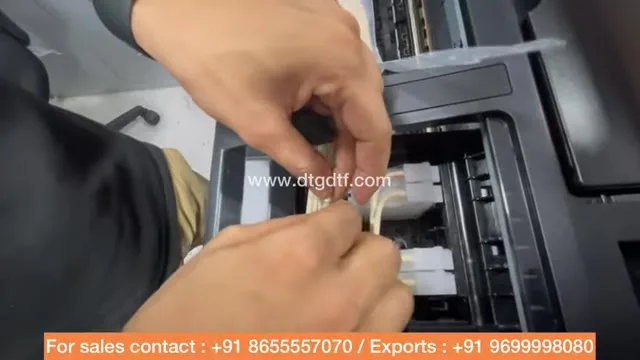
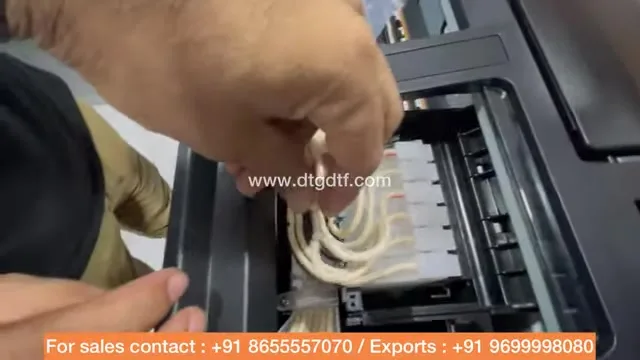
The two centre dampers are the white ones. Press the clip and lift each off. Cut their input pipes and join them with the Y-connector so both dampers share one feed. Cut the two pipe ends to equal length, and keep the Y at least two inches from the black plastic end of the carriage so the tape can be refitted and nothing bulges. You do not strictly have to remove the dampers; I did it for the camera. Refit, and put every screw back.
Pipes to the unit
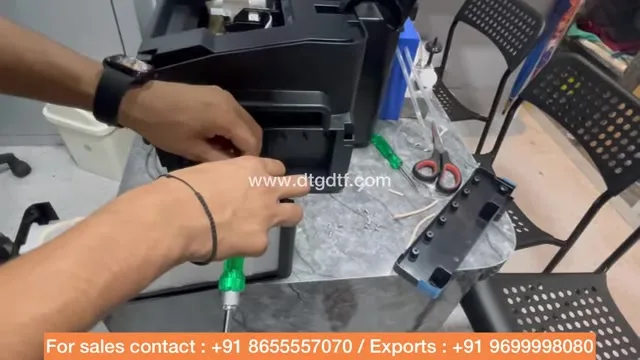
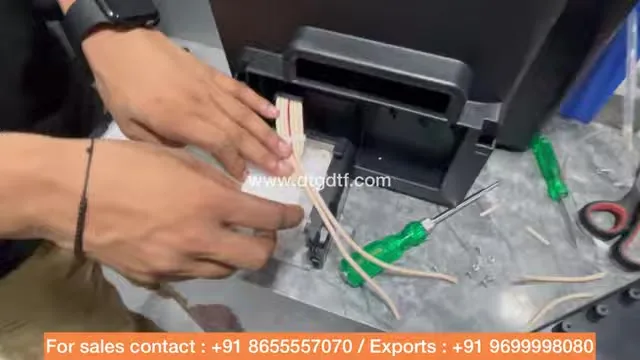
At the tank end, pull the two LC and LM pipes out and check which was which. These two tank positions are now unused. Route the pipes to the unit's two connectors, one each. I cut one pipe too short and swapped it for a spare; spares come with the unit. Every four to six months, check the pipes are not bent or pinched anywhere; DTF ink is thick and a kinked pipe starves the head.
How to use it
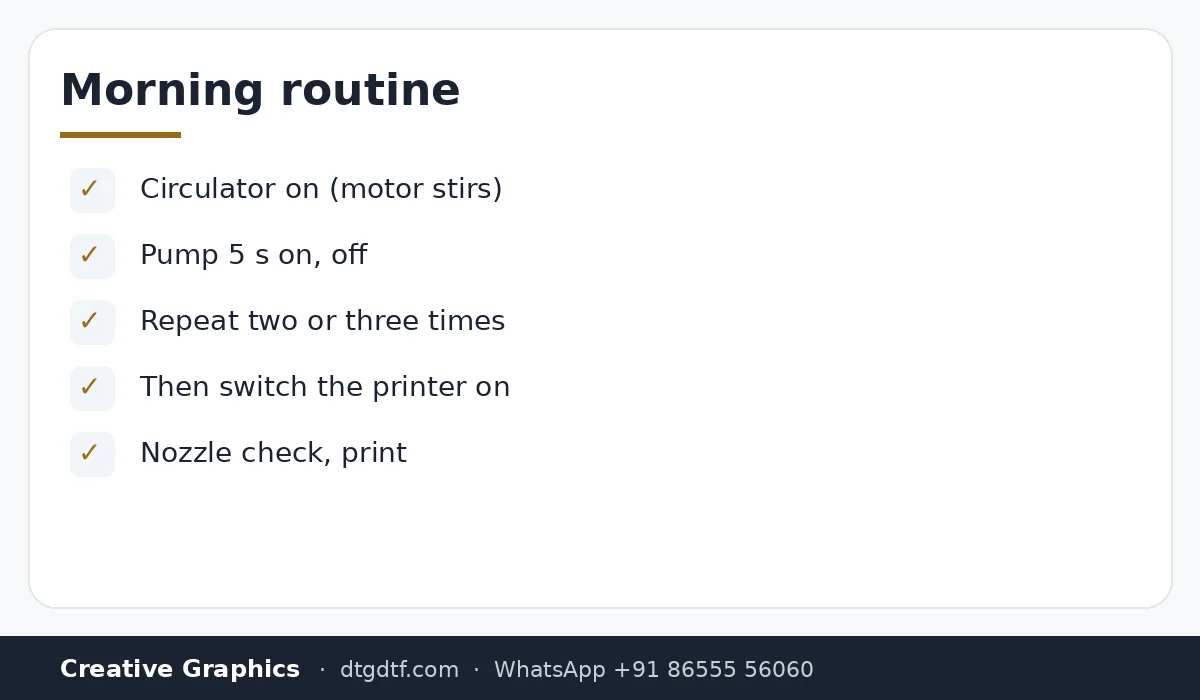
Every morning, before switching the printer on, start the circulator. You hear the motor stirring. Then press pump for five seconds, off, five seconds, off, two or three times; 17 is the pumping speed on the unit. Ink moves through the pipes and back. Then switch the printer on and print. The print I hold up in the video is not white at all, it is a greyish sky-blue, and after a year and three washes the tee still looks right; that is what consistent white under the colour does.

Today
With our low-sediment inks I no longer push circulation on small printers; it matters if you use other inks or print rarely. The current pump is here, inks here, and the thinking on what to skip on a small printer is in the L18050 modifications post.
Frequently asked questions
Why does DTF white ink need circulation?
White pigment settles in lines and dampers on printers not used daily. Circulation keeps it moving.
Is a stirrer the same thing?
No. A stirrer moves ink in the tank only. Circulation pulls from the dampers and pushes back, two-way.
Can I fit it myself?
Yes: free the head, join the two white dampers with a Y-connector, route the two pipes to the unit, refit the screws.
How do I use it daily?
Before the printer: circulator on, pump five seconds on and off, two or three times. Then print.
Do I need it with your inks?
Usually not. Low-sediment inks and daily use make it optional; other inks or rare use make it worth it.
White settling overnight?
Tell me the ink you use and how often you print on WhatsApp. Sometimes the answer is the ink, not a pump.
WhatsApp +91 86555 56060