Daily Maintenance on a Modified L18050: Clean the Rollers, Wet the Capping Unit, Park the Head, Close the Lever. Four Minutes a Day
Published 16 July 2025
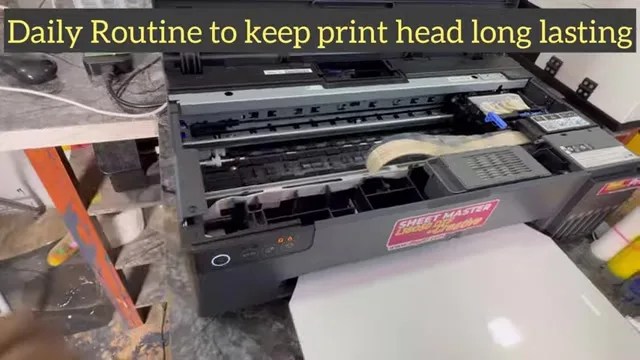
This is the routine, not the repair. Tissues, cleaning solution, four minutes at the end of the day, and the head on a converted L18050 stays open for years. The advanced jobs, pulling dampers, flushing with a syringe, are for when something is wrong, and I say so in the video: do not do them unless required. Here is what you do every day, in the order I do it on the Sheet Master Pro.
What the video shows
- 0:03 — Tissues and cleaning solution; advanced maintenance only when required
- 0:30 — Clean the feed rollers, printer off, or they mark the film
- 1:17 — Shutdown: pull the power as the head moves left
- 1:39 — Keep the ink pipes straight, never trapped
- 1:44 — Wipe the capping unit and the wiper blade with a wet tissue; no force
- 2:14 — Fill the capping unit with solution from a syringe, no overflow
- 2:42 — Plug in; the head parks on the wet capping unit
- 3:07 — Close the tank lever so inks do not mix; switch off
- 3:59 — Good for one or two days; do not delay beyond that
Rollers first
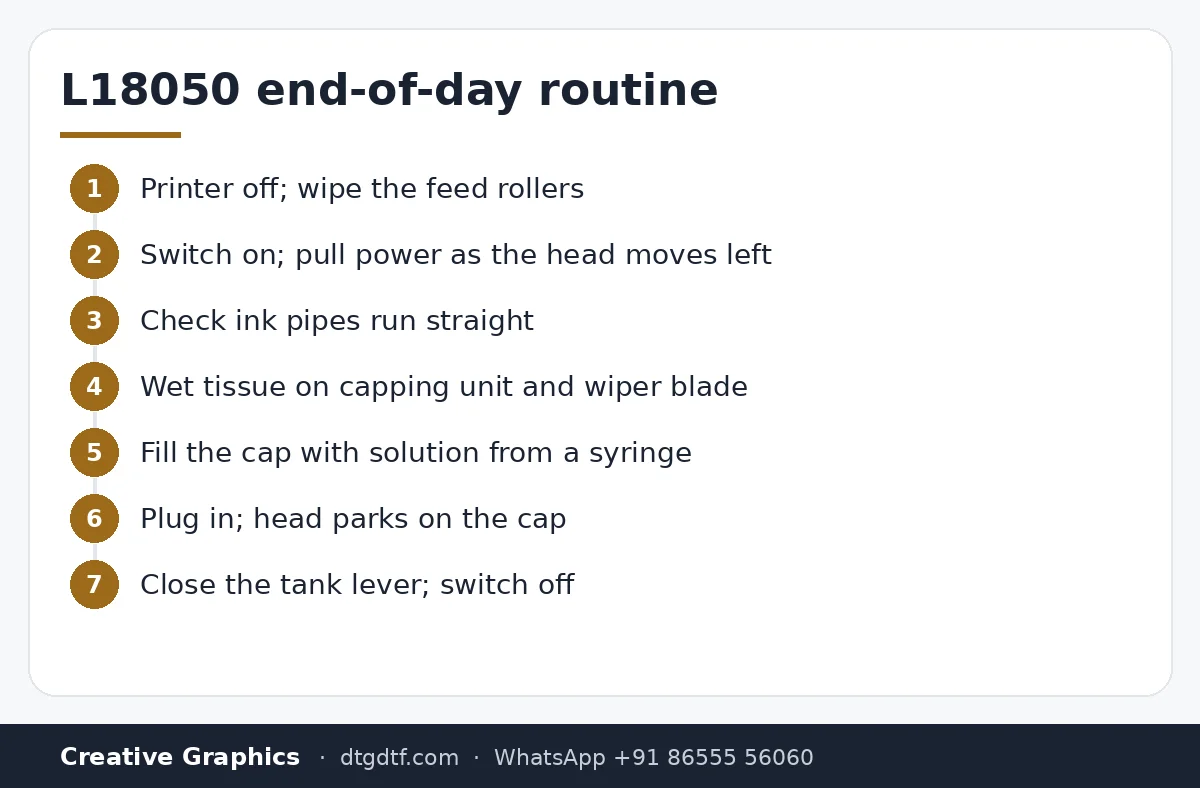
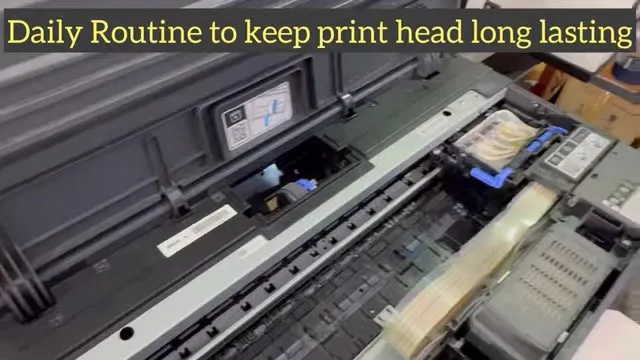
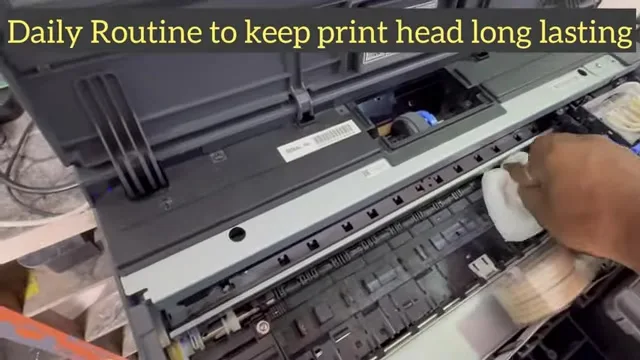
Switch the printer off and wipe the feed rollers with a tissue. Dirty rollers leave marks on the film and strip the coating off PET, which shows up as patchy white. It takes thirty seconds and most people never do it.
Shutdown sequence
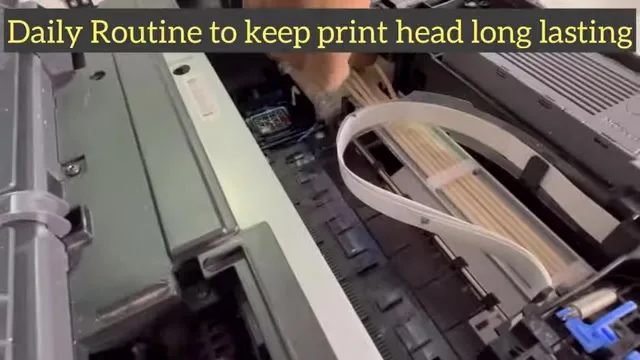
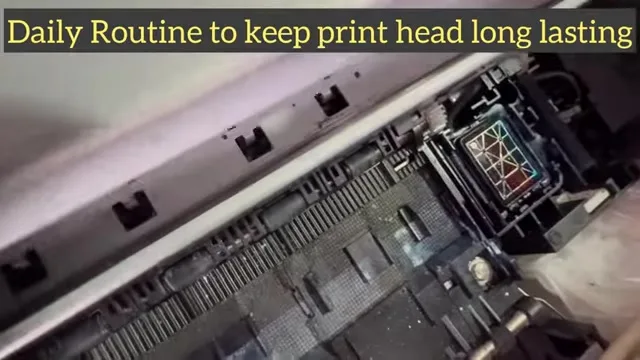
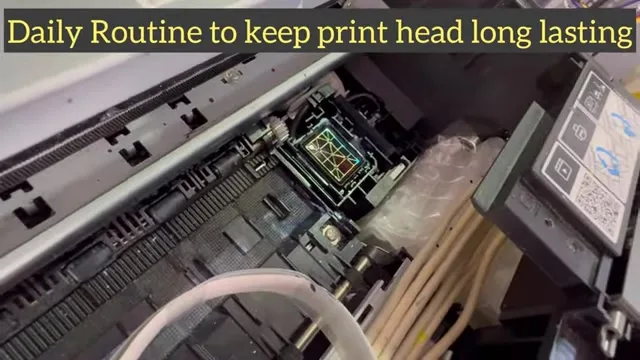
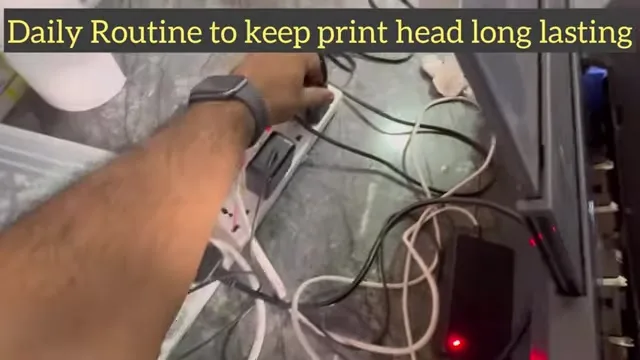
Switch off. As the head moves left, pull the power cable; now the head moves by hand. Check the ink pipes run straight out of the carriage and are not trapped anywhere. Slide the head aside and wipe the capping unit and the wiper blade with a wet tissue; the blade matters as much as the cap. No force on anything.
Wet the cap, park the head
Draw cleaning solution into a syringe and fill the capping unit, just to the brim, no overflow. Plug the power back in; the printer starts, the head moves right, and the capping unit rises to meet it. The head now sits on solution overnight. If it does not start by itself, press the button.
Lever and off
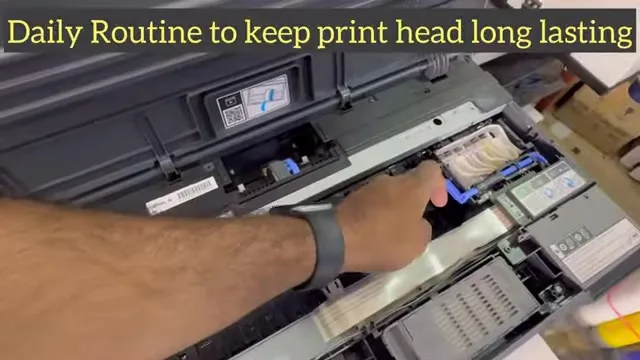
Push the ink tank lever to the closed position so inks cannot mix between tanks, then switch the printer off. That is one or two days of idle time covered. Beyond that, come back and repeat; do not leave it a week.
When it is more than routine
White missing after this routine: manual head cleaning. Scratches: output tray setup. Weekly: an ink charge from the adjustment tool. Solution: here; the printer: converted L18050.
Frequently asked questions
What is the daily maintenance on a converted L18050?
Clean the rollers, wipe the capping unit and wiper, fill the cap with solution, park the head on it, close the tank lever, switch off.
Should I remove dampers daily?
No. Dampers and syringe flushing are repairs, done only when required.
Why clean the rollers?
Dirty rollers mark the film and strip its coating, which shows as patchy white.
How long can the printer sit after this routine?
One or two days. Repeat it before leaving it longer.
Something not covered?
WhatsApp a photo. If it is more than routine we will say which video to follow.
WhatsApp +91 86555 56060More videos: Epson L18050 / L8050 DTF conversion
- Epson L18050 and L8050 Converted to DTF: The Honest, Uncut Review
- Epson L18050 DTF Without Tape: PE/PW Bypass Module, Dampers, Capping and a Live Print
- L18050 Roll Conversion Kit: ASF and PE/PW Bypassed, Forward-Reverse Film Control
- Epson L18050 DTF Conversion, Step by Step: The Complete 38-Minute DIY Guide
- Our Converted L18050 DTF Printer: What We Modify, How You Maintain It, and Who Should Buy It
- Real Facts About the DTF-Modified Epson L805 and L1800: Is This Business for You?