Scratches Over Your DTF Print? Clean the Head Area, Then Fix Where the Film Lands
Published 30 December 2021
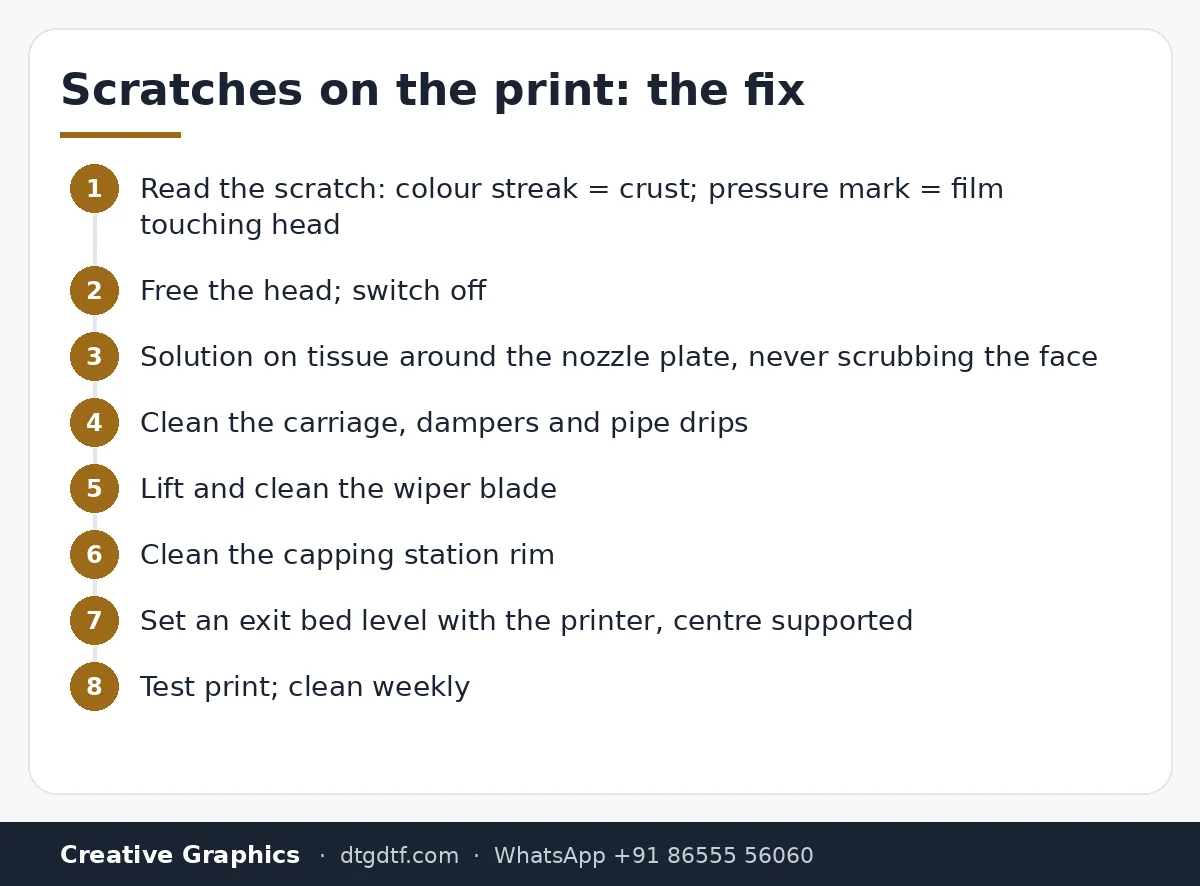
A print comes out with fine streaks dragged across it and the first thought is the head. Usually it is not the head. It is dried ink around the head rubbing onto wet film, or the film not running flat so it touches the head. In December 2021 I filmed both fixes on an L1800: clean the whole head area properly, then sort out the exit side so the film has somewhere flat to go. The audio on this one is bad; the steps are written from the footage.
What the video shows
- 0:02 — Scratches: head crust or film path
- 0:32 — Free the head; switch off
- 1:37 — Cleaning solution and tissue around the nozzle plate
- 2:42 — Carriage and damper area
- 3:48 — Wiper blade: lift and clean
- 4:53 — Capping station: no crust left
- 7:03 — Rollers and paper path dust
- 9:13 — Where the film lands: too low and it curls back into the head
- 10:19 — Bed height: level with the exit, centre support
- 11:24 — Test print: no scratches
- 12:29 — Keep a cleaning habit
Where scratches come from
Look at the print under light. If the streaks are coloured, ink crust around the head is wiping on. If they are pressure marks in the wet white, the film has touched the head because it lifted or dropped. The fix for the first is cleaning; for the second it is the paper path.
Clean the head area
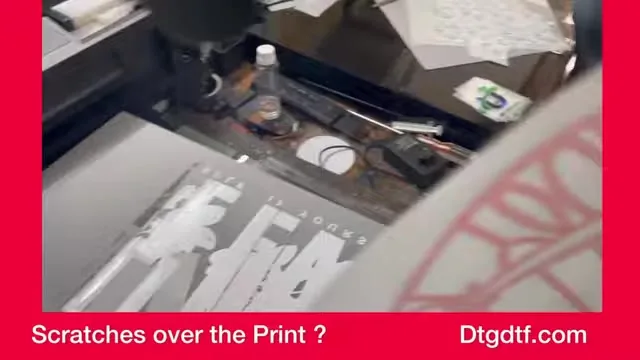
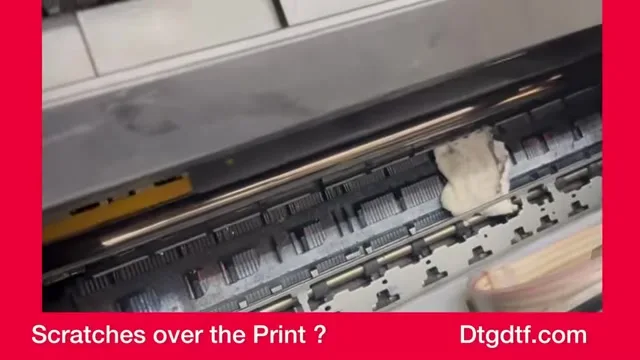
Switch on, let the head move, pull the power so it is free. With cleaning solution on a folded tissue, wipe around the nozzle plate, the edges of the carriage, and under it. Never scrub the nozzle face; wipe beside it and let the solution soften the crust. Clean the damper area and the pipes where ink has dripped.
Wiper and capping station
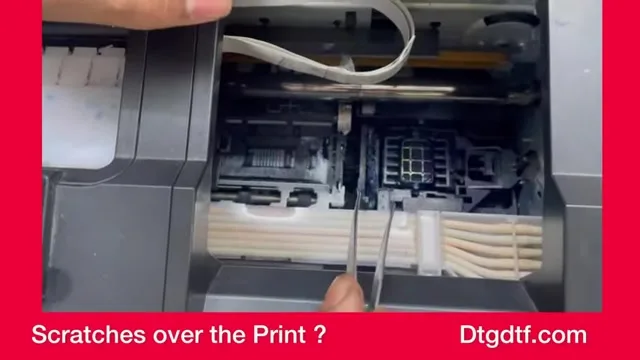
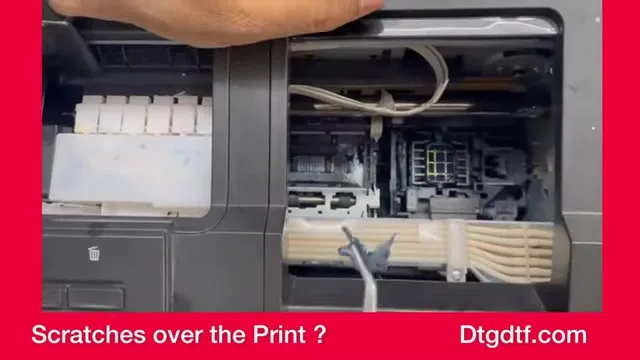
The wiper blade drags across the nozzle plate on every clean; if it is crusted it scratches the head and smears the film. Lift it and clean both faces. Then the capping station: crust on its rim stops it sealing and leaves ink that gets carried over. Clean until no crust is left.
Where the film lands
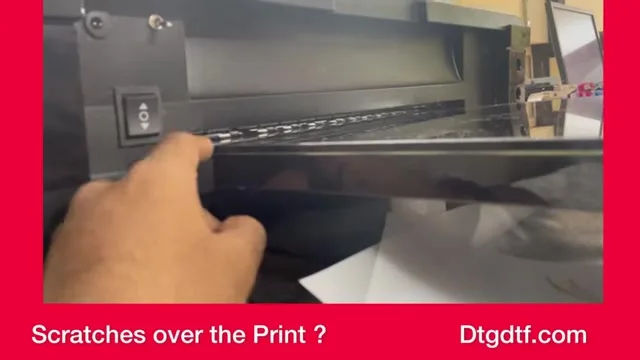
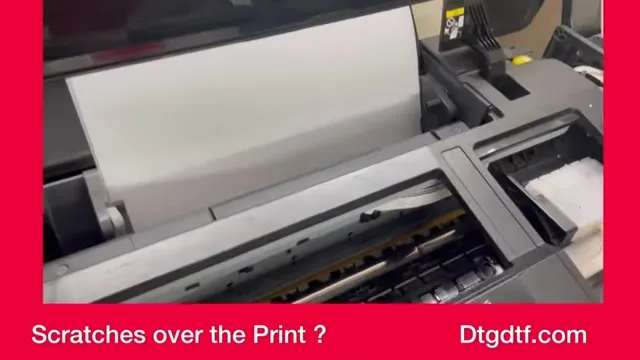
The second cause. The printed film comes out, drops, and the head of the next pass meets a curl. Put a bed in front of the printer level with the exit, with a support in the centre so the sheet or roll does not sag. The height matters: a little low and the film curls back; a little high and it blocks. Adjust until the film runs flat and straight.
Test and habit
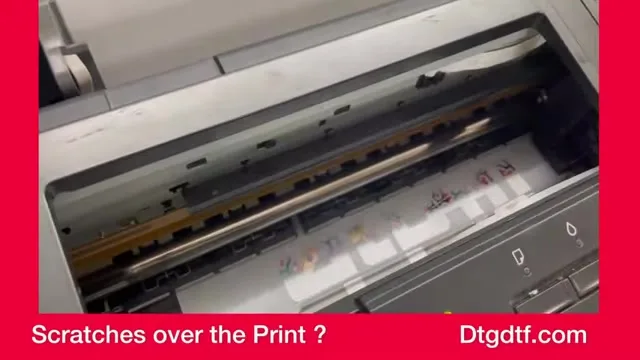
Print again: no scratches. Then make the cleaning a habit, once a week on a busy printer, and the scratches do not come back. The matching posts: L18050 routine maintenance, manual head flush, and the roll feeder that gives film a flat path on roll setups. Cleaning solution is here.
Frequently asked questions
Why are there scratches on my DTF print?
Dried ink around the head and capping area wiping onto the film, or the film lifting or dropping at the exit and touching the head.
Is it the print head?
Rarely. Clean the head area and fix the film path first; most scratches disappear.
What do I clean?
Around the nozzle plate, the carriage and dampers, the wiper blade, and the capping station, with cleaning solution on tissue.
How do I stop the film curling back?
A bed in front of the printer, level with the exit, with a centre support so the film runs flat.
How often?
Once a week on a busy printer keeps the crust from building.
Scratches still there after cleaning?
Send a photo of the print and one of the exit side on WhatsApp.
WhatsApp +91 86555 56060