Setting Up the Output Tray on an L18050 DTF Printer: Printer and Tanks on One Plane, Film Lands Immediately, No Scratches
Published 16 July 2025
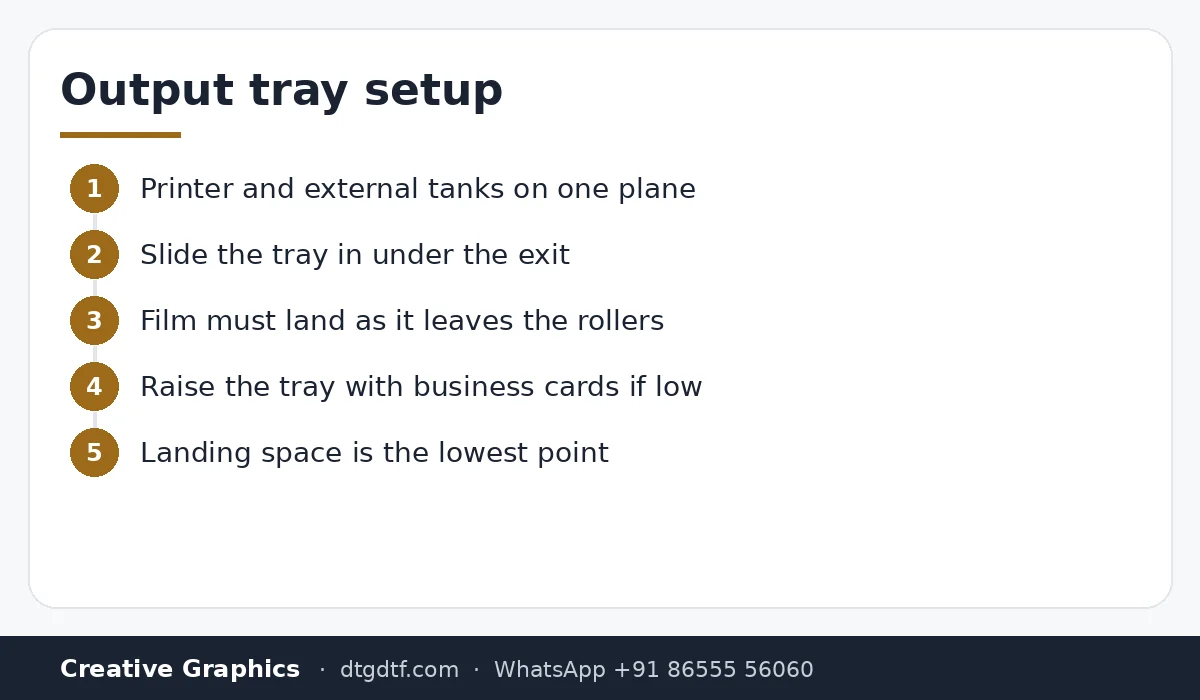
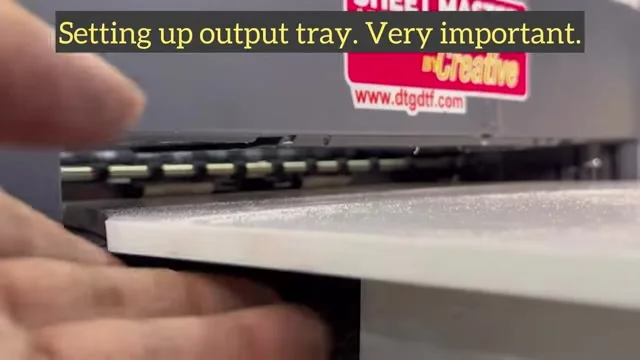
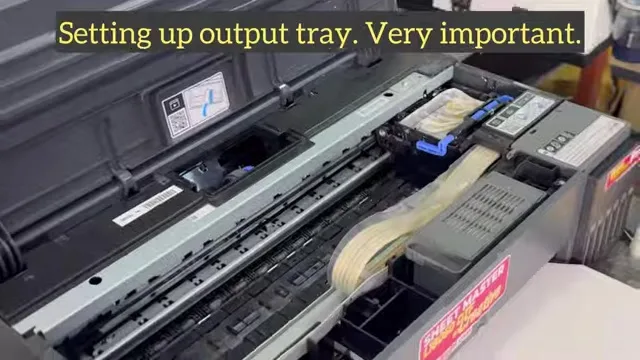
Half the scratch complaints we get on the L18050 are solved by where the film lands. Eighty-three seconds: put the printer and the external tanks on the same plane, slide the output tray in so the film touches it the moment it leaves the rollers, raise the tray a few business cards if it is low. If the film has time to droop before it lands, it curls back up into the head and the next pass scratches the print. Very important, as the caption says.
What the video shows
- 0:00 — Printer and ink tanks on the same plane
- 0:12 — Insert the output tray so the film lands immediately
- 0:33 — Raise the tray height with business cards
- 0:51 — Why: film that bends down comes back up into the head
- 1:06 — The landing space must be the lowest point
One plane
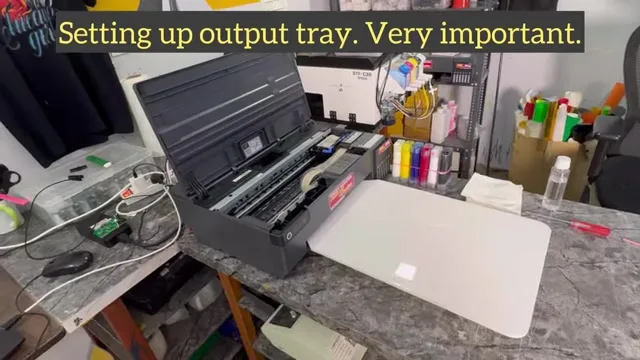
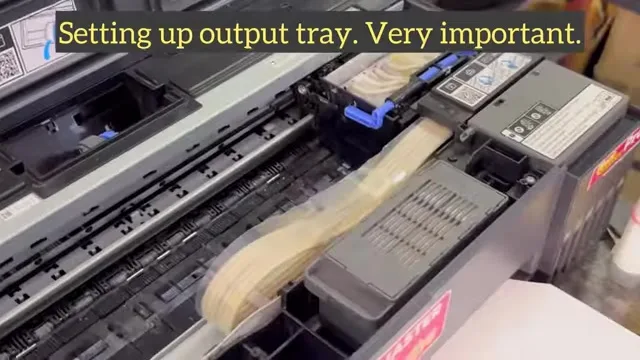
With external ink tanks, the printer and the tanks sit at the same height so the ink lines run level and the tanks neither siphon nor starve. The output tray is part of the same plane: it slides in under the exit so the film meets it at once.
Height
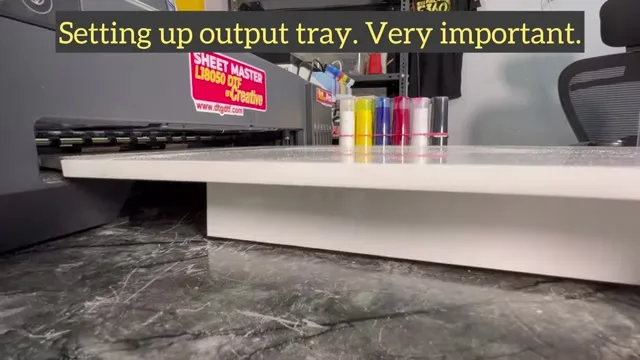
If the tray sits a little low, slip business cards under it until the film lands flat as it comes off the rollers. That is all the adjustment it needs, and it is done once.
Why it matters
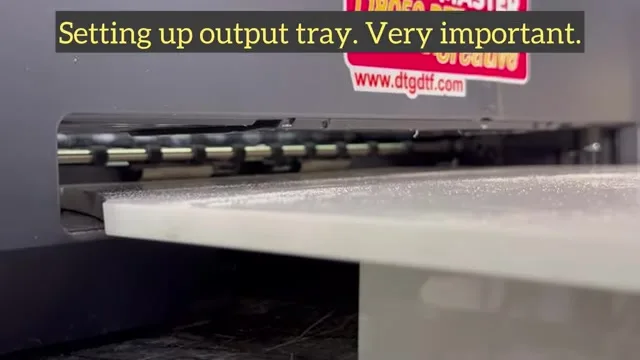
Film that leaves the printer and droops before it lands does not stay drooped. It curls back up on the exit side and the head's next pass drags across the wet print. The fix is not a vacuum; it is making the landing space the lowest point so the film cannot rise.
Related
Scratches with other causes are in scratches over the print and scratches on the L18050; the daily routine is in daily maintenance. The printer: converted L18050.
Frequently asked questions
Where should the output tray sit on an L18050 DTF printer?
Level with the exit, so the film lands the instant it leaves the rollers. Raise it with business cards if needed.
Why do I get scratches on the print?
Film that droops before landing curls back up into the head. Make the landing space the lowest point.
Do the ink tanks need to be level with the printer?
Yes, on the same plane, so the lines neither siphon nor starve.
More videos: Epson L18050 / L8050 DTF conversion
- Epson L18050 and L8050 Converted to DTF: The Honest, Uncut Review
- Epson L18050 DTF Without Tape: PE/PW Bypass Module, Dampers, Capping and a Live Print
- L18050 Roll Conversion Kit: ASF and PE/PW Bypassed, Forward-Reverse Film Control
- Epson L18050 DTF Conversion, Step by Step: The Complete 38-Minute DIY Guide
- Our Converted L18050 DTF Printer: What We Modify, How You Maintain It, and Who Should Buy It
- Real Facts About the DTF-Modified Epson L805 and L1800: Is This Business for You?