Our Converted L18050 DTF Printer: What We Modify, How You Maintain It, and Who Should Buy It
Published 6 September 2023
People call us to compare: why is your L18050 this price when someone else has it for less? This ten-minute video, recorded in Hindi, is my answer, and I give it uncut. I go through every modification on the machine we sell, the raw-material choices that matter, the maintenance you will have to do yourself, and who this printer is and is not for. Here it is in English, point by point.
What the video shows
- 0:00 — Why this video: the questions we get asked every day
- 0:32 — 12-inch printer, A3 in about 8 minutes, XP600 head like the big machines
- 0:58 — Modification 1: exit rollers removed
- 1:08 — Modification 2: external ink supply, and why original dampers cannot be replaced
- 1:48 — Capping station changed; metal-mesh dampers you can swap yourself
- 2:39 — Modification 3: waste-ink counter, and the USB-C chip resetter we give you
- 3:17 — Modification 4: delivery tray and roll stand instead of a vacuum
- 3:58 — Maintenance 1: reset the waste pad when the PC tells you
- 4:20 — Maintenance 2: unplug after starting so the head is free, fill the capping with solution
- 5:05 — How long can I keep it off? Honest answer
- 5:53 — IVFO module: why speed drops with other RIPs and why ours does not
- 6:54 — Why buy from us: first to modify this printer, parts and heads always in stock
- 7:16 — Printing live; software kept off camera
- 7:42 — No powder shaker; cure in the oven; heavy-duty cap press
- 8:10 — Engineer installation; dispatch 6 to 7 days after booking
- 8:50 — Head cost vs printer cost
- 9:01 — Who should buy: 40 to 50 t-shirts a day
The machine, in one line
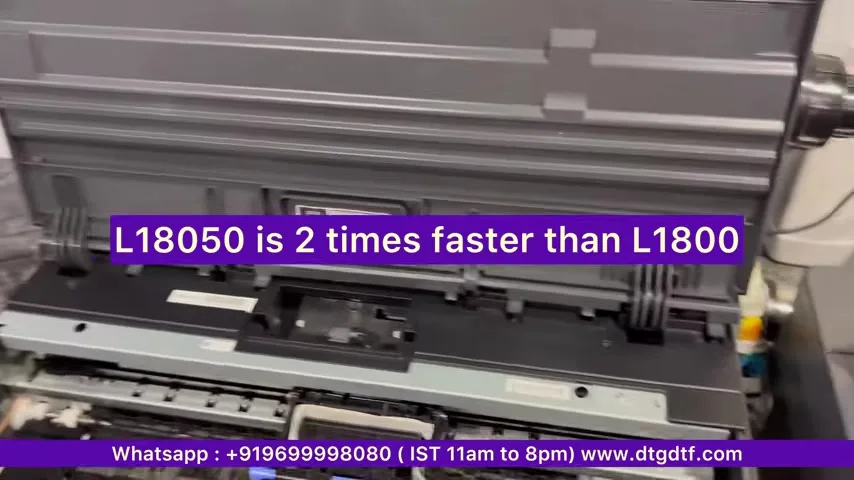
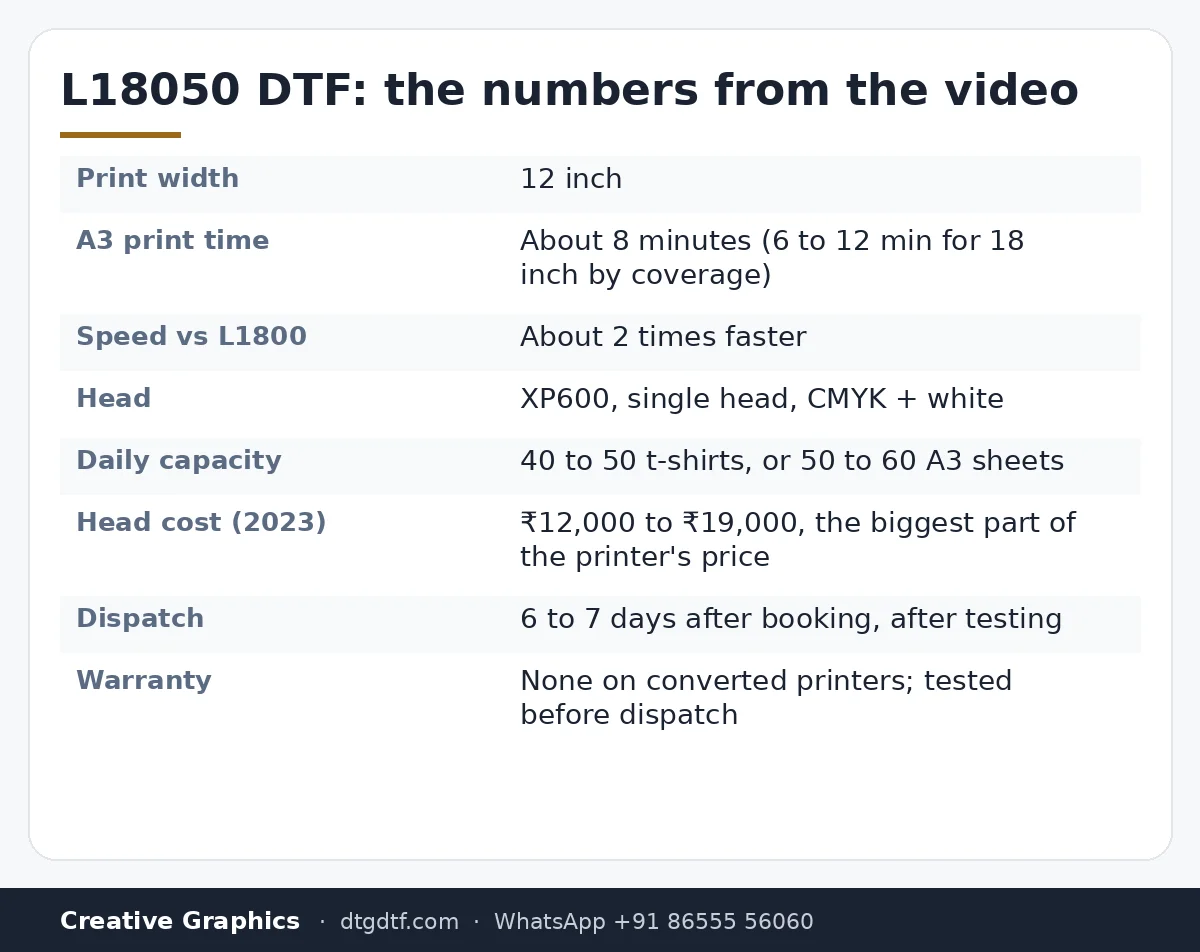
A 12-inch printer that does an A3 sheet in about eight minutes, much faster than the L1800 it replaced, with an XP600 head, the same head the big dual-head machines use. One head carries CMYK and white. That is the starting point; everything below is what we change to make it a DTF printer that a shop can actually run.
Modification 1: exit rollers out
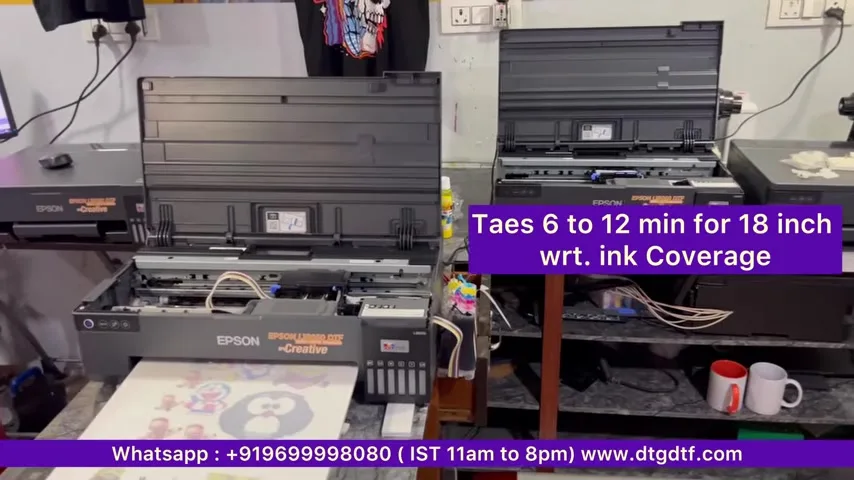
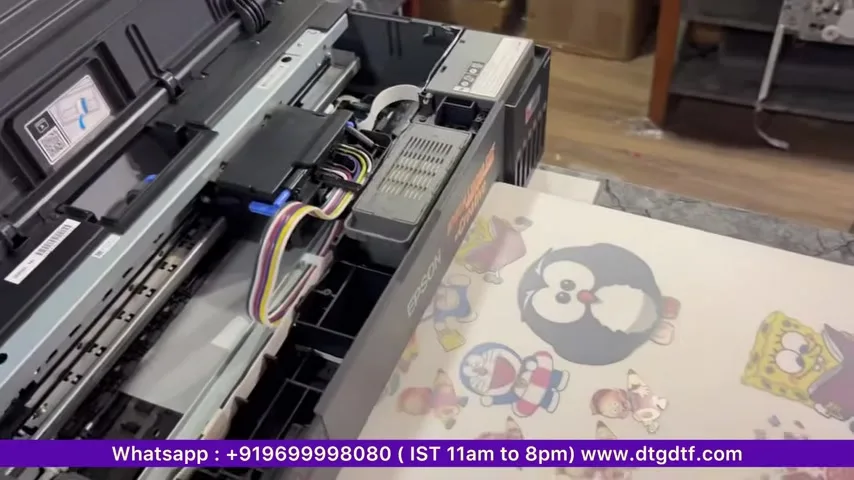
The output rollers are removed, as on every DTF printer. Wet white ink and rubber rollers do not mix.
Modification 2: the ink system
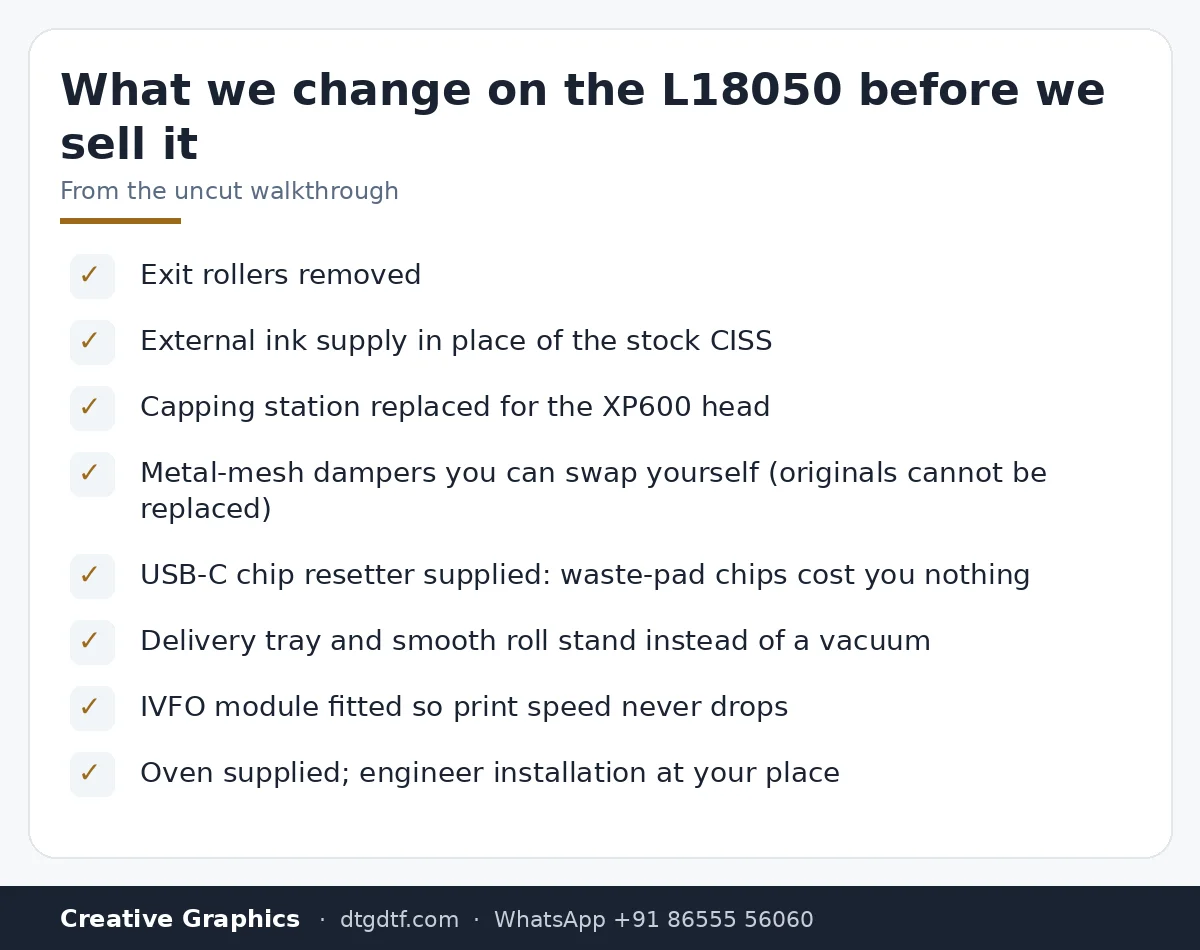
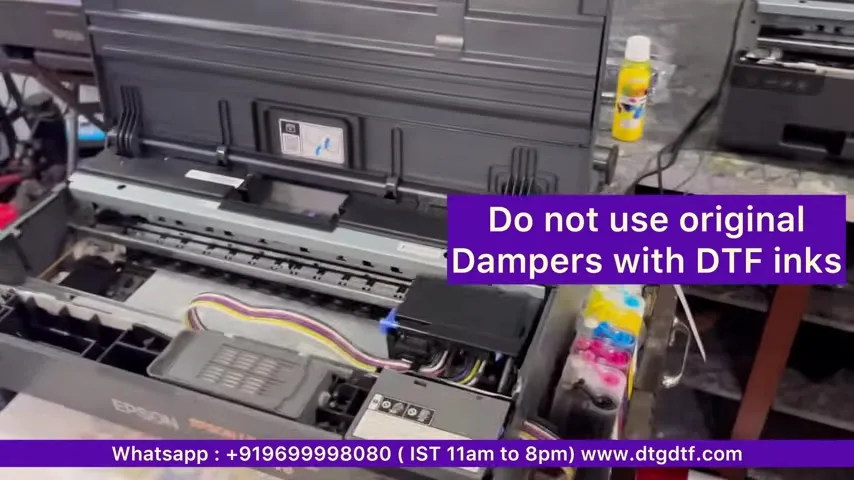
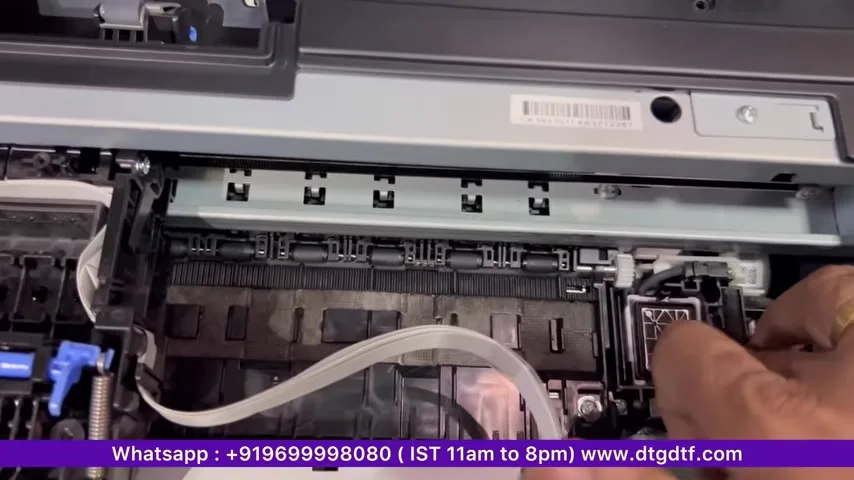
CISS means the whole ink-supply system, and ours is external. The reason is dampers. Anyone who has done DTF knows dampers get replaced during maintenance. On a stock L18050 that is impossible for a user: the original dampers are drip-feed, not continuous-flow, and you cannot swap them. So we change the capping station for this head and fit a feeding system like the one on the L1800, with metal-mesh dampers that you remove and refit yourself. Small thing on a price list, big thing six months in.
Modification 3: the waste-ink counter
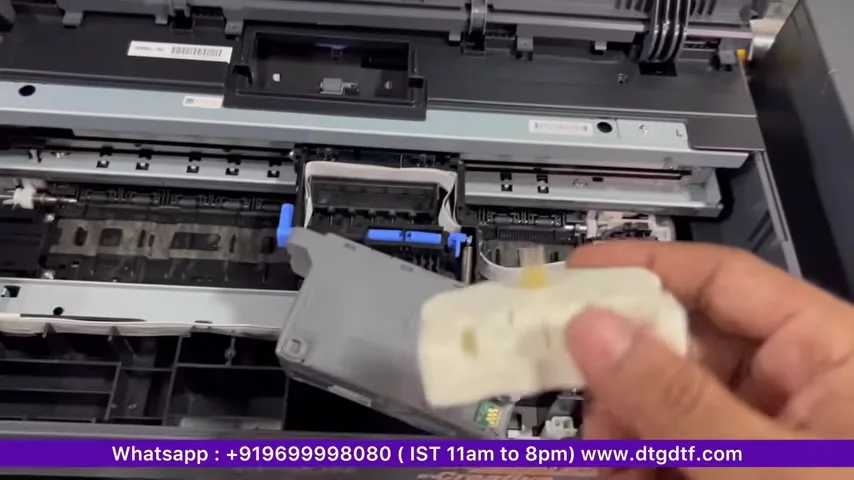
Every Epson counts waste ink and eventually asks you to replace the tank. Some sellers keep you buying chips for that. We give a chip resetter with the machine, USB-C powered, otherwise battery. Plug it in, reset the chip, cost zero. Today it is also sold on its own: resetter for L18050 / L8050.
Modification 4: delivery tray and roll stand, not a vacuum
A lot of people bolt a vacuum onto this printer. We make a delivery tray instead, so you feed continuously and print rolls. The roll stand is a smooth one, the kind we never offered with the L1800 because the L1800 was too slow to justify it. In the video the roll print is paused in the background and resumes mid-way; that is the point of the tray.
Maintenance you will do yourself
Two things, and they apply to every DTF printer, big or small.
- Reset the waste pad when the PC notifies you. The resetter handles it.
- Free the head and fill the capping. Start the printer, then pull the power cable: the head unlocks and you can move it by hand. Fill the capping station with the cleaning solution we supply, start the printer again, and leave it.
How long can you keep it switched off? My answer in the video is blunt: if your plan is to keep a DTF printer off, do not buy one. A month or two idle will not work on any DTF machine. If you must stop for 15 days, pull the dampers, fill them with solution, and leave the printer that way.
The IVFO module and the speed problem
These printers are built so that when you drive them from another RIP, the speed falls. Not a little: an A3 that takes six to eight minutes can end up taking an hour. If you are buying elsewhere, ask whether the speed will drop and you will be told you will find out later. Ours have the IVFO module fitted, so feeding and speed do not degrade. We were the first to modify this printer and the first with this module; nobody else in the industry had it at the time. The module is sold separately now: IVFO speed-drop module.
What ships with it and how
- No powder shaker: it is a small machine and does not need one. Cure in the oven we supply.
- A heavy-duty cap press is also available.
- Installation is done physically by our engineer at your place, so you learn maintenance from the person who built the machine.
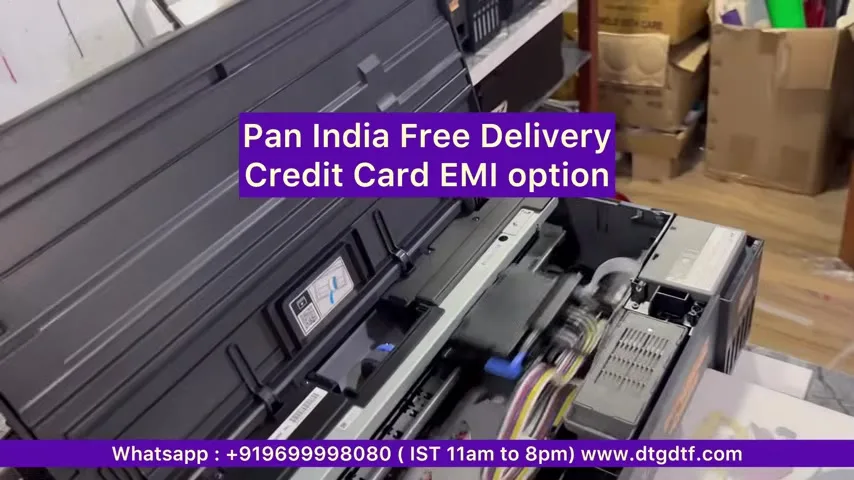
- Dispatch six to seven days after booking, after testing. Pan-India delivery; credit-card EMI was offered at the time.
Head cost versus printer cost
At the time of the video the head was costing around ₹12,000 and the XP600's real cost was ₹18,000 to ₹19,000, so a large share of the printer's price is the head. That is why maintenance matters and why we keep heads and every part in stock: AAA grade XP600 head, L18050 head.
Who should buy this
If you do 40 to 50 t-shirts a day, or 50 to 60 A3 sheets, this is the best option I can suggest. If you do not yet know what DTF is, starting on a small printer is always better than jumping to a big dedicated one. But do not expect big-machine production from a small printer; a day will come when you need a dedicated printer, and we sell those too. It depends on how much you want to invest.
Current price: L18050 DTF Printer at ₹92,300 + GST, or with oven and consumables at ₹1,24,600 + GST. Converted printers carry no warranty; every unit is tested before dispatch. Dedicated printers with a one-year mainboard warranty are here.
Frequently asked questions
Why can't I replace the original L18050 dampers?
They are drip-feed dampers built into the stock head assembly. We change the capping station and fit a feeding system with metal-mesh dampers that you can remove and refit yourself.
Do I need a vacuum on this printer?
No. We supply a delivery tray and roll stand so film feeds continuously, including from a roll.
What do I have to do for maintenance?
Reset the waste-pad counter when the PC asks, and before leaving the printer idle, free the head and fill the capping with cleaning solution. For a 15-day stop, fill the dampers with solution.
Why does the speed drop on other people's L18050s?
The printer slows down when driven by other RIPs, sometimes to an hour per A3. Ours have the IVFO module fitted so speed and feeding stay normal.
Is a powder shaker included?
No, and we do not recommend one on a small printer. Cure in the oven.
How many t-shirts a day is this printer for?
40 to 50 t-shirts or 50 to 60 A3 sheets a day. Beyond that, move to a dedicated DTF printer.
Is installation included?
An engineer installs it at your place and trains you. Dispatch is six to seven days after booking, after testing.
Related guides
- DTF Printer Buying Guide — What to Look For (and Avoid) in India
- Starting a DTF Printing Business in India — Real Cost Breakdown
- XP600 vs i3200 Print Head — Which Should You Buy?
- Why Do DTF Prints Peel After Washing? Real Fixes
Not sure if the L18050 or a dedicated printer is right for you?
Tell me your daily order count on WhatsApp and I will say which one, honestly.
WhatsApp +91 86555 56060More videos: Epson L18050 / L8050 DTF conversion
- Epson L18050 and L8050 Converted to DTF: The Honest, Uncut Review
- Epson L18050 DTF Without Tape: PE/PW Bypass Module, Dampers, Capping and a Live Print
- L18050 Roll Conversion Kit: ASF and PE/PW Bypassed, Forward-Reverse Film Control
- Epson L18050 DTF Conversion, Step by Step: The Complete 38-Minute DIY Guide
- Real Facts About the DTF-Modified Epson L805 and L1800: Is This Business for You?
- Epson L18050 DTF Maintenance: Manual Head Cleaning, Taping Sheets Properly, Roll Feeding and Ink Charge