Epson L18050 DTF Maintenance: Manual Head Cleaning, Taping Sheets Properly, Roll Feeding and Ink Charge
Published 13 November 2023
Everyone who buys an L18050 from us gets sent this video, because it is the one that stops the WhatsApp calls. Twenty-seven minutes, live, phone ringing in the middle: how to clean the head with a syringe, how to tape a sheet so it does not bend into the head, how to feed a roll if you do not have the bypass module, and how to charge the inks properly when the white goes weak. Here is all of it in English, in the order I did it.
What the video shows
- 0:00 — What we cover: syringe head clean, scratches, adjustment program, resetter, sheet and roll
- 0:51 — Ink tanks level with the printer, tabs open
- 1:24 — Free the head: switch on, pull the power when it moves left
- 2:05 — Remove the capping screws (not too tight) and the dampers
- 3:38 — Widen the syringe tip to fit the manifold
- 4:22 — Pump cleaning solution slowly; tissue on the track
- 5:28 — Scratches on prints: dust on the head, clean it on a wet tissue
- 6:27 — Clean both blades of the capping unit
- 6:46 — Refit the pipe guards; keep the head cable free
- 9:06 — Switching off: solution in the capping, then power on so the head sits wet
- 10:30 — Waste tank never below printer level
- 10:59 — No PE/PW module? Tape the sheet, the right way
- 11:50 — Cut rolls badly and the bent sheet hits the head: buy sheets
- 12:40 — Stretched tape bends the sheet: the mistake, shown
- 13:36 — Keep a top margin so you print on sheet, not tape
- 14:03 — Roll printing: choose Roll Paper; with a PE/PW module you cannot print rolls
- 15:30 — Feed the roll: tape softly, first small image, let it stop, add the next job
- 19:10 — Cutting the roll off and the paper you lose
- 20:25 — White weak after a stop? Ink charge, not power flush
- 21:57 — Adjustment program: select the printer, Maintenance, Ink Charge (middle)
- 24:15 — Talcum powder on the exit bed if it is damp or dusty
- 26:33 — Without a module this printer is a waste of money; with it, the best DTF printer in Nov 2023
Before you touch anything
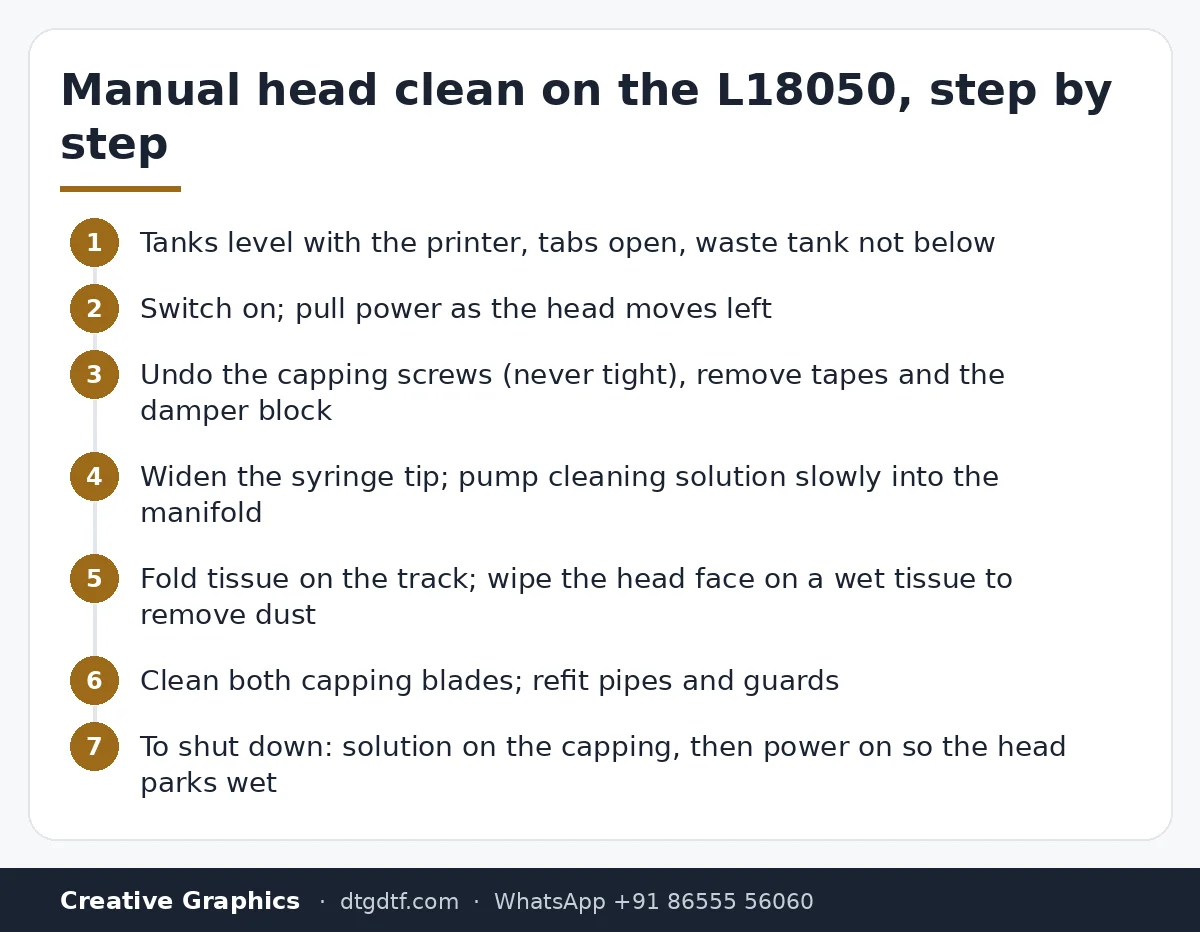
Ink tanks sit level with the printer, not below it as we used to do on the L1800. The tank tabs stay open while printing so ink flows. And the waste tank is never below the printer level. Three habits that remove half the problems people call about.
Freeing the head
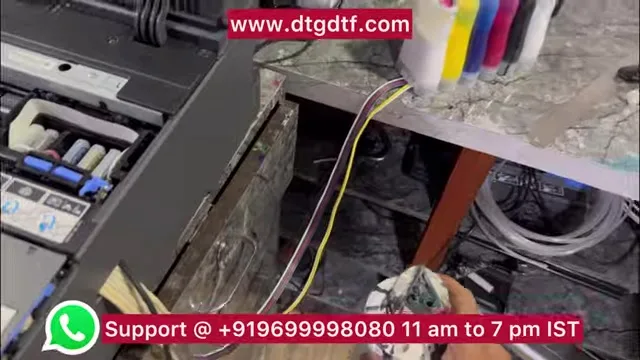
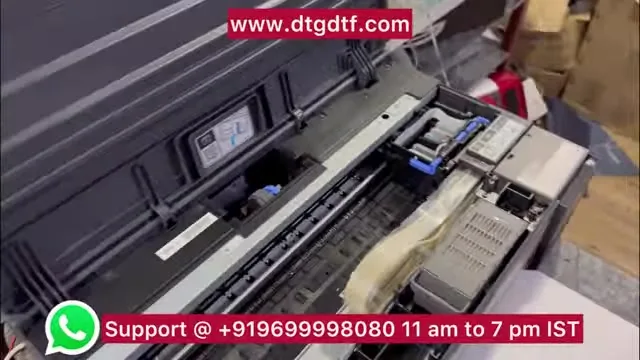
Switch the printer on, and the moment the head starts moving to the left, pull the power cable. The head is now free and you can slide it by hand. Make sure the pipes are seated, then undo the capping screws, which should never be done up tight on this custom assembly or they fold the pipes, remove the tapes, pull the damper block out, and you are at the manifold.
Cleaning the head with a syringe
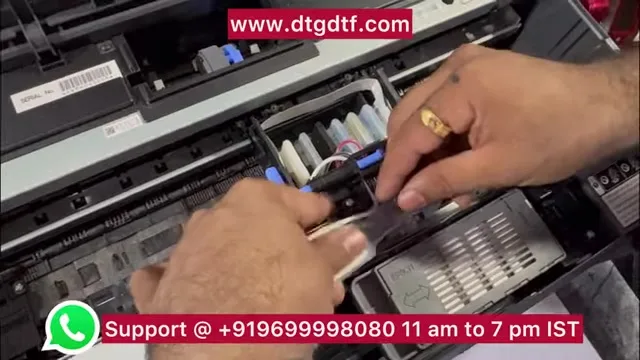
The syringe tip does not fit the manifold as sold, so widen it with a cutter. Draw cleaning solution, fit it, and pump slowly. Do not let solution drip around the carriage. The cleaner way is to undo four screws and lift the head out; if you do it in place, fold tissue on the printer track, park the head over it and fill the head directly. I use a corrosion-free cleaning solution only: DTF cleaning solution.
Why prints get scratched
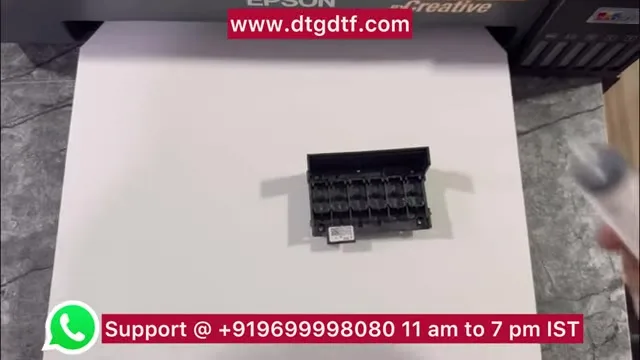
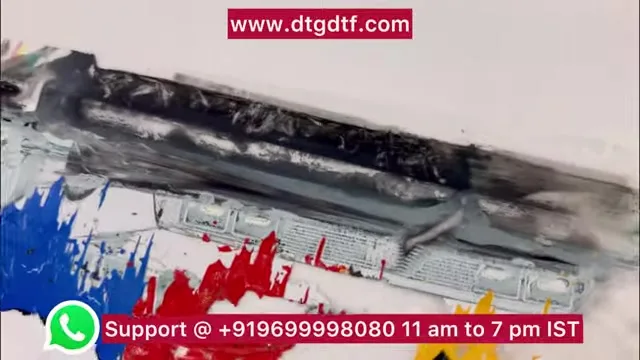
Dust on the face of the head. Lay a solution-wet tissue on the bed, slide the head over it, and you will see the dirt come off. While you are there, clean both blades of the capping unit and keep that whole area spotless.
Switching off for the night, or for two or three days
Finish the print, switch off, pull the power when the head moves left. With the syringe, put cleaning solution on the capping unit. Then switch the printer back on: the head parks on the capping and the station rises, so the nozzles sit wet. That is how you leave it for two or three days. It is not a guarantee, nothing is on a converted printer, but it is the safest option.
No PE/PW module? Tape the sheet, properly
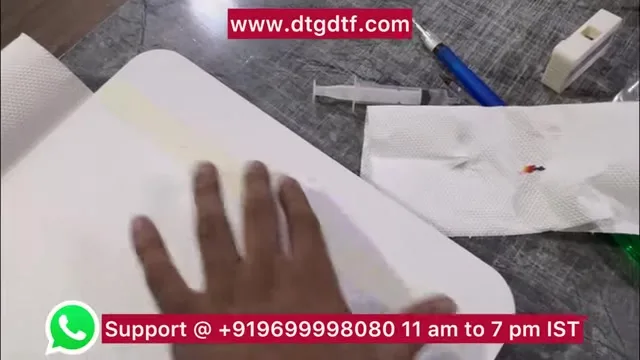
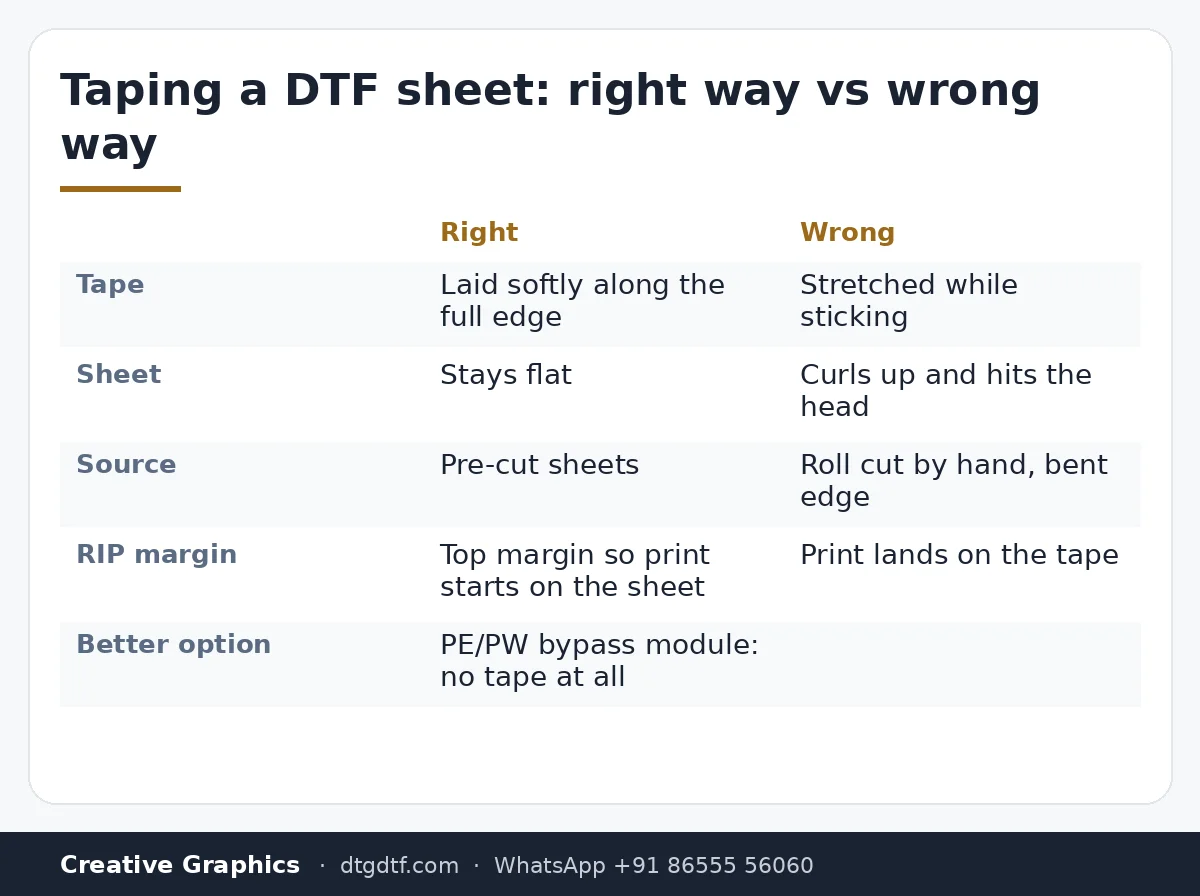
Without the bypass module the printer needs paper on the leading edge to see the sheet. Two rules. First, buy sheets; do not cut rolls into sheets, because a badly cut, bent edge goes straight into the head. Second, lay the tape softly along the full edge. Do not stretch it. I taped one sheet both ways on camera: the stretched tape curls the sheet upward, and two of my sheets in the video hit the head exactly that way. Keep a margin at the top in the RIP so the print starts on the sheet, not on the tape.
Printing a roll without a module
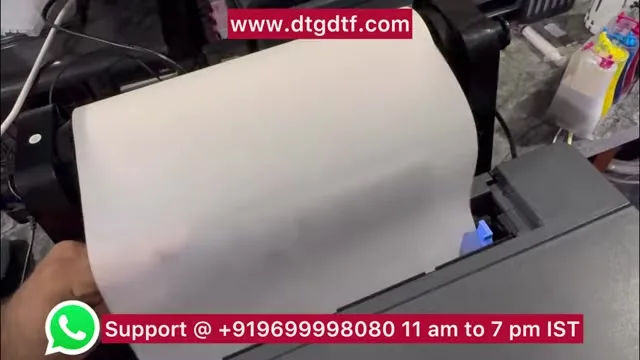
Select Roll Paper in the RIP. If you feed a roll with the sheet setting, the printer will pull the roll through non-stop. Tape the roll's edge the same soft way, pull the output tray out, feed. For the first job print something small near the leading edge; that bit is lost. When the roll stops, add the next job and start. One warning from the video: if you have a PE/PW module fitted, use sheets; the module and roll feeding do not mix on this printer.
White gone weak? Ink charge, not power flush
If the white looks thin after a stop, do not power-flush. Do an ink charge from the free Epson adjustment program (link in the video description). Clear any pending job first, select the printer and its USB port, Maintenance, Ink Charge, and pick the middle option. It takes two or three minutes. I showed the white before and after on camera; after the charge it was perfect. And shake the ink tanks, or fit a small rotor, so the white never sits still.
The exit bed
The sheet comes off the upper rollers and lands on the bed; that distance matters. If the bed is damp or dusty, a little talcum powder lets the sheet slide instead of grabbing.
The one-line verdict
Without a PE/PW module this printer is a waste of money. With it, in November 2023, it was the best DTF printer available. The module and the other parts in this video are on the shop: PE/PW bypass module, resetter, damper set, capping unit. The converted printer itself is the L18050 DTF Printer at ₹92,300 + GST, no warranty, tested before dispatch.
Frequently asked questions
How do I free the print head on the L18050?
Switch it on, and pull the power cable the moment the head moves left. It is then free to slide by hand.
How do I clean the head manually?
Remove the capping screws and the damper block, widen a syringe tip to fit the manifold, and pump cleaning solution slowly. Or lift the head out with four screws and fill it over a tissue.
How should I leave the printer overnight?
Put cleaning solution on the capping unit with the head free, then switch the printer on so the head parks wet. Safe for two or three days.
Why does my taped sheet hit the head?
You stretched the tape, which curls the sheet. Lay it flat along the full edge, and buy sheets rather than cutting rolls.
Can I print rolls if I have the PE/PW module?
No. With the module, print sheets. Without it, select Roll Paper in the RIP and tape the roll's edge softly.
My white is weak after a stop. Power flush?
No. Run Ink Charge (middle) from the Epson adjustment program with no pending jobs, and shake the ink tanks.
Related guides
- Why Do DTF Prints Peel After Washing? Real Fixes
- DTF Ink Storage in Indian Humidity — Practical Guide
Stuck mid-clean?
Send a photo of the printer on WhatsApp, 11 am to 7 pm, and we will walk you through it.
WhatsApp +91 86555 56060More videos: Epson L18050 / L8050 DTF conversion
- Epson L18050 and L8050 Converted to DTF: The Honest, Uncut Review
- Epson L18050 DTF Without Tape: PE/PW Bypass Module, Dampers, Capping and a Live Print
- L18050 Roll Conversion Kit: ASF and PE/PW Bypassed, Forward-Reverse Film Control
- Epson L18050 DTF Conversion, Step by Step: The Complete 38-Minute DIY Guide
- Our Converted L18050 DTF Printer: What We Modify, How You Maintain It, and Who Should Buy It
- Real Facts About the DTF-Modified Epson L805 and L1800: Is This Business for You?