DTF Powerhouse: A Free Gang Sheet Creator With a Lossless Background Remover and No AI, and What the ₹1,600 Pro Adds
Published 19 September 2026
The gang sheet creator we built for our own print service is free to use, and this is the twelve-minute walkthrough from September 2026. It does three things people pay for elsewhere: lays out PNGs on a 22.5 × 39 inch metre by quantity, trims the empty background off each file, and removes backgrounds losslessly without AI, so edges stay edges. The Pro version at ₹1,600 a year adds the effects and PNG export. No voice on the upload; the screens carry it.
What the video shows
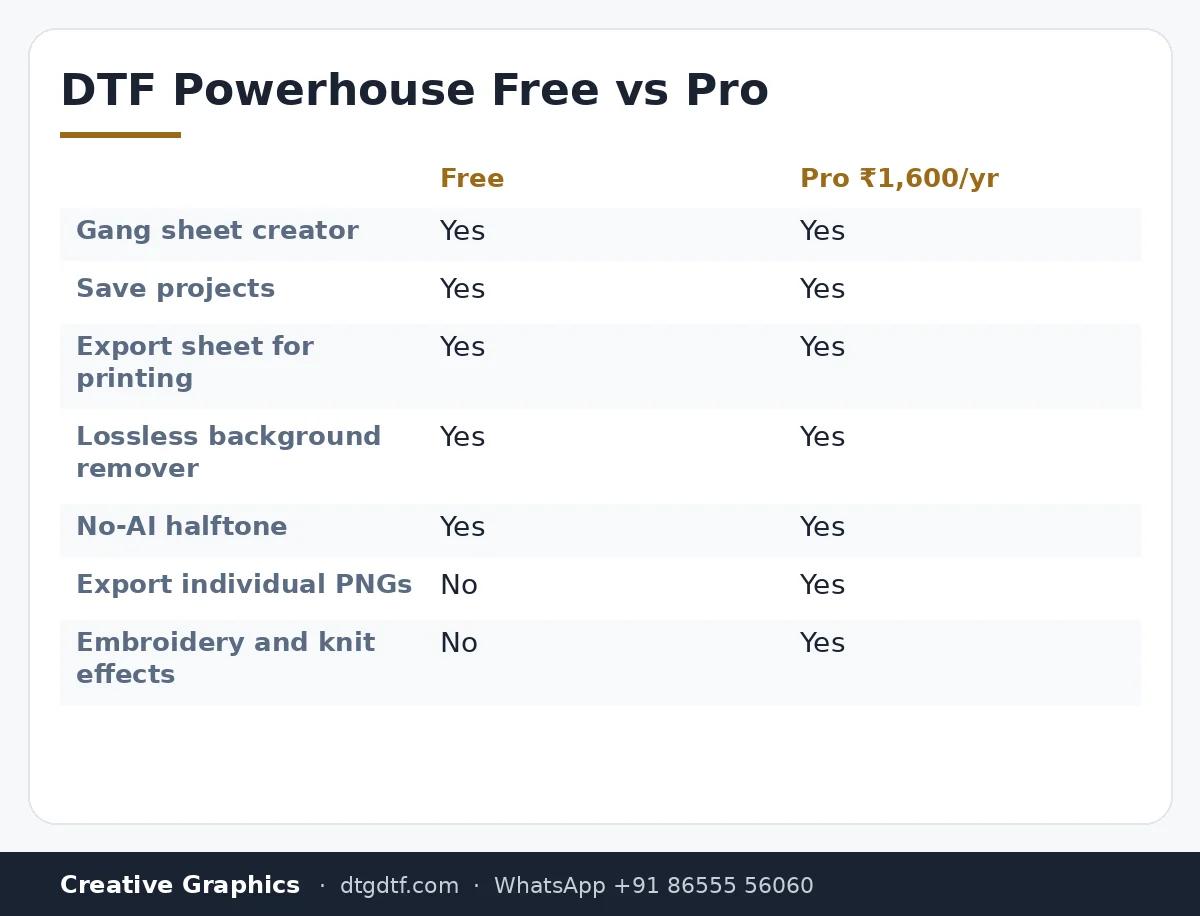
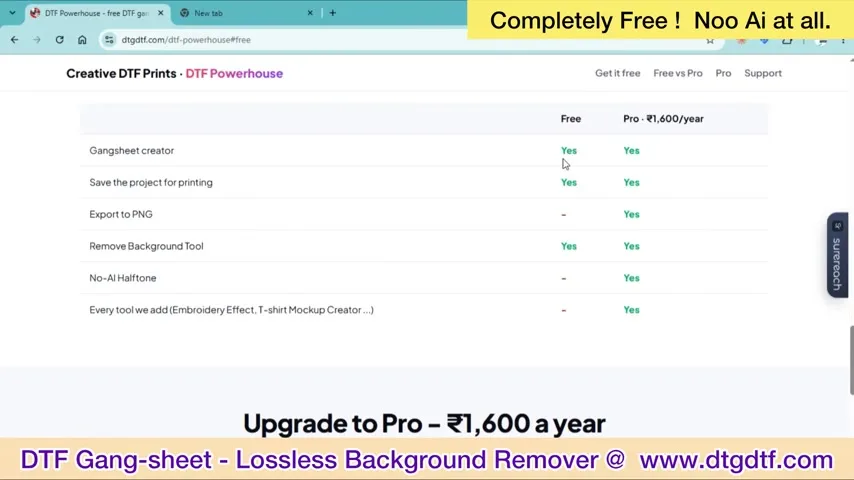
- 0:29 — Free versus Pro: the feature table
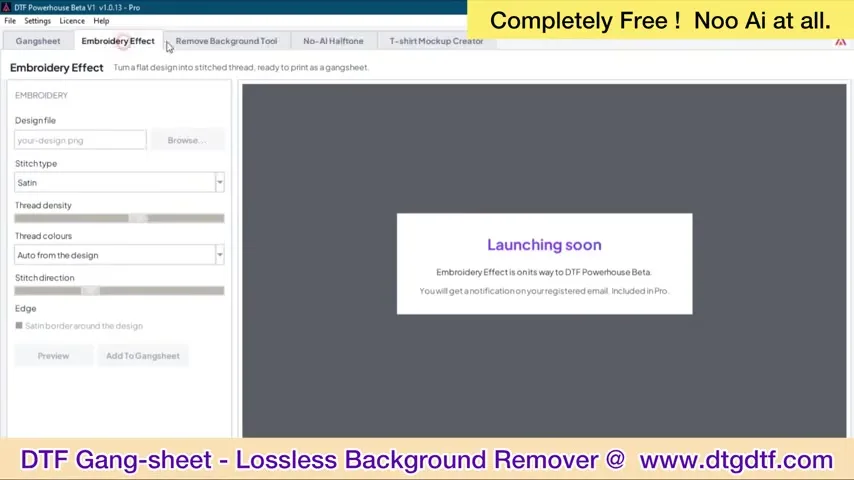
- 1:27 — Launching soon: the Pro effects
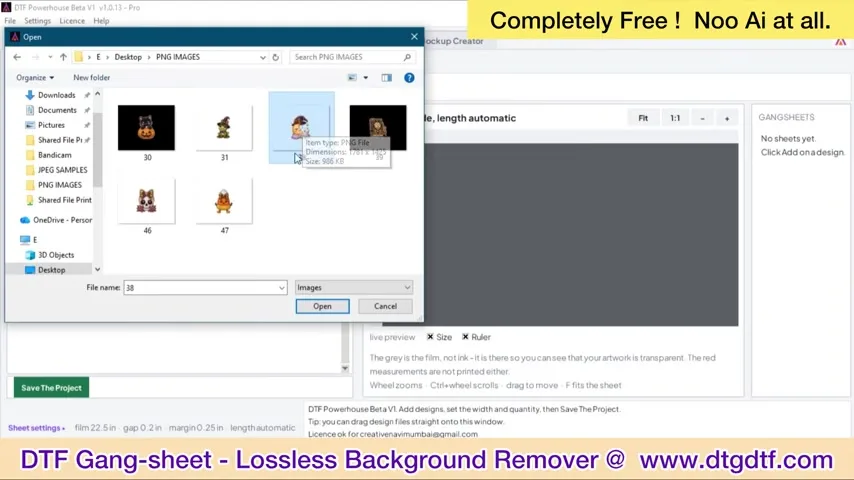
- 2:26 — Add files: PNG designs from a folder
- 3:24 — Sheet settings: 22.5 inch wide, 39 inch, length automatic
- 4:22 — Quantity per design; the layout fills
- 5:21 — A full metre of one design
- 6:19 — Mixed designs, trimmed and gapped
- 7:18 — Project saved; sheet exported
- 8:16 — Trimming an untrimmed PNG
- 9:14 — Lossless background remover, no AI
- 10:13 — Edge check on the removed background
- 11:11 — Get the free version by email
Free and Pro
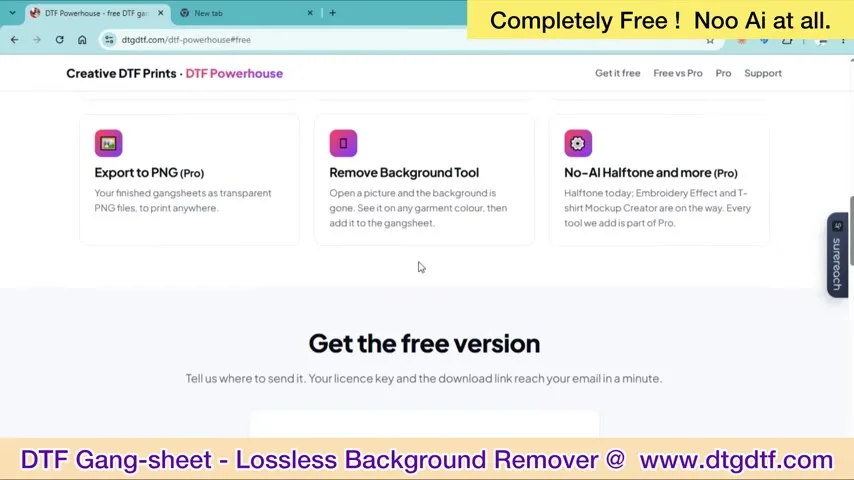
The free version: gang sheet creator, save projects, export the sheet for printing, the background remover, no-AI halftone. Pro, at ₹1,600 a year: export individual PNGs, the embroidery and knit effects, and every new effect as it ships. The free version is enough to run a print service's layout; Pro is for people selling effects.
Build the sheet
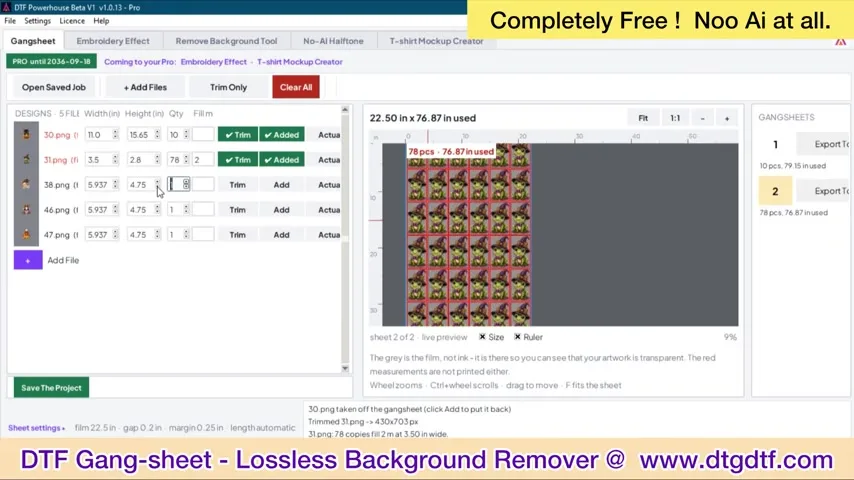
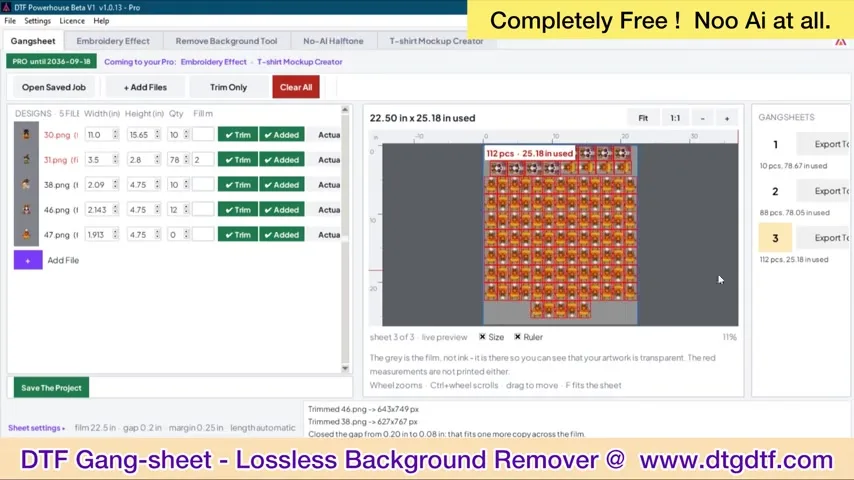
Add files from a folder. Each PNG is trimmed to its artwork automatically, so a file with a huge empty canvas takes only the space of its design. Sheet settings: 22.5 inches wide, 39 inches long for a metre of our roll, or automatic length. Set gap and margin, give each design a quantity, and the layout fills itself; one design a hundred times, or ten designs mixed. Save the project, export the sheet.
Background remover without AI
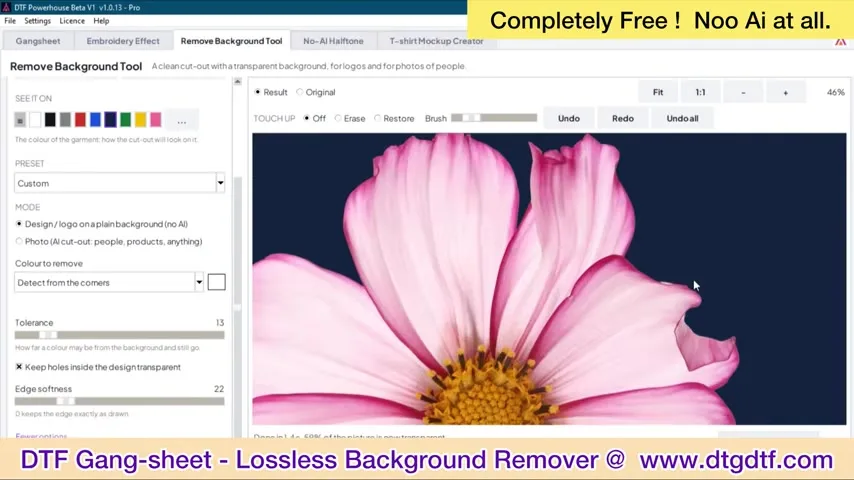
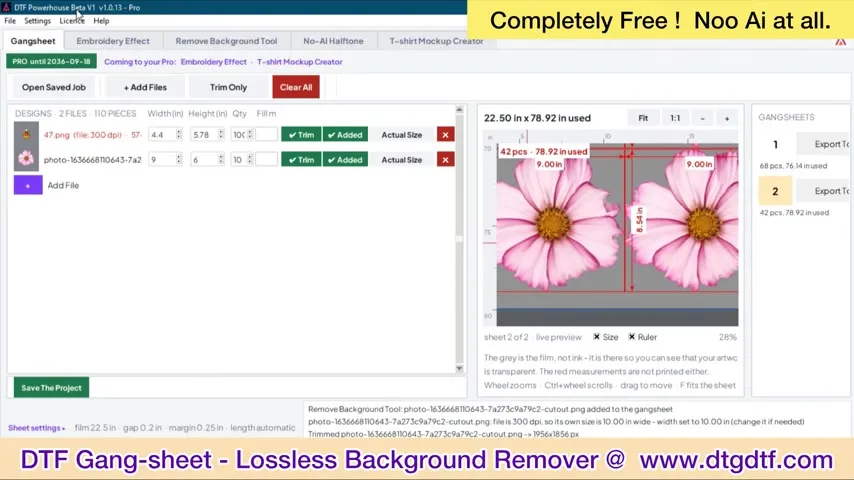
AI removers guess edges and soften them; on a DTF print that soft edge becomes a white halo. This remover works on the pixels, losslessly: it removes the flat background colour and keeps the artwork's actual edge, as the flower shows. Trim and remove happen in one step on a messy PNG.
Get it
Enter your email on the site and the free version arrives. Store pages: DTF Powerhouse and Powerhouse Pro. It replaces the Corel layout in how to arrange files, and it is the software in the four-head speed clip. The gang sheet builder on the website for ordering transfers is the same engine: gang sheet builder.
Frequently asked questions
Is DTF Powerhouse free?
Yes: gang sheet creator, project save, sheet export, background remover and no-AI halftone. Pro at ₹1,600 a year adds PNG export and effects.
Why no AI in the background remover?
AI removers soften edges, which print as a white halo. This one removes the flat background losslessly and keeps the real edge.
What sheet size does it use?
22.5 inches wide by 39 inches for one metre of our roll, or any size you set, with gap and margin.
Does it replace the RIP?
No. It builds the gang sheet; your RIP prints it.
Related guides
Want the free version?
Enter your email on the Powerhouse page, or WhatsApp 'powerhouse' and we send the link.
WhatsApp +91 86555 56060More videos: Roll printing software (ZiggRoll, SubliPhoto, Powerhouse)
- ZiggRoll V4 Now Runs DTF Rolls on the Epson L18050 and L8050: No Tape, No Paper Error
- Roll Printing on a Stock Epson L8050: No Modification, No RIP, Just ZiggRoll SubliPhoto
- The Clip That Started ZiggRoll: Roll Printing on a Stock Epson L1800 at a 2023 Exhibition
- Printing a DTF Roll on the L18050 with ZiggRoll V4 and AcroRIP 11.2: The Full Walkthrough
- ZiggRoll SubliPhoto in Studio Mode: Continuous Sublimation Rolls on Unmodified Epson Printers
- ZigRoll, Every Function Live and Uncut: Roll Printing on a Plain Epson L1800 with No Module