Printing a DTF Roll on the L18050 with ZiggRoll V4 and AcroRIP 11.2: The Full Walkthrough
Published 24 March 2024
The launch clip told you ZiggRoll V4 runs the L18050 and L8050. This eleven-minute video shows the whole process on a real job: AcroRIP 11.2 ripping the file, V4 taking the roll, jobs queued and repeated, prints coming out flat without a vacuum. I made it the week V4 shipped, in March 2024, and it is still the walkthrough we send to every buyer with the PDF manual. Every step below is in the order I did it on screen.
What the video shows
- 0:01 — What we are doing: DTF roll on L18050 / L8050 with AcroRIP 11.2 and V4
- 0:16 — Feed the paper in landscape, long edge first
- 0:40 — Open V4, select the printer, load roll
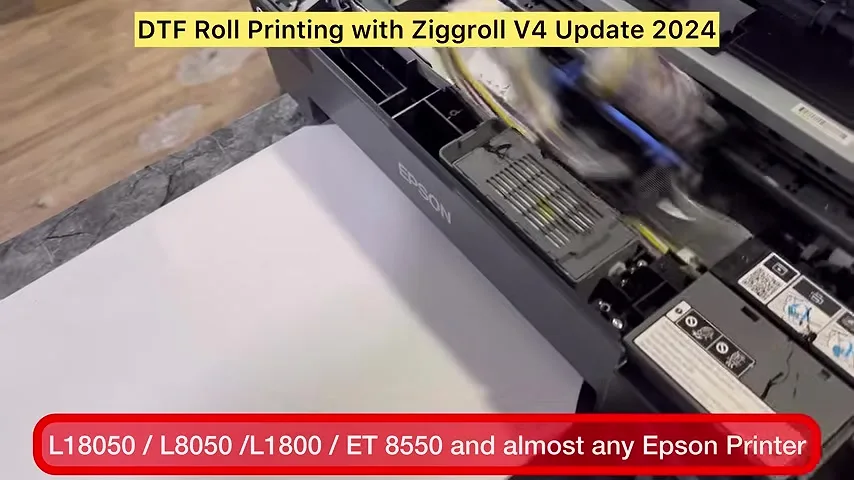
- 1:37 — Load an A4 paper first; the head moves and stops
- 2:04 — Cut the roll straight, lay it on the A4, feed to cut
- 2:36 — No tape on the film
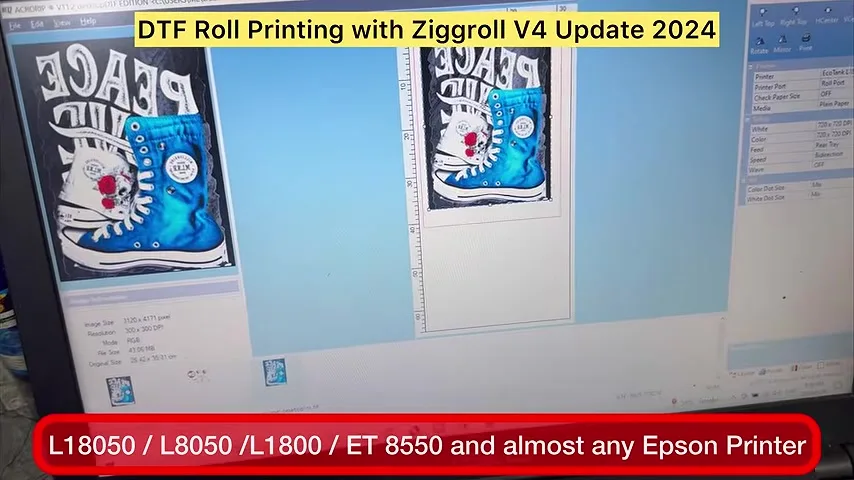
- 2:48 — AcroRIP: select the ZiggRoll virtual printer port
- 3:28 — Rip with white; the file appears in V4
- 4:00 — Select the job, rename if you like, print
- 4:33 — The only roll software we found that works on these printers
- 4:48 — Hotmelt powder under the output to cut friction; keep the exit loose
- 5:05 — Chip resetter for the maintenance box; no vacuum needed
- 5:32 — Queue jobs while printing; repeats of 5 or 6
- 6:00 — Do not send very long files on a modified printer
- 6:12 — 720 dpi here; you can go higher
- 7:00 — Reload the second file; 1-inch standard margin
- 7:35 — Reprint a previous job without ripping again
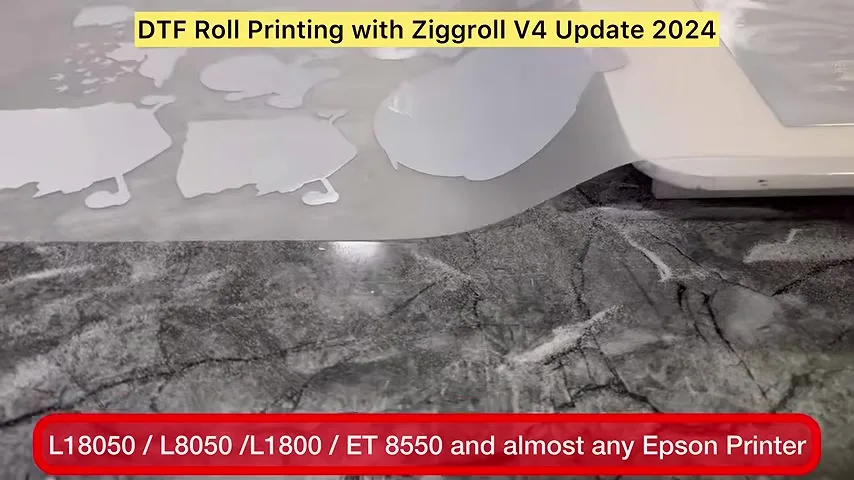
- 8:00 — Output arrangement so the film comes out flat and bends down
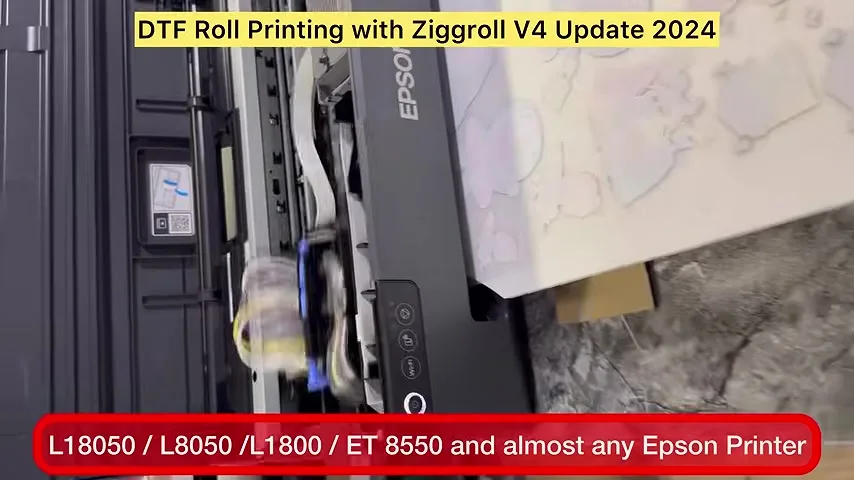
- 8:17 — Works on a blind L18050: rollers removed, no PE/PW bypass
- 9:11 — Rip and store: select from V4 and go
- 9:31 — Speed slowdown on any Epson: use the IVFO module
- 10:12 — Buyers get the videos and the PDF manual
Before anything: landscape, long edge
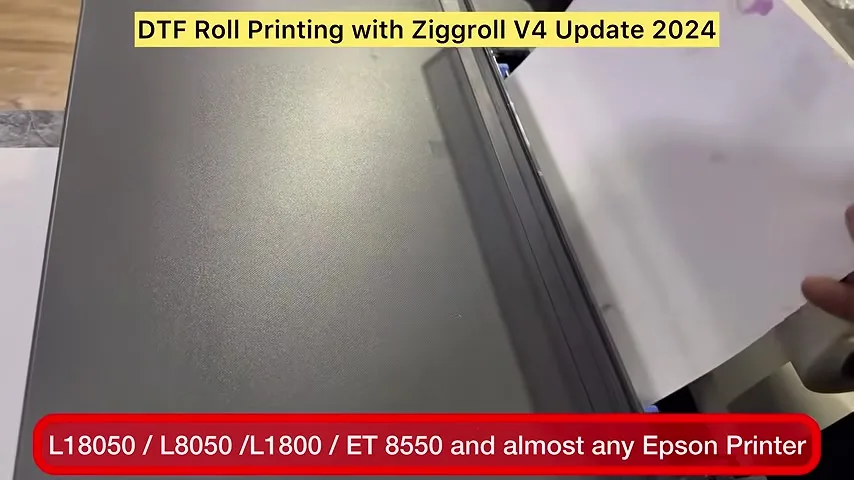
The first mistake people make is feeding A4 the wrong way. The paper goes in landscape, long edge first, not portrait. Get that wrong and nothing after it works.
Set up the virtual printer, then load the roll
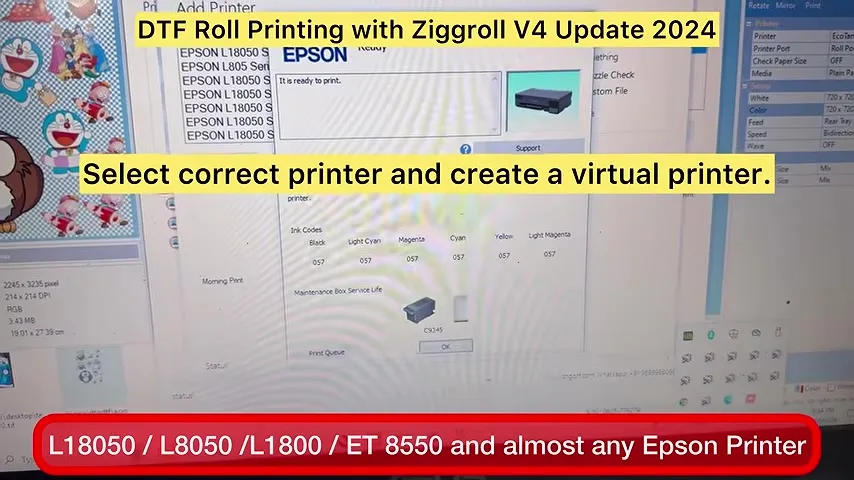
V4 needs a virtual printer in Windows; in the video mine is called ZiggRoll and sits on port copy 9. Pick the right printer in V4, I use the MS Publisher paper settings, save, and click Load Roll. The printer takes the A4 paper in, the head moves and stops: that is the trigger point. Now lay the roll on top of the A4, cut the leading edge dead straight, and click Feed to Cut (older versions said Eject to Cut). The roll goes in. No tape anywhere.
Rip from AcroRIP 11.2
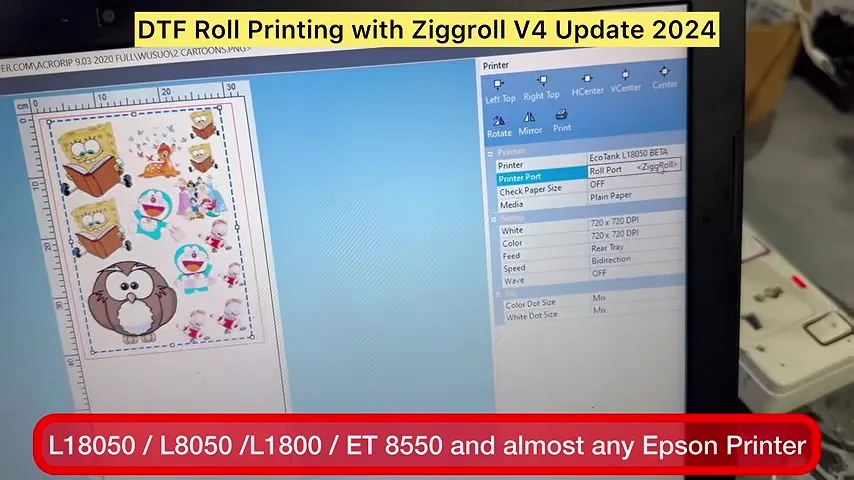
In AcroRIP choose the newly installed virtual printer as the port, set ink limits as you normally would, enable white because this is DTF, and print. The ripped file does not go to the printer; it lands in V4, where you manage it. Select it, rename if you want, make sure the printer is selected, hit Print, and the roll starts moving.
Why V4 and not something else
We tested other roll tools on the L18050 and L8050. None of them worked for DTF. V4 is the only one that ran clean on these printers in our testing, which is why it exists.
Small things that make the roll come out clean
- A little hotmelt powder sprinkled under the output path cuts friction so the film slides out.
- Keep the exit area loose; do not clamp the film.
- Keep a chip resetter for the maintenance box: resetter for L18050 / L8050.
- No vacuum. I have never needed one on these printers; an output tray is enough.
Queue, repeat, reprint
While one image prints you rip the next; V4 holds them all. You can set a file to repeat five or six times. When a job finishes you can print the previous one again without ripping: rip once, store, select. That is the part of V4 I use most. Margin between files is one inch by default in the software.
Do not push a modified printer too far
Keep file lengths sensible. These are modified desktop printers, good ones, but not industrial machines; very long single files are asking for trouble. I printed at 720 dpi in the video; you can go higher.
The output arrangement
The film must come out flat and then bend downwards. We arrange the exit so it does exactly that, which is why there are no scratches on the prints even without a vacuum. Try it yourself before you decide you need more hardware.
Blind L18050: no PE/PW bypass needed for this
The printer in the video has only the rollers removed. No mainboard modification, no forward-reverse module, no PE/PW bypass. V4 runs it as a blind printer. One caution from the video: if you do have a PW module fitted, it may eject the paper; ask before you buy if your setup is unusual. And on any Epson the speed will eventually slow because it is not a dedicated DTF printer; the fix is the IVFO module for the carriage motor.
Getting V4
ZiggRoll V4 is ₹2,542.37 + GST in India, lifetime licence per PC, instant activation from your account. Buyers get this video, the step videos and the PDF manual. If you are paying by PayPal from outside India, ask your questions before buying; licences are tied to one PC.
Frequently asked questions
Which RIP do I need with ZiggRoll V4?
AcroRIP 11.2 is used in the video. V4 receives the ripped file through a virtual printer port and manages the roll printing.
Do I need to tape the film?
No. You load an A4 paper first, lay the roll on it, cut the edge straight and use Feed to Cut. No tape.
Do I need a PE/PW bypass or vacuum?
Not for this. The demo printer is a blind L18050 with only the rollers removed and no vacuum.
Can I print the same file many times?
Yes. Set repeats in V4, or reprint any stored job without ripping again.
Why does my L18050 slow down?
All Epson desktops slow over time on DTF because they are not dedicated machines. The IVFO module keeps the carriage motor at speed.
What is the gap between files?
One inch by default in the software.
Related guides
- DTF Printer Buying Guide — What to Look For (and Avoid) in India
- Starting a DTF Printing Business in India — Real Cost Breakdown
Stuck at any step?
V4 buyers get the step videos and the PDF manual. If something does not match your setup, send a photo on WhatsApp.
WhatsApp +91 86555 56060More videos: Roll printing software (ZiggRoll, SubliPhoto, Powerhouse)
- ZiggRoll V4 Now Runs DTF Rolls on the Epson L18050 and L8050: No Tape, No Paper Error
- Roll Printing on a Stock Epson L8050: No Modification, No RIP, Just ZiggRoll SubliPhoto
- The Clip That Started ZiggRoll: Roll Printing on a Stock Epson L1800 at a 2023 Exhibition
- ZiggRoll SubliPhoto in Studio Mode: Continuous Sublimation Rolls on Unmodified Epson Printers
- ZigRoll, Every Function Live and Uncut: Roll Printing on a Plain Epson L1800 with No Module
- Stop the Sheet-Feeding Madness: Why Roll Printing on Your Epson Beats Feeding Sheets One by One