How to Arrange Files for DTF Printing: A 22.5 × 39 Inch Metre, 11 Inches Wide for A4, Remove the Excess Background, Export PNG Not JPG
Published 30 September 2025
Half the files that arrive for the printing service are the wrong size, and the other half are JPGs with a white box behind the design. Three minutes in CorelDRAW fixes both: a page the size of one metre of roll, the artwork trimmed to its real edges, 11 inches wide for an A4 print with the height left to follow, repeated to fill, exported as a transparent PNG. Any software works; the rules are the same.
What the video shows
- 0:00 — Page 22.5 × 39 inches: one metre of roll
- 0:25 — Import the PNG
- 0:42 — The file says 14 × 21 but the artwork is 15 high: remove the excess background
- 0:59 — A4 is always 11 inches wide; height follows
- 1:16 — Never quote 11 × 15: that stretches the design
- 1:33 — Duplicate and repeat to fill the metre
- 1:51 — Fill gaps with small logos or other designs
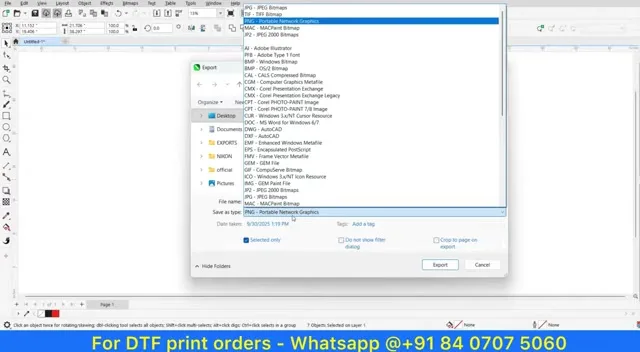
- 2:08 — PNG means transparent; a JPG puts a white box behind the design
- 2:42 — Export as PNG with transparency
- 3:16 — Send the file, or let us arrange it
The page is a metre
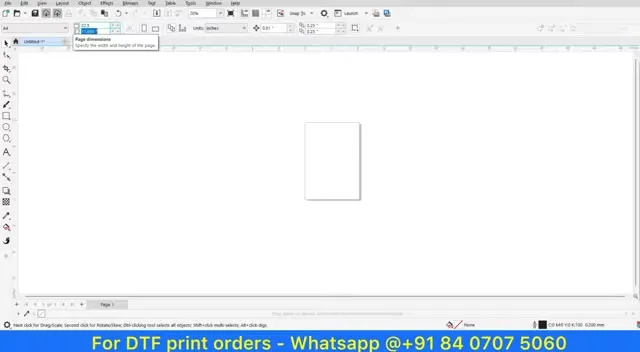
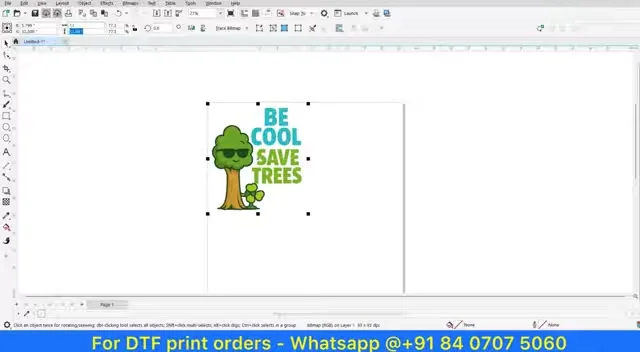
Our roll is 22.5 inches wide, and 39 inches of it is one metre. Make the page that size and whatever you fit on it is what one metre costs. Import the PNG by dragging it in or right-click and import.
Trim the background, size by width
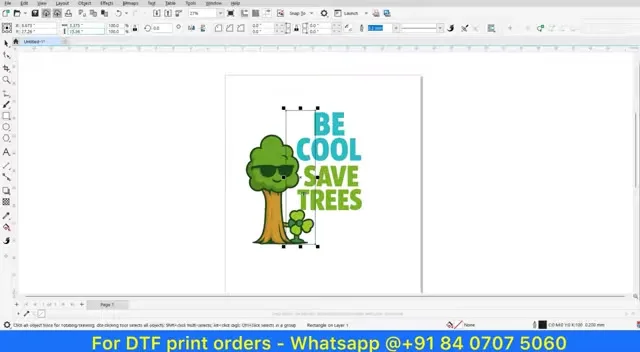
The imported file reports 14 × 21 inches, but the drawing is only about 15 high; the rest is empty transparent background. Shape tool, select the excess, delete, so the size you quote is the size of the ink. Then size by width: an A4 print is always 11 inches wide and the height is whatever keeps the proportion. If you tell us 11 × 15 and the design is not that shape, you get a stretched design, and the video shows exactly how that looks.
Fill the metre
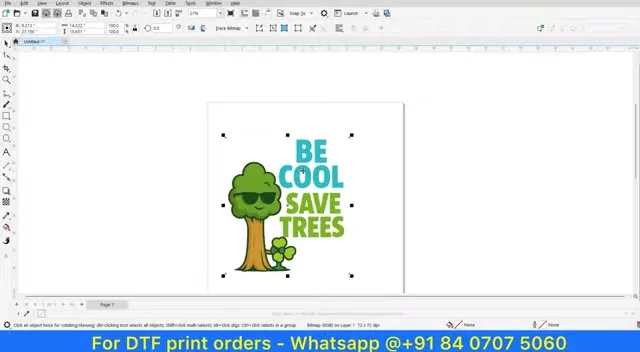
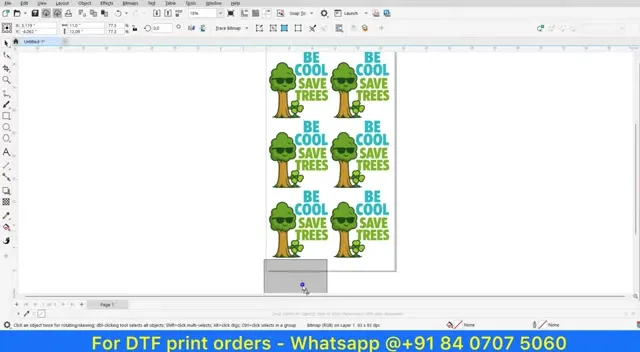
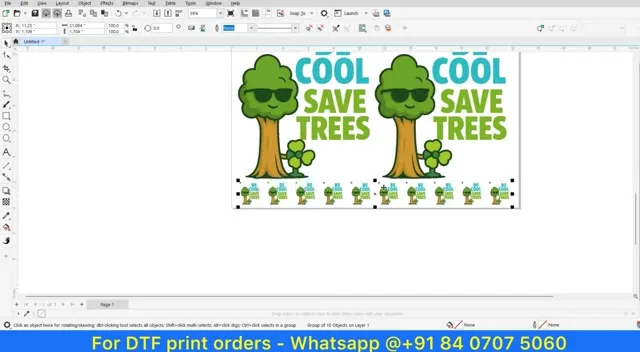
Duplicate and repeat the design down the page; put small logos or other designs in the gaps. Every empty inch of the metre is money you paid for nothing.
PNG, not JPG
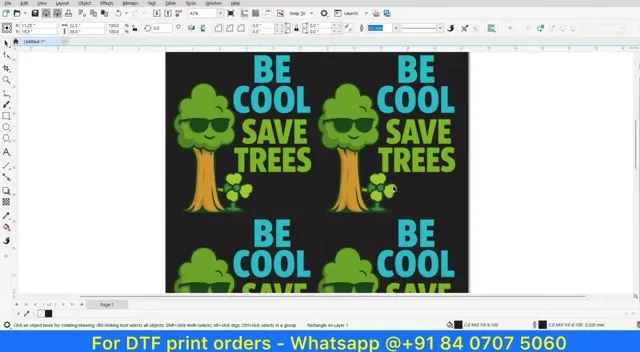
PNG keeps the background transparent, so only the design prints. A JPG has no transparency; put a box behind the design and fill it black and you can see what a JPG is: a white rectangle that prints around your logo on the shirt. Export as PNG with transparency, group first so the size survives, and send it. Or send us the pieces and we arrange them.
Order
Prices per metre and the order form are on the printing service page; the 2026 service video is here. If you print yourself and want the gang sheet built automatically from PNGs, DTF Powerhouse does this layout for you.
Frequently asked questions
What page size for one metre of DTF?
22.5 × 39 inches on our 22.5-inch roll.
How do I size an A4 print?
11 inches wide; let the height follow. Never force 11 × 15.
Why does my design print with a white box?
It was a JPG. Export PNG with transparency.
Why remove the extra background?
So the size you quote is the artwork's size, not the empty canvas.
Can you arrange the files for me?
Yes. Send the PNGs and quantities on WhatsApp.
Related guides
Not sure about your file?
WhatsApp it; we will tell you the size it will print at before you pay.
WhatsApp +91 86555 56060More videos: DTF printing service and costs
- DTF Heat Transfer Stickers from ₹150 per Metre: What the Video Shows and What You Get
- Is Your Print Cracking After the First Wash? That's the Sticker, Not the Shirt
- The Right Way to Heat Press a DTF Transfer: Pre-Press, 150 to 160 °C for 10 to 15 Seconds, Peel, Re-Press, and the Neck Label
- What Else DTF Prints On: Tote Bags, Umbrellas, Leather Sleeves, Jute, Nylon, Single Colour or Full Colour
- The 16 × 24 Double-Bed Automatic Heat Press, 100 Percent Made in India: Die-Cast Aluminium, Replaceable Coil, Auto Mode, Emergency Stop
- Specialty Screen Printing Inks Up Close: High Density, Puff, Gel, Metallic and One-Stroke White, and Where DTF Takes Over