Assembling the Roll Stand for the Epson L1800 or L805: Match the Numbers, Four Screws, Two Rods
Published 9 October 2021
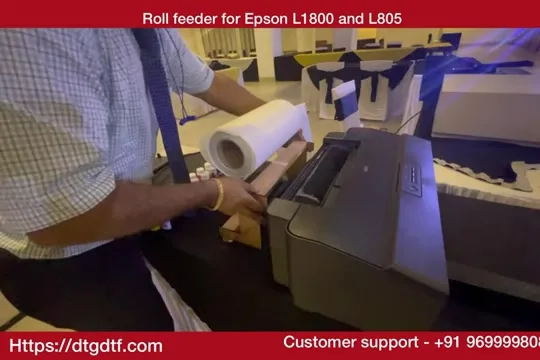
Every roll printer we shipped in 2021 came with this stand in pieces, and the first message from the customer was how it goes together. So I filmed it at the exhibition: match the numbers written on each piece, drive the screws in, drop the two rods on top, put the roll on. Four minutes with a plain screwdriver. The stand has changed since; the reason it exists has not.
What the video shows
- 0:01 — Ships with the machine: numbered pieces, screws included
- 0:39 — Match the numbers: 2 to 2, 3 to 3
- 1:46 — Fasten the screws tightly
- 2:52 — Wooden or metal, same function
- 3:41 — Rods on; roll on; done
Match the numbers
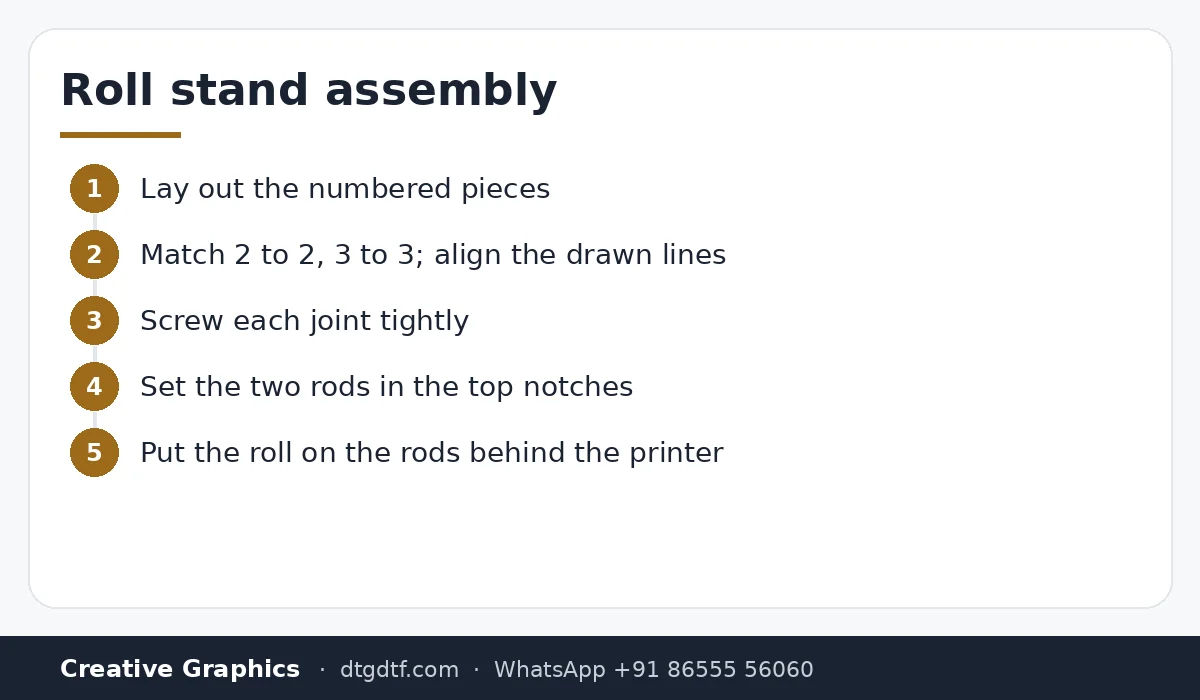
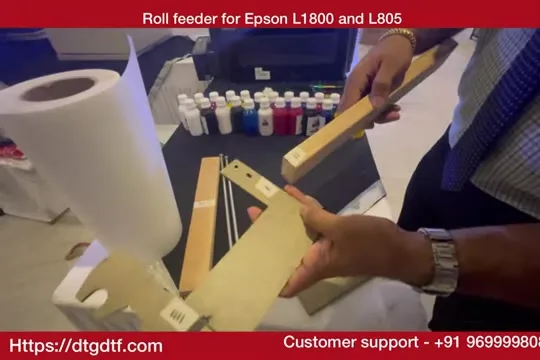
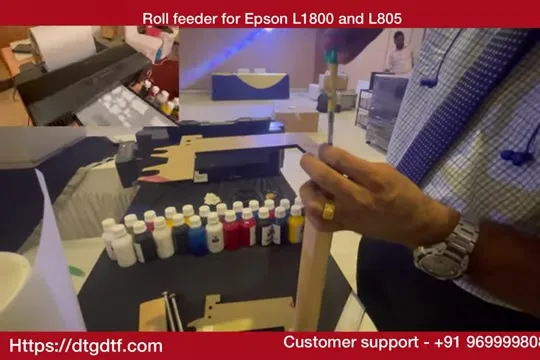
Each piece has a number written on it. Find the matching number on its partner, line up the drawn lines, and screw them together. Two uprights, a base, the cross piece. A small screwdriver is all you need; every screw comes in the box.
Rods and roll
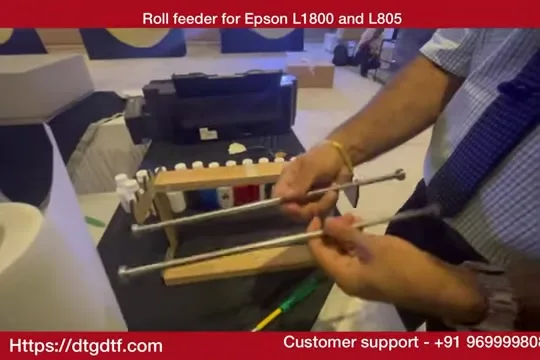
With the frame done, the two rods rest in the notches at the top. The roll sits on the rods and turns freely as the printer pulls, which is the whole job of the stand: the printer's rollers should never have to drag a roll. Wooden or metal makes no difference to how it works.
Today
The current stand is adjustable from 8 to 24 inch, metal, with the pipe sold separately: roll feeder. The same free-turning rule applies, and SubliPhoto's launch video says it plainly: use a good roll stand with bearings so the pickup rollers never strain, in this post. Software for the roll: ZiggRoll V4.
Frequently asked questions
Does the roll stand come with the roll printer?
It did in 2021, in pieces with screws. Today the adjustable feeder is sold separately.
What tools do I need?
A plain screwdriver. Everything else is in the box.
Wood or metal?
Either. The function is the same: let the roll turn freely so the printer never drags it.
Why does a stand matter?
If the pickup rollers have to pull the roll, feeding goes crooked and the rollers wear.
Need a stand for your printer?
Tell me the printer and roll width on WhatsApp.
WhatsApp +91 86555 56060More videos: Roll printing software (ZiggRoll, SubliPhoto, Powerhouse)
- ZiggRoll V4 Now Runs DTF Rolls on the Epson L18050 and L8050: No Tape, No Paper Error
- Roll Printing on a Stock Epson L8050: No Modification, No RIP, Just ZiggRoll SubliPhoto
- The Clip That Started ZiggRoll: Roll Printing on a Stock Epson L1800 at a 2023 Exhibition
- Printing a DTF Roll on the L18050 with ZiggRoll V4 and AcroRIP 11.2: The Full Walkthrough
- ZiggRoll SubliPhoto in Studio Mode: Continuous Sublimation Rolls on Unmodified Epson Printers
- ZigRoll, Every Function Live and Uncut: Roll Printing on a Plain Epson L1800 with No Module