ZiggRoll SubliPhoto Launch, Uncut: Roll Printing on a Stock Epson L8050 From CorelDRAW, 50-Inch Prints, Four Copies, No RIP
Published 7 August 2026
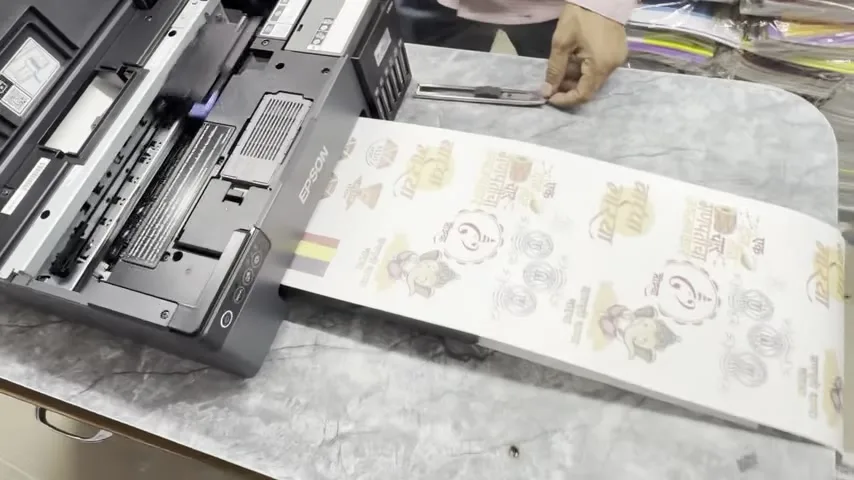
First launch video for SubliPhoto, the second ZiggRoll product: sublimation and photo rolls on an Epson L8050, L18050 or L8180 with nothing changed on the printer and no RIP. I filmed it on a stock L8050 in one take, because the only way to prove 'no modification' is to not stop the camera. Cut the roll square, insert it, print from CorelDRAW, print a 50-inch file, queue four copies. And one warning about reverse that could save you a motor.
What the video shows
- 0:00 — A roll printed on a stock L18050: one attachment, one software
- 0:24 — Tested on L18050, L8050, L8180
- 0:40 — Cut the roll edge straight: fold, match, cut
- 1:03 — Not pirated: online activation; free updates within a version; lifetime or subscription
- 1:50 — Insert Roll; the virtual printer is set up from our videos
- 2:52 — Not for DTF: sublimation, photo and other non-white prints
- 3:11 — Print from CorelDRAW: 7-inch height for a 7-inch roll; 12 inch on the L18050
- 3:52 — Ultra: the virtual printer; custom size, custom driver
- 4:16 — A4 originals tick; longer originals untick
- 4:43 — Quality is set in the Epson driver; nozzle check first
- 5:45 — The 50-inch file: 47 inches printable, never cropped
- 6:47 — Job appears in ZiggRoll; copies from the queue
- 7:48 — Zero modifications; only the inks are sublimation
- 8:11 — One CR motor: never use reverse without hardware changes
- 8:53 — Licences: multi-PC, single-PC lifetime, yearly with free updates
- 9:30 — V4 is for DTF; one software for all is coming
- 10:16 — Four copies queued; 2 to 3 m printed here; 100 m tested
- 11:00 — Use a good roll stand so the pickup never strains
Before you insert
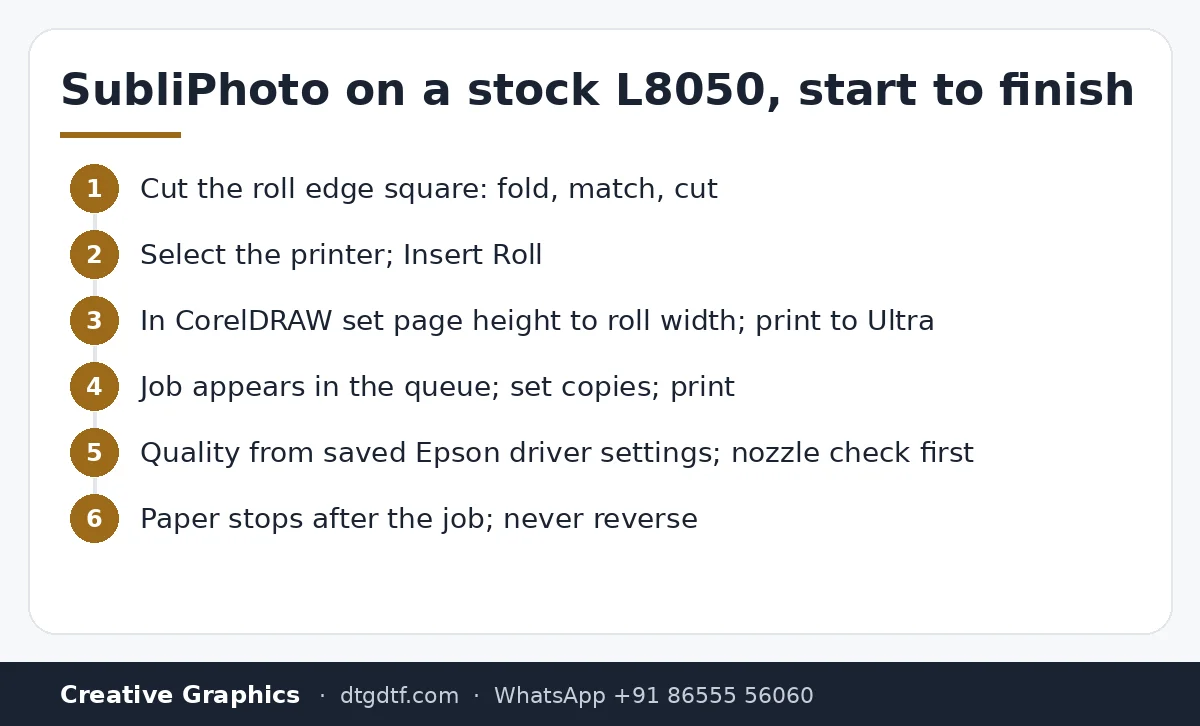
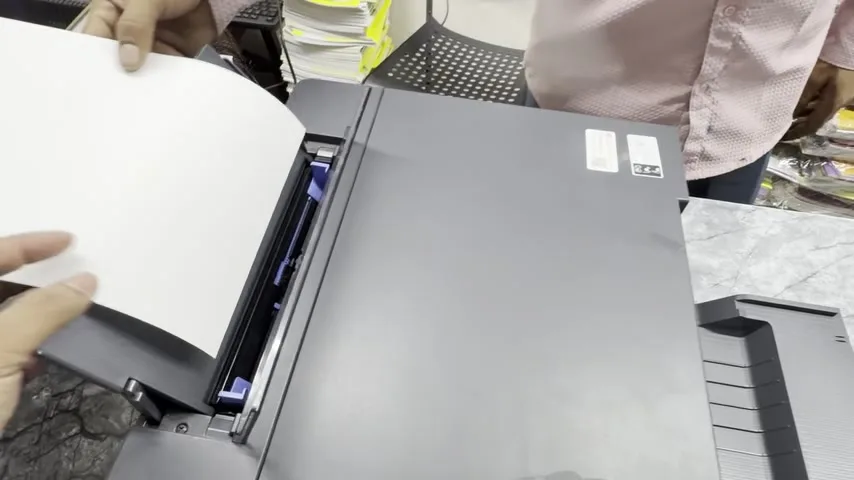
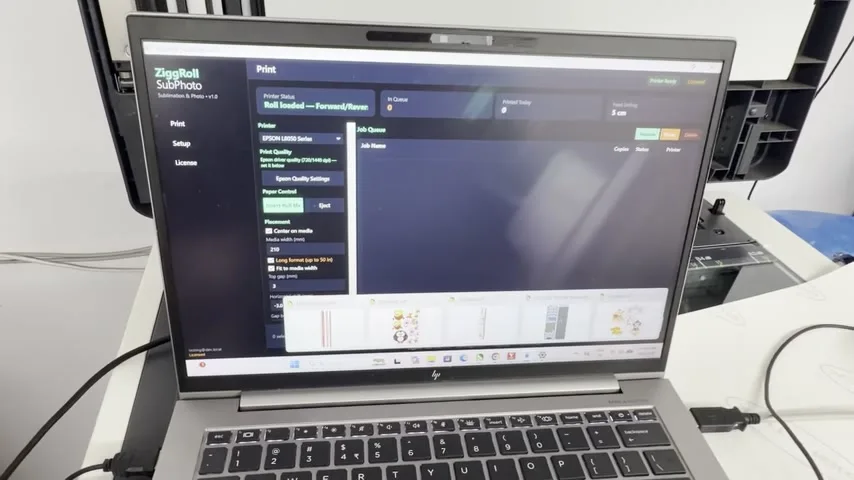
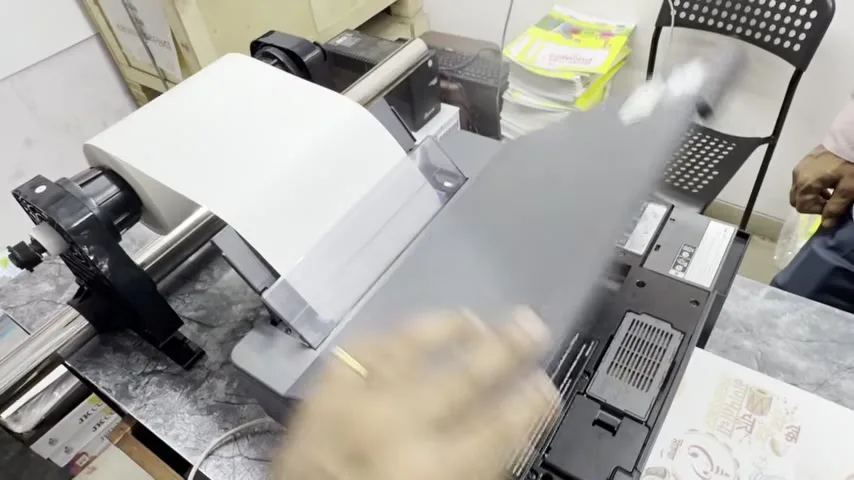
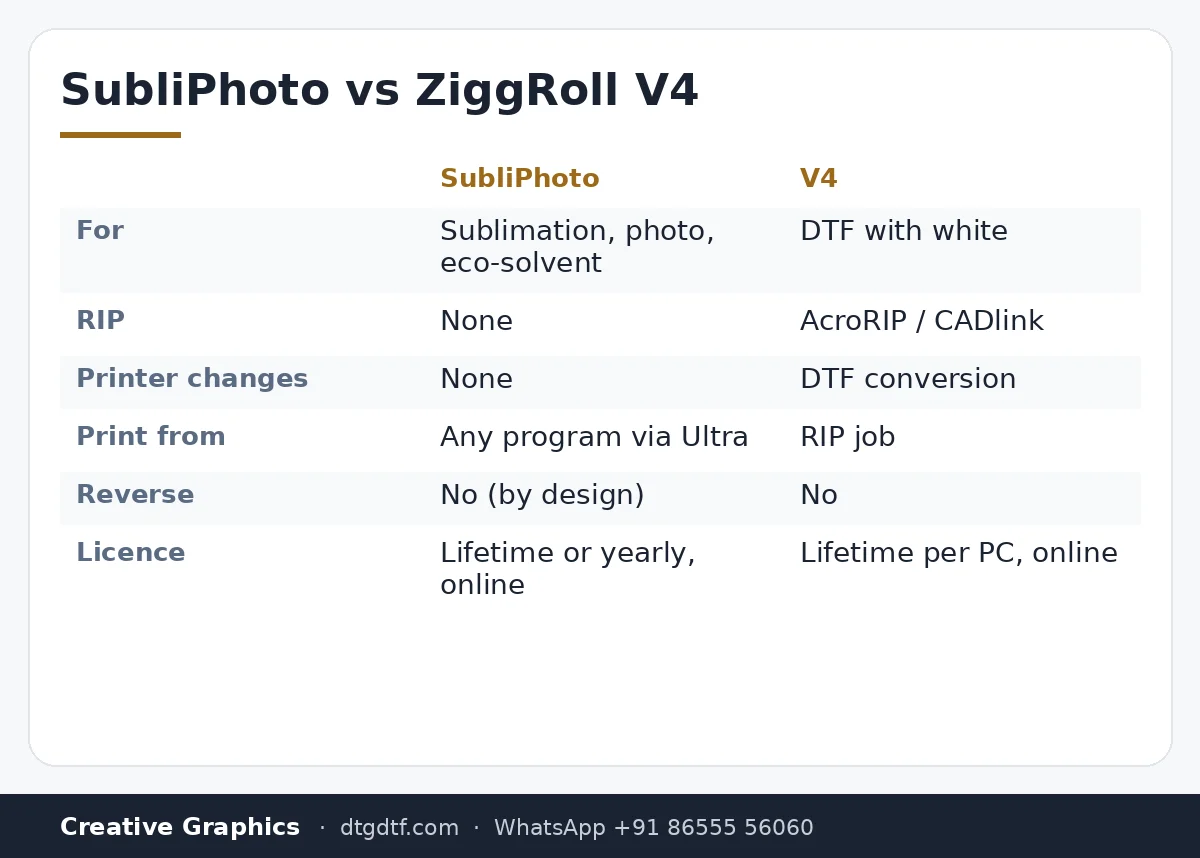
Cut the roll's leading edge square. Fold the end over, match the edges, press, cut along the fold with scissors or a cutter. A 90-degree edge goes in straight; an angled one walks sideways over a metre of roll. Then, in SubliPhoto, select the printer and click Insert Roll; the roll goes in and stays. Same idea as ZiggRoll V4, but this is not for DTF: sublimation, photo, and anything without a white layer.
Print from CorelDRAW
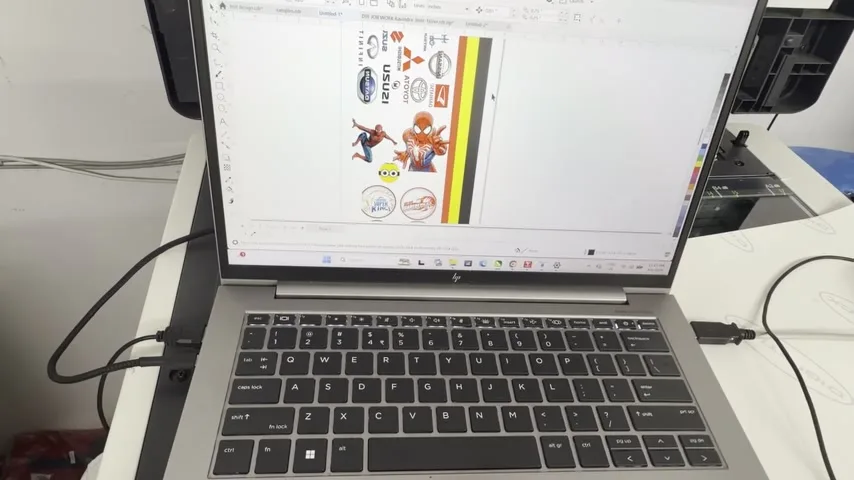
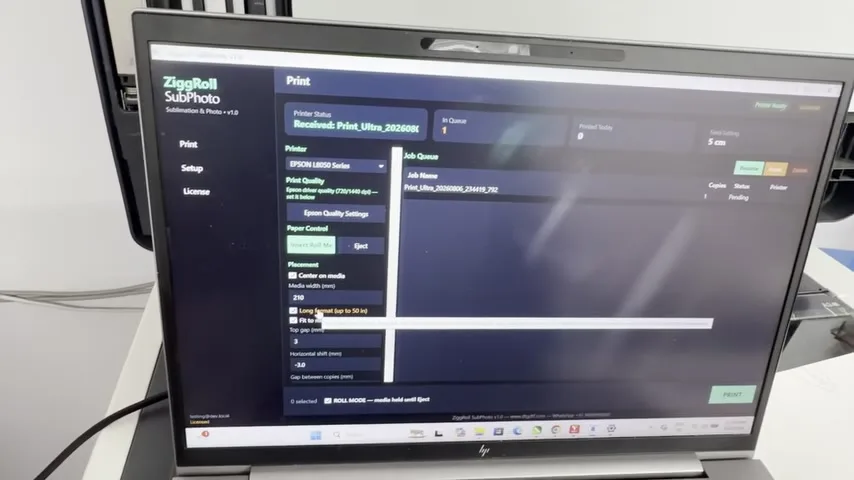
Any program that prints: CorelDRAW, Photoshop, Word, a PDF. Set the page height to the roll width, 7 inches here on a 7-inch roll, 12 inches on the L18050, and print to Ultra, the virtual printer SubliPhoto installs, with a custom size on its own driver. The job lands in the SubliPhoto queue. Keep the A4 tick for A4 originals; untick for longer ones. Quality comes from the Epson driver settings you saved, and the printer prints with those. Nozzle check first, always.
The 50-inch print
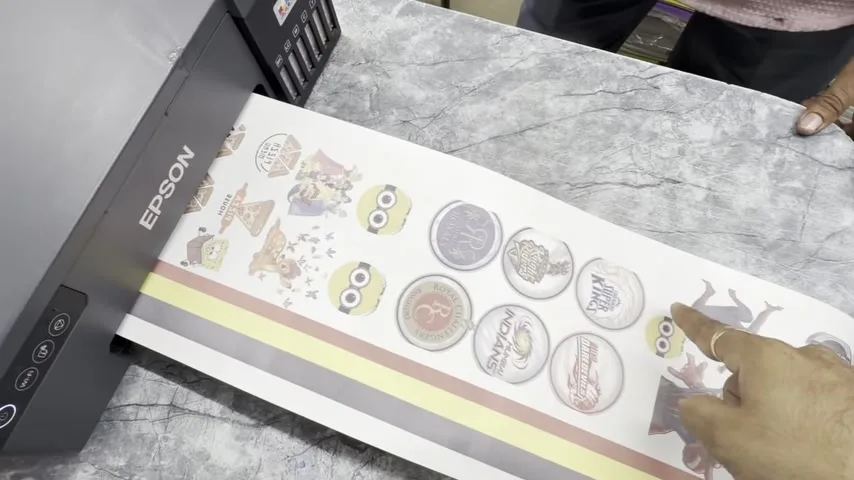
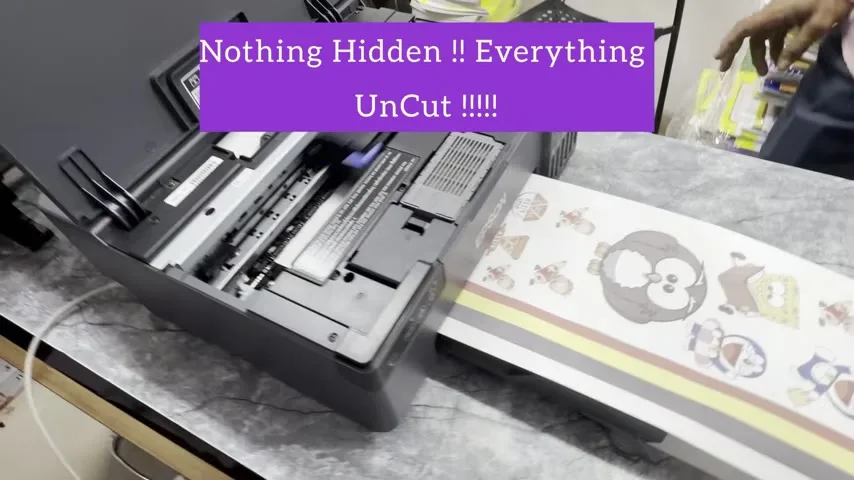
People ask for one 50-inch print in one go, so I made a 50-inch file, 47 inches printable, hit Ctrl+P, and let it rip and print without pausing the camera. It takes ten to twenty seconds to rip. The paper does not come out at the end; it stops and waits. Nothing is modified on the printer; even the pickup is Epson's own. Only the inks are sublimation.
Never use reverse on these printers
Some software sold for the L18050 and L8050 offers forward and reverse. These printers have one CR motor doing everything. Reverse the paper without hardware changes and you burn that motor and can damage the head. SubliPhoto does not have reverse for that reason, even though we could add it. The print stops after the job; that is enough.
Copies, roll stand, licence
Double-click the first small job, set four copies, print: first, second, third, fourth, stop. Two or three metres printed in this video; tested to 100 metres without a pause. Use a good roll stand with bearings, the kind we use on DTF printers, so the pickup rollers never strain. Licences: single-PC lifetime, multi-PC, or yearly subscription with all updates free. Activation is online, not a cracked file; updates within a version are free for everyone. Buy at SubliPhoto lifetime (₹4,000 + GST) or yearly; DTF rolls stay on ZiggRoll V4. The one-minute version is here.
Frequently asked questions
Which printers does SubliPhoto run?
Epson L18050, L8050 and L8180 / ET-8550, tested; L805 as well. No modification.
Can I print from CorelDRAW or Photoshop?
Yes. Anything that prints goes to the Ultra virtual printer and lands in the SubliPhoto queue.
How long can one print be?
The demo prints 50 inches in one go. Tested to 100 metres of continuous roll.
Can I reverse the roll?
No, and do not use any software that does on an L18050 or L8050. One CR motor; reverse burns it.
Lifetime or yearly?
Both. Yearly includes all updates; lifetime is per PC. Activation is online.
Is this for DTF?
No. DTF with white uses ZiggRoll V4 with your RIP.
Related guides
Sublimation or photo rolls?
Send the printer model on WhatsApp; the licence and the setup videos follow the same day.
WhatsApp +91 86555 56060