ET-8550 / L8180 Roll Printing With ZiggRoll V4: Why Load Roll Asks for Paper, the A4 Rear-Tray Fix, and Never Press Reverse
Published 18 June 2025
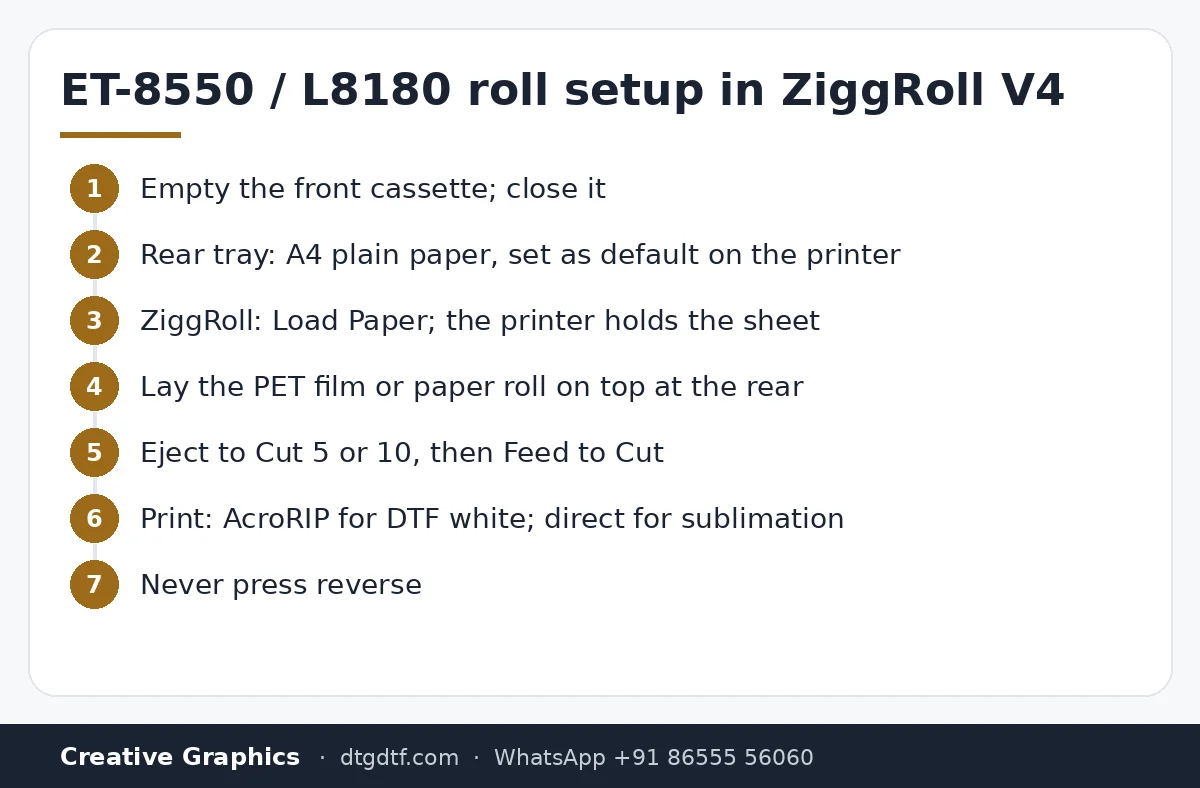
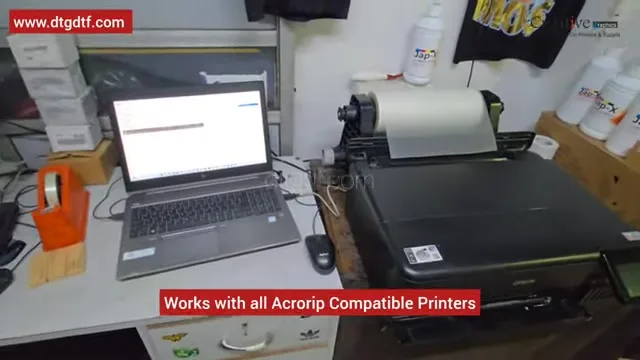
So many people got stuck on the very first click that I filmed the fix: you press Load Roll in ZiggRoll and the ET-8550 asks for paper from the cassette. It is not the software; it is the default tray. Five minutes, live, on an L8180 (the Indian name for the ET-8550): empty the cassette, make the rear tray default with A4 plain, load, lay the film on top, feed to cut. And the warning I put in a red box on screen: never use reverse on this printer.
What the video shows
- 0:00 — DTF, sublimation or photo rolls on the ET-8550 / L8180 with genuine V4
- 0:36 — Empty the cassette; close it
- 1:00 — Rear tray: A4 plain paper, set as default
- 1:51 — Load Paper: the printer pulls the sheet and holds it
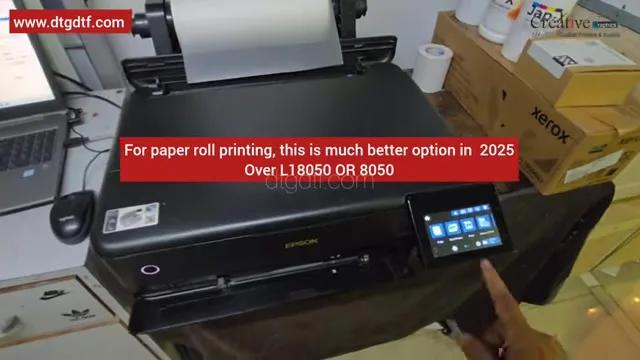
- 2:07 — Why this printer beats the L18050 / L8050 for paper rolls: the CR motor
- 2:26 — Never use software reverse without hardware changes
- 3:07 — Lay the PET film or paper roll on top of the A4
- 3:42 — Eject to Cut 5 or 10; Feed to Cut
- 4:14 — For DTF white you need AcroRIP; sublimation needs nothing
- 4:48 — The reason for the video: the paper prompt
- 5:19 — Genuine licence at dtgdtf.com
Why Load Roll asks for paper
The ET-8550 has a front cassette and a rear tray. If the cassette is the default, every job asks for paper from it, and Load Roll stalls there. The fix is in the printer's own menu: take the cassette out or leave it empty, close it, and set the rear tray as default with A4 plain paper. From then on the printer expects paper from the back, which is where the roll comes from.
Load, then lay the roll on top
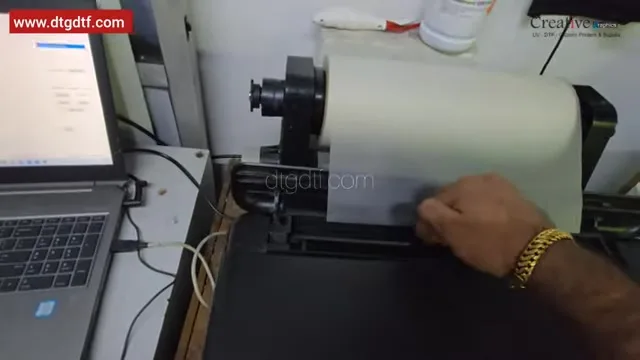
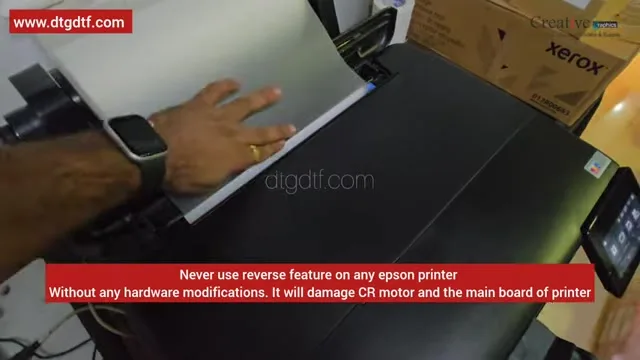
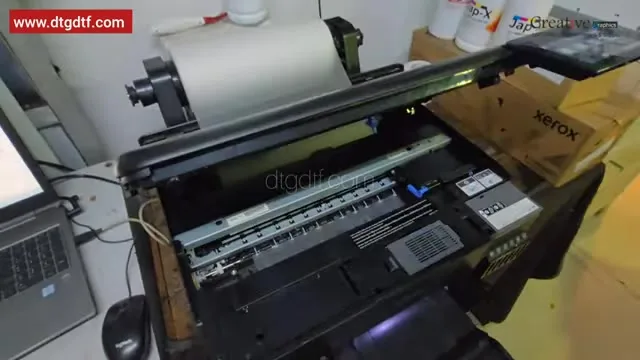
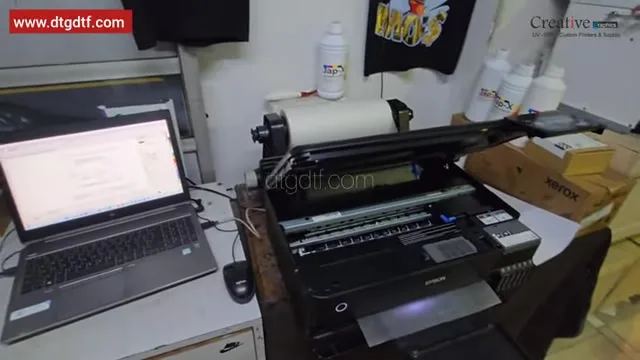
Put one A4 plain sheet in the rear tray with the guides adjusted. In ZiggRoll click Load Paper: the printer pulls the sheet in and holds it, and now it believes paper is present. That is the sensor bypass, done in software. Open the cover to see the head stable and the sheet inside. Now lay the PET film or sublimation paper from the roll on top of the A4, push it down, choose 5 or 10 and click Eject to Cut, then Feed to Cut. The film is in. Each Feed to Cut advances it; I clicked it five times on camera.
Why this printer, and the reverse warning
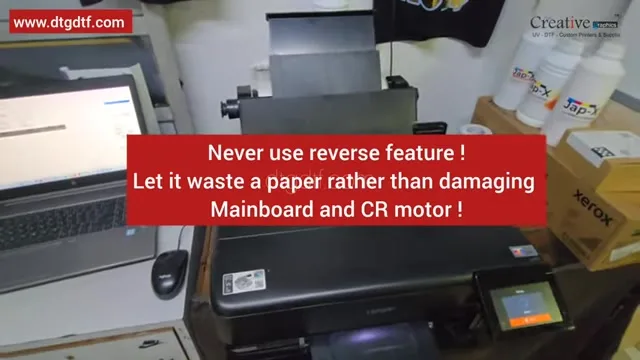
For paper rolls, sublimation and photo, the ET-8550 / L8180 is a better option in 2025 than the L18050 or L8050 because of its CR motor: it handles continuous feeding more comfortably. Other software offers forward and reverse on these printers. Do not use reverse on any Epson without hardware changes. It damages the CR motor and can take the mainboard with it. Let the software waste a few centimetres of paper instead.
DTF or sublimation
For sublimation and photo rolls there is nothing more to do: print from any software. For DTF with white you need AcroRIP in between, as in the 2022 speed test. ZiggRoll V4 is here, genuine licence by email, and for sublimation without any RIP there is now SubliPhoto.
Frequently asked questions
ZiggRoll Load Roll asks for paper from the cassette. Why?
The cassette is the default tray. Empty it and set the rear tray as default with A4 plain paper in the printer menu.
How is the sensor bypassed on the ET-8550?
In software: Load Paper pulls an A4 sheet in and holds it, then the roll is laid on top. No hardware.
Can I use reverse on the ET-8550 or L8180?
No. Without hardware modification it damages the CR motor and can damage the mainboard.
Do I need AcroRIP?
Only for DTF with white. Sublimation and photo rolls print from any software.
Which is better for paper rolls, the L8180 or the L18050?
The L8180 / ET-8550, because of its CR motor.
Stuck at Load Roll?
Send a photo of your printer's paper-source screen on WhatsApp; it is usually the tray setting.
WhatsApp +91 86555 56060More videos: Roll printing software (ZiggRoll, SubliPhoto, Powerhouse)
- ZiggRoll V4 Now Runs DTF Rolls on the Epson L18050 and L8050: No Tape, No Paper Error
- Roll Printing on a Stock Epson L8050: No Modification, No RIP, Just ZiggRoll SubliPhoto
- The Clip That Started ZiggRoll: Roll Printing on a Stock Epson L1800 at a 2023 Exhibition
- Printing a DTF Roll on the L18050 with ZiggRoll V4 and AcroRIP 11.2: The Full Walkthrough
- ZiggRoll SubliPhoto in Studio Mode: Continuous Sublimation Rolls on Unmodified Epson Printers
- ZigRoll, Every Function Live and Uncut: Roll Printing on a Plain Epson L1800 with No Module