Epson L8180 / ET-8550 Printing DTF Rolls With ZiggRoll: Three A3 Prints in Ten Minutes, Uncut
Published 4 October 2022
First video I made on the L8180, after it was fully tested: a 12-inch DTF roll, ZiggRoll managing the printer, AcroRIP ripping, and a stopwatch. Three A3-size prints came off in the ten minutes of the video, with the paper staying inside between jobs and nothing added to the printer. The speed is the reason this printer got attention; the maintenance box and the head you cannot buy are the reasons I was careful about recommending it. Here is the uncut test in English.
What the video shows
- 0:01 — The L8180 is the ET-8550 outside India; fully tested
- 0:25 — Any Epson that works with AcroRIP can print rolls: DTF, sublimation, eco-solvent
- 0:51 — Load Roll done; 12-inch roll, A3 design
- 1:25 — AcroRIP 10.3 / 10.5 rips fast; the job lands in ZiggRoll
- 2:05 — Rename the job; reprint later without AcroRIP
- 2:30 — Start Job; unwind some roll; 11-inch print at 2 min 30 s
- 3:04 — Paper stays inside when the job ends; print non-stop
- 3:48 — You need a bed, feeder or shaker in front or the film scratches
- 5:47 — A3 in two to three minutes; bigger job queued
- 6:23 — Stored jobs: upload and print without ripping again
- 8:17 — No vacuum needed; pause mid-job
- 9:37 — Next job starts where the last stopped; about an inch of waste
- 10:08 — Three A3 in ten minutes; 80 to 100 sheets a day
- 10:55 — No forward-reverse: cut the sheet to finish a job
The setup
An Epson L8180, which Epson sells as the ET-8550 outside India, modified for DTF. A 12-inch roll on a basic, non-motorised roll stand. AcroRIP 10.3 or 10.5 for ripping, which is quick on this version, and ZiggRoll to run the roll. Anything that works with AcroRIP can print rolls this way, and the same tool runs sublimation and eco-solvent rolls.
Job in, rename, reprint
Print from AcroRIP and the job appears in ZiggRoll. Rename it to anything; next time you print it straight from ZiggRoll without ripping again. Stored jobs can be uploaded as PRN files too. Start Job, and I unwind a little roll by hand because the stand is not motorised.
Speed
An 11-inch print finished at about two minutes thirty. An A3 took two to three minutes. Three A3 prints in the ten minutes of the video, including my talking. At 1440 dpi it slows; at the resolution I use you can do 80 to 100 sheets a day on this printer, with no lines in the output.
What to put in front
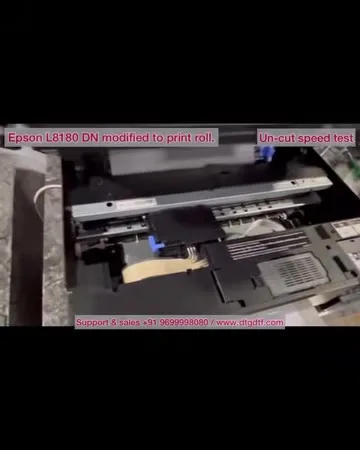
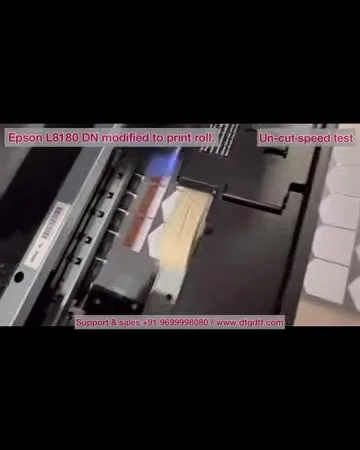
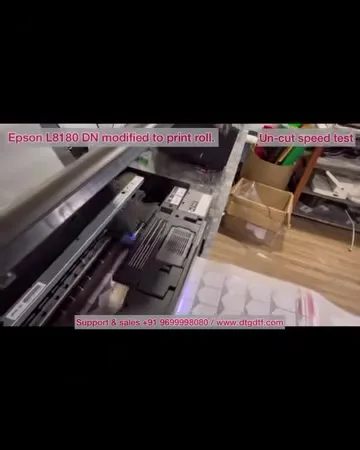
When the job ends the paper stays inside, so you print non-stop. But the printed film has to land somewhere flat: a bed, a feeder or a powder shaker in front. If it drops it comes back up into the head and you get scratches, which I show. No vacuum is needed. You can pause mid-job, and the next job starts where the last stopped with about an inch of waste.
The catch, and today
There is no forward-reverse module on this printer, so to finish a job you cut the sheet at the exit; expect that much waste in a day. The bigger catches are in the 2022 comparison: a maintenance box chip to reset and no spare head. Today the printer I recommend for this job is the converted L18050 (₹92,300 + GST) and the software is ZiggRoll V4, which still supports the L8180 / ET-8550.
Frequently asked questions
How fast is the L8180 on DTF rolls?
About two and a half minutes for an 11-inch print, two to three for A3; 80 to 100 sheets a day at working resolution.
Does the paper come out between jobs?
No. ZiggRoll keeps it inside, so you print non-stop and the next job starts where the last ended.
Do I need a vacuum bed?
No. You need something flat in front, a bed, feeder or shaker, so the film does not curl back into the head.
Can I reprint without ripping again?
Yes. Jobs stay in ZiggRoll; rename and reprint, or load PRN files.
Why did you not recommend the L8180?
Maintenance box chip resets and no spare head sold. The speed is real; the risk is the head.
Related guides
Have an L8180?
Message on WhatsApp; V4 runs it, and I will tell you what to watch for.
WhatsApp +91 86555 56060