ZigRoll V1.0, September 2021: The First Roll-Print Software for a Stock Epson L1800 or L805
Published 20 September 2021
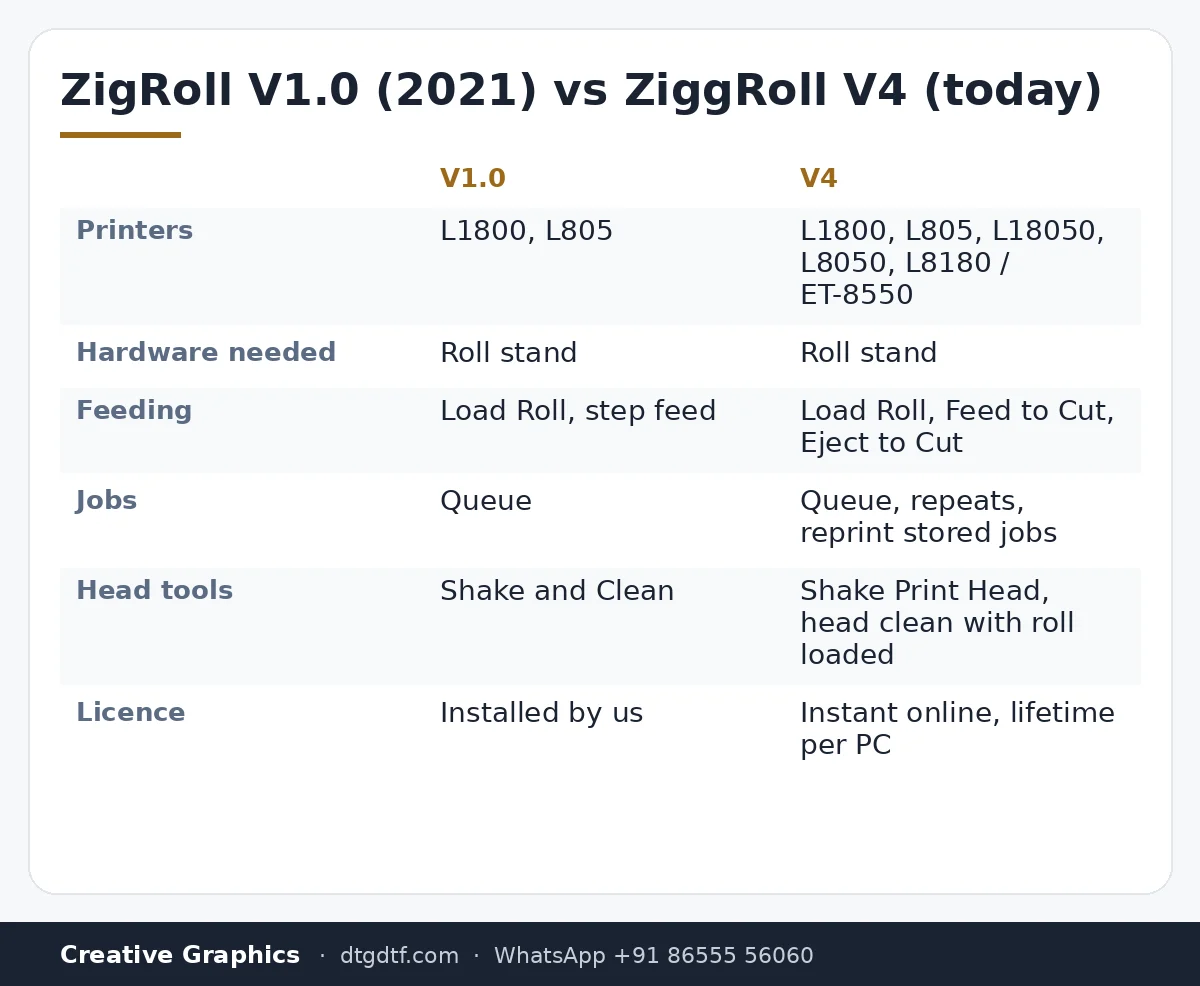
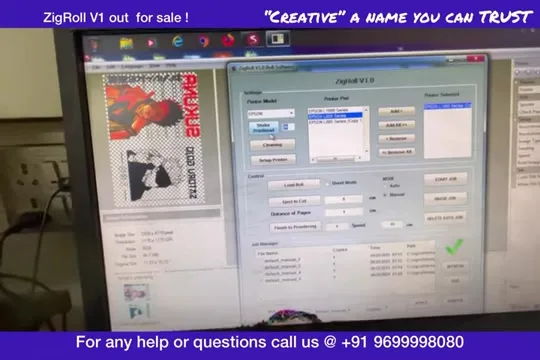
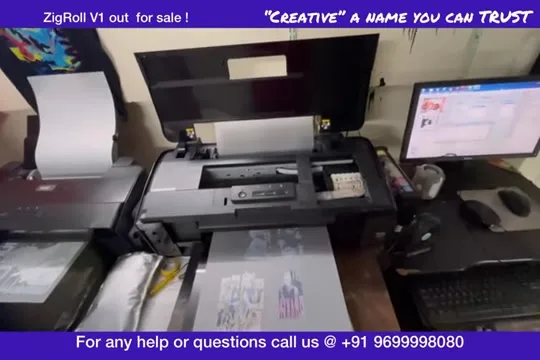
This is where it started on sale: September 2021, ZigRoll version 1.0, running an Epson L1800 that had not been modified at all. The Hindi audio on this old upload is rough, so I am writing from what I did on screen and what I said: fit a roll stand, click Load Roll, let the printer pull a sheet and then the roll, feed in 15 cm and 5 cm steps, queue three small jobs and watch them print one after another. Here it is, with what has changed since.
What the video shows
- 0:00 — Roll printing on any Epson without modification
- 0:25 — Forward-reverse module: what it can do that the software cannot, and vice versa
- 0:44 — You need a roll stand; sheet mode when there is no production work
- 1:23 — An old, unmodified printer; the glass platform for the sheet to exit
- 2:03 — V1.0 features: Shake and Clean, printer setup, Load Roll
- 2:37 — Load Roll: the printer takes a sheet in, then the roll on top
- 2:56 — Feed 15 cm, then 5 cm; the roll pulls in automatically
- 3:46 — Three small jobs queued to show how the queue works
No modification, one roll stand
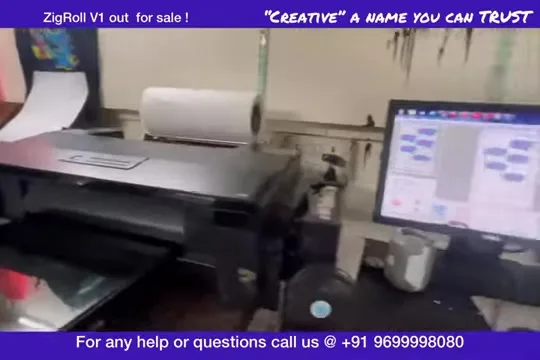
The printer in the video is an old L1800, untouched inside. The one accessory you need is a roll stand so the film can unwind evenly. If you do not have production work that day, you leave the roll on the stand and run the printer in sheet mode; nothing to swap.
What a forward-reverse module does that software cannot
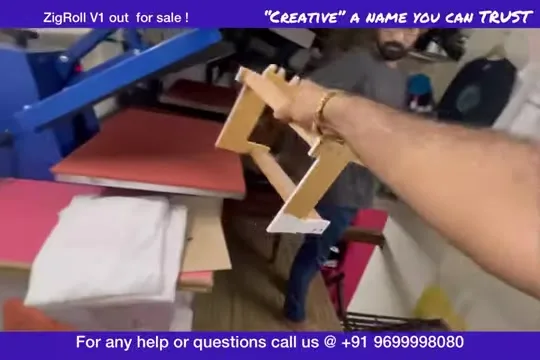
I explained the difference early in the video. A forward-reverse module can pull the film backwards. Software cannot; it only feeds forward. For almost every DTF job that does not matter, which is why I did not fit one. If you specifically need to reverse, that is the one case for a module.
Load Roll, then feed
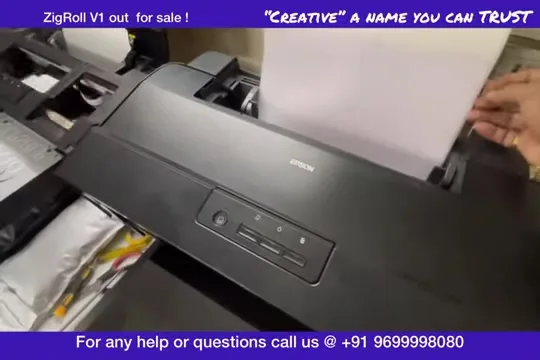
Click Load Roll and the printer pulls a plain sheet in. Lay the roll over that sheet; the printer pulls the roll in by itself, no fiddling. I fed 15 cm first to seat it, then 5 cm steps to bring the leading edge where I wanted it. Feeding is where beginners struggle, so I did it slowly on camera.
The queue
Three small jobs, deliberately small, so you can see how they land in the list and print one after another without me touching the printer. The glass platform at the exit lets the printed film slide out flat so it can be cut.
Then and now
Everything in this video still describes how roll printing works on a desktop Epson. The difference is the software around it: ZiggRoll V4 is bought online (₹2,542.37 + GST), activated instantly, runs the L1800, L805, L18050, L8050 and L8180 / ET-8550, and adds Eject to Cut, Shake Print Head, repeats and reprints. The uncut 2021 feature tour is here; the current L18050 walkthrough is here.
Frequently asked questions
Did ZigRoll V1 need a modified printer?
No. The L1800 in the launch video is unmodified. You need a roll stand, nothing else.
What does a forward-reverse module add?
Reversing the film. Software only feeds forward, which is enough for most DTF jobs.
How do you load the roll?
Click Load Roll: the printer pulls a sheet, you lay the roll over it, the printer pulls the roll in. Then feed in small steps to position the edge.
Is V1 still sold?
No. ZiggRoll V4 replaced it, with the same approach and more functions.
Related guides
Want to see V4 on your printer model?
Tell me the model on WhatsApp and I will send the matching demo video.
WhatsApp +91 86555 56060More videos: Roll printing software (ZiggRoll, SubliPhoto, Powerhouse)
- ZiggRoll V4 Now Runs DTF Rolls on the Epson L18050 and L8050: No Tape, No Paper Error
- Roll Printing on a Stock Epson L8050: No Modification, No RIP, Just ZiggRoll SubliPhoto
- The Clip That Started ZiggRoll: Roll Printing on a Stock Epson L1800 at a 2023 Exhibition
- Printing a DTF Roll on the L18050 with ZiggRoll V4 and AcroRIP 11.2: The Full Walkthrough
- ZiggRoll SubliPhoto in Studio Mode: Continuous Sublimation Rolls on Unmodified Epson Printers
- ZigRoll, Every Function Live and Uncut: Roll Printing on a Plain Epson L1800 with No Module