Stop the Sheet-Feeding Madness: Why Roll Printing on Your Epson Beats Feeding Sheets One by One
Published 3 April 2025
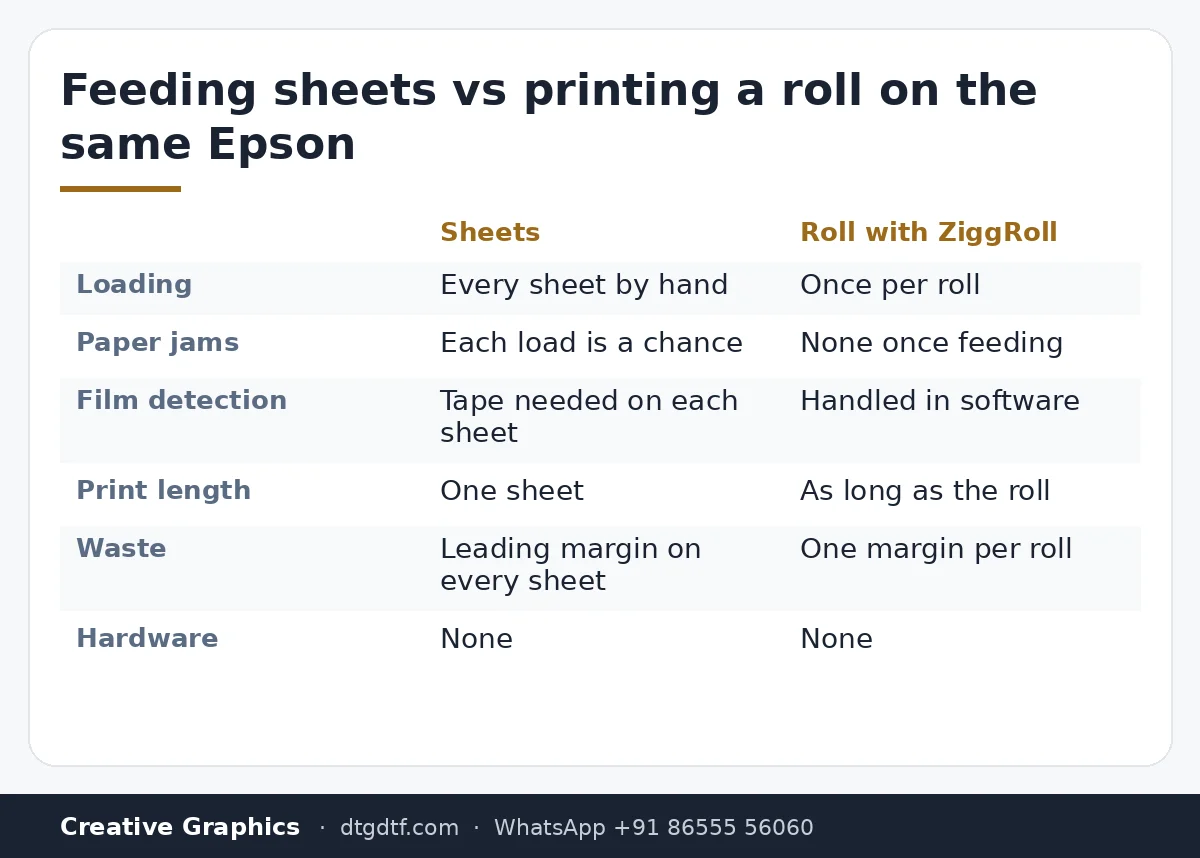
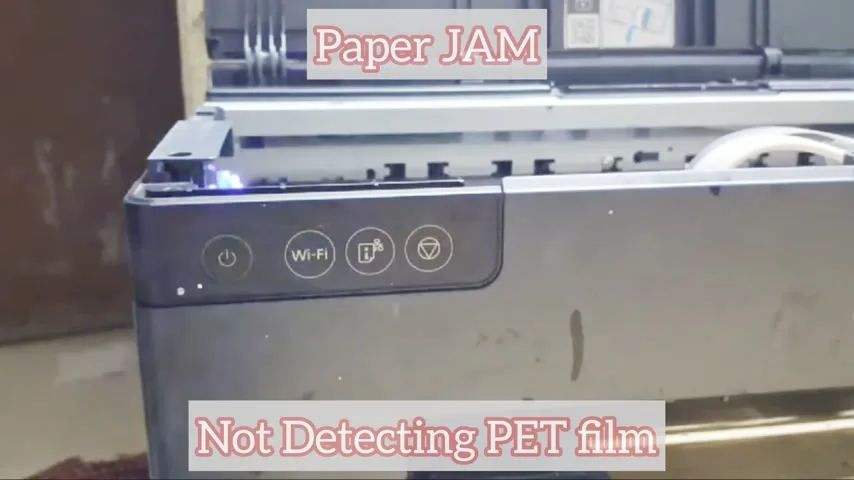
Forty-five seconds, one argument. If you are still feeding DTF sheets one at a time into an Epson, you know the routine: paper jams, the printer not detecting the PET film, prints limited to the length of a sheet. That is time and money. This clip says what we say on WhatsApp twenty times a day: print the roll instead, and do it with software, not hardware. Here is the clip and what sits behind each line.
What the video shows
- 0:00 — Still stuck with paper jams and short prints, feeding sheets one by one?
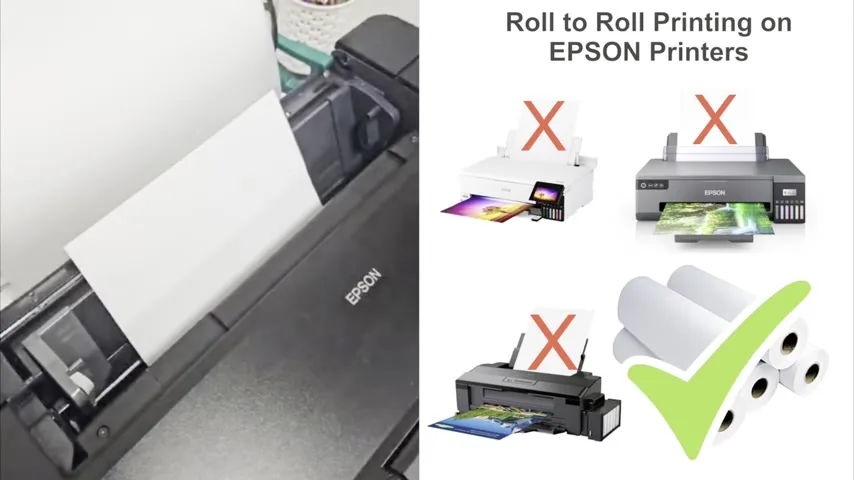
- 0:13 — Why not print a roll directly: DTF or sublimation
- 0:19 — Sheet feeding costs time and money; one software saves it
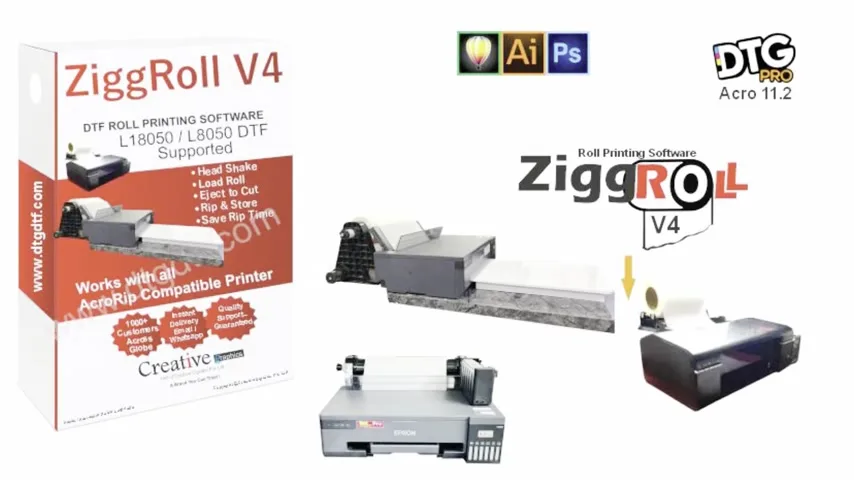
- 0:24 — ZiggRoll: no hardware added to the printer
- 0:31 — Roll-to-roll on your existing Epson; lifetime licence, multiple printers
What sheet feeding actually costs
Three things, and the clip shows two of them on the printer's own panel: a paper jam, and the printer refusing to detect the PET film. The third is the one people underestimate, which is that every print is capped at the length of one sheet. A gang sheet of 50 stickers becomes five loads, five chances for a jam, five leading margins thrown away.
Why a roll, and why in software
A roll removes the reload and the margin waste, and lets one job run as long as the roll. The usual way to get there on an Epson is hardware: forward-reverse modules, modified feeds. ZiggRoll does it in software. You install it, it drives the printer, and the roll feeds continuously; nothing is bolted onto the machine. The long demos are here: V4 on the L18050 with AcroRIP and, for sublimation, SubliPhoto on a stock L8050.
ZiggRoll next to AcroRIP and CADlink
People ask which is the best RIP, so to be precise: ZiggRoll is not a replacement for your RIP. AcroRIP 11.2 or CADlink still rips the file with the white channel; ZiggRoll takes the ripped job and handles the roll, queue, copies and reprints. The V4 box in the clip lists AcroRIP 11.2 support for exactly that reason.
Printers and licence
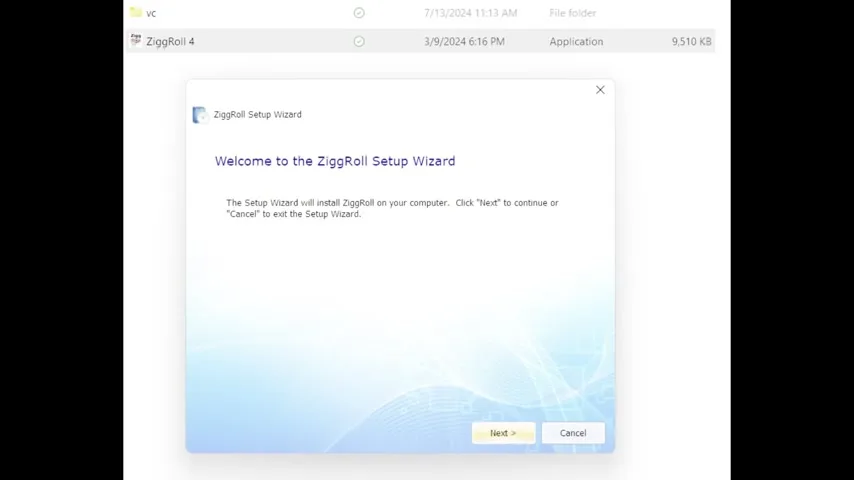
ZiggRoll V4 runs DTF-converted Epson L1800, L805, L18050, L8050 and L8180 / ET-8550. The licence is lifetime; the clip says it can work on multiple Epson printers, which is true in the sense that one PC can drive the printers connected to it. The licence itself is tied to one PC. Install takes the usual Windows setup wizard shown at the end of the clip. Buy in India at ₹2,542.37 + GST; the licence is issued instantly from your account.
Frequently asked questions
Does ZiggRoll replace AcroRIP or CADlink?
No. Your RIP still rips the file with white. ZiggRoll takes the ripped job and runs the roll: feeding, queue, copies, reprints.
Do I need to add hardware to print rolls?
No. ZiggRoll handles the roll in software on an existing DTF-converted Epson.
Which printers?
L1800, L805, L18050, L8050, L8180 / ET-8550, converted for DTF.
Is it a lifetime licence?
Yes, per PC. One PC can drive the printers connected to it.
What about sublimation rolls?
Use ZiggRoll SubliPhoto, which needs no RIP and no printer change.
Related guides
- DTF Printing Cost Per Meter — Real Numbers from a Print Shop
- Starting a DTF Printing Business in India — Real Cost Breakdown
Still feeding sheets?
Tell me your printer model on WhatsApp and I will confirm whether V4 or SubliPhoto is the right one.
WhatsApp +91 86555 56060More videos: Roll printing software (ZiggRoll, SubliPhoto, Powerhouse)
- ZiggRoll V4 Now Runs DTF Rolls on the Epson L18050 and L8050: No Tape, No Paper Error
- Roll Printing on a Stock Epson L8050: No Modification, No RIP, Just ZiggRoll SubliPhoto
- The Clip That Started ZiggRoll: Roll Printing on a Stock Epson L1800 at a 2023 Exhibition
- Printing a DTF Roll on the L18050 with ZiggRoll V4 and AcroRIP 11.2: The Full Walkthrough
- ZiggRoll SubliPhoto in Studio Mode: Continuous Sublimation Rolls on Unmodified Epson Printers
- ZigRoll, Every Function Live and Uncut: Roll Printing on a Plain Epson L1800 with No Module