SubliPhoto in Practice: Ten Copies of a Colour Chart on an L8050, Two Pass, 43 Percent Ink, 1 mm Gap, Roll Stays Inside
Published 25 August 2026
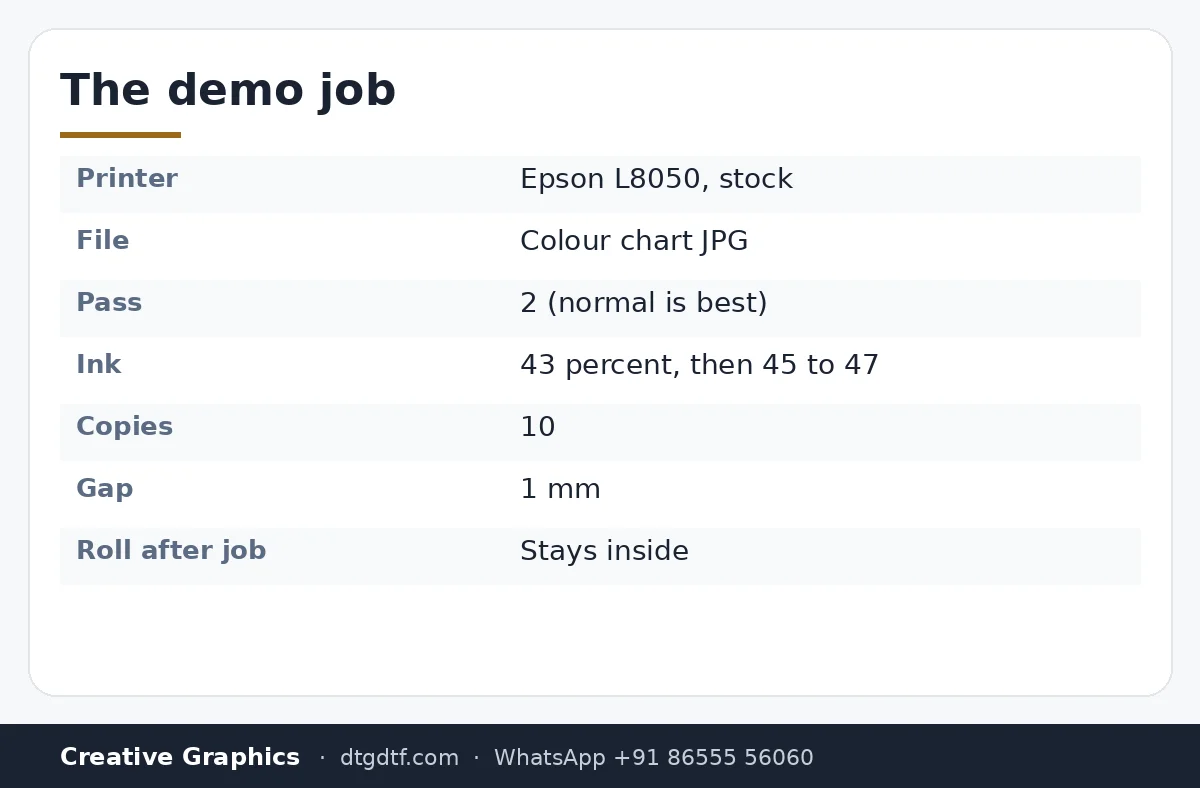
SubliPhoto was officially out, so this is the working demo rather than the launch pitch: an L8050 with nothing modified, a colour chart as the file, two pass for speed, ink at 43 percent, ten copies with a millimetre between them. The roll stays inside when the job ends, the next job starts where that one stopped. Then the same chart at 45 to 47 percent to show what ink percentage does to density. Four minutes, no RIP anywhere.
What the video shows
- 0:00 — A 50-inch print on the L18050; around 100 m printed; no modifications, no RIP
- 0:32 — SubliPhoto officially launched, licensed
- 0:56 — Paper stays inside; open a new image: the colour chart
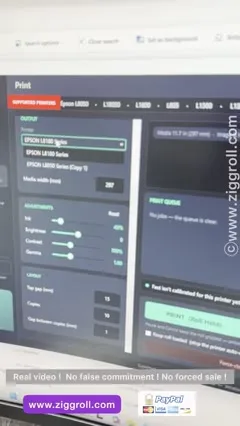
- 1:20 — Two pass; ink percentage 43; ten copies; gap 1 mm
- 1:48 — Select the printer; print
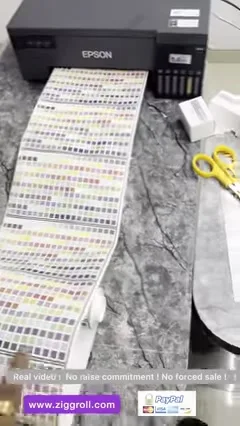
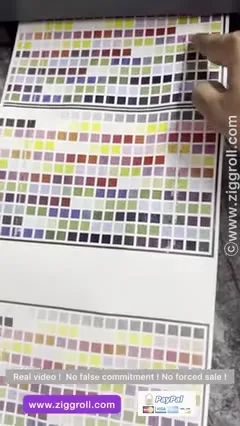
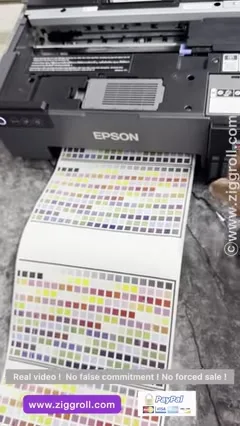
- 2:17 — Printing the chart, 1 mm apart
- 2:44 — Fast, super fast, normal: normal is best
- 3:04 — Ink percentage 45 to 47: density goes up
- 3:26 — Head space for a new file; duplicate spacing
- 3:38 — Lines reduced in software, or with better paper and ink
Nothing modified
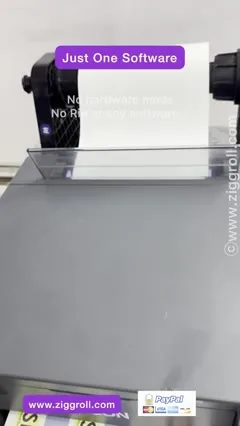
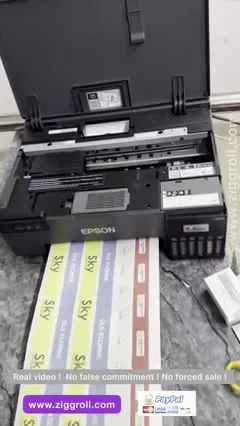
The L8050 in the clip has its own pickup, its own tanks, sublimation ink in them, and SubliPhoto on the PC. The long roll on the floor, about 100 metres over the testing, and the 50-inch print from the L18050 at the start are the point: no RIP, no hardware, print from a JPG or PNG.
The job settings
Open the image: a colour chart. Pass: two, for a quick video; normal is the best quality. Ink percentage: 43 to start. Copies: ten. Gap between prints: 1 mm. Select the printer from the supported list, print. The chart prints ten times, a millimetre apart, and the roll stops inside the printer.
Ink percentage and density
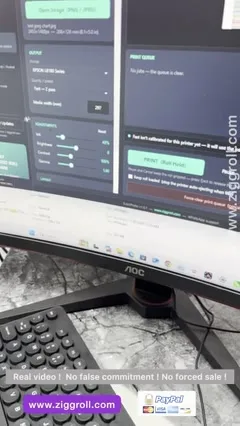
Second run at 45 to 47 percent: visibly denser on the same paper. That slider is your sublimation density control, no RIP needed. The lines you can see on some rows are reduced in software, and further by better paper and ink; the pickup rollers on this test printer had picked up ink over months of testing, which does not help.
Head space and spacing
When you send a new file there is a head space before it starts; for duplicated copies you set the spacing yourself. All of it is in the software; nothing is in the printer. Buy at SubliPhoto lifetime or yearly; the launch demo with the 50-inch file is here; inks: HD sublimation.
Frequently asked questions
What pass mode should I use in SubliPhoto?
Normal for quality. Two pass, fast and super fast trade quality for speed.
How do I control sublimation density without a RIP?
The ink percentage slider: 43 percent in the demo, 45 to 47 for more density.
Does the roll come out between jobs?
No. It stays inside; the next job starts where the last stopped.
Why lines on some rows?
Reduce in software; better paper and ink reduce them further. Dirty pickup rollers add to it.
Want to see your file printed?
Send a JPG on WhatsApp; we print it on the L8050 with SubliPhoto and send the video.
WhatsApp +91 86555 56060More videos: Sublimation printing
- A 12 × 40 Inch Lanyard Roll in Six Minutes: Sublimation Roll Printer With IVFO and Vacuum
- Print Rolls on an Epson With No RIP and No Modification: SubliPhoto in One Minute
- ZiggRoll SubliPhoto Launch, Uncut: Roll Printing on a Stock Epson L8050 From CorelDRAW, 50-Inch Prints, Four Copies, No RIP
- A 48-Inch Roll-to-Roll Sublimation Printer Under ₹2 Lakh: Why I Say Skip 24 Inch, and Where Epson Falls Short
- The L18050 as a Roll Sublimation Printer: Converted Properly, With Resetter, Custom Tank and the Lanyard Job It Was Built For
- Roll Printing Software for the Epson L8050 and L18050, Finally Launched: Feed to Cut, Copies, and a Sticker Roll Off a Stock L8050