Roll Printing Software for the Epson L8050 and L18050, Finally Launched: Feed to Cut, Copies, and a Sticker Roll Off a Stock L8050
Published 9 August 2026
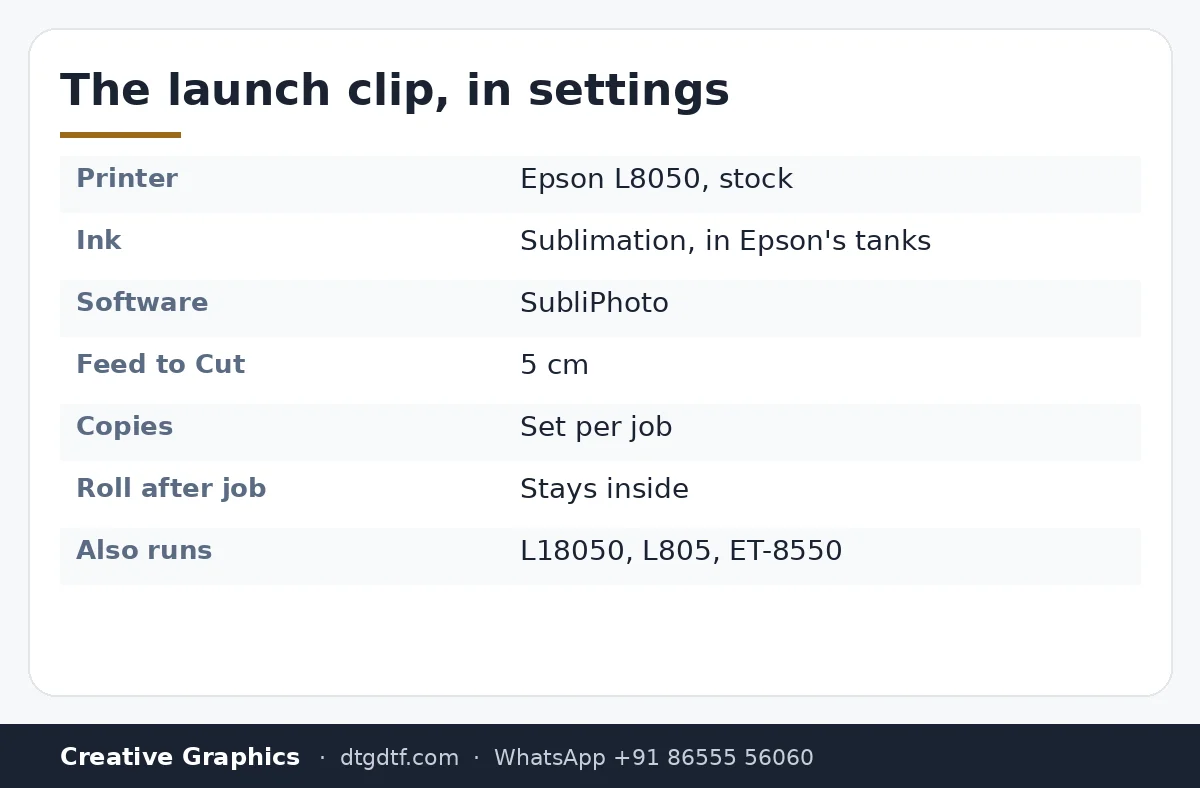
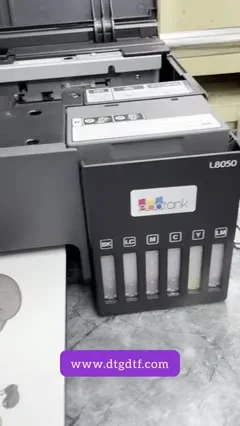
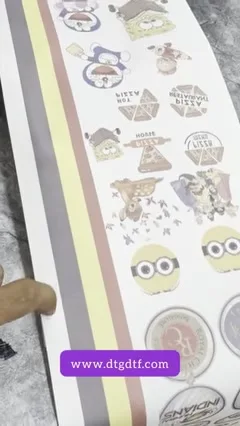
Two minutes, captions only, filmed the week SubliPhoto went on sale: an L8050 straight from the box, sublimation ink in its own tanks, a roll on the stand, and a strip of cartoon stickers coming off the front. The screens are the launch in a nutshell: roll section open, media in, Feed to Cut at 5 cm, copies set, print. This post says what you are seeing and what the launch means for L8050 and L18050 owners.
What the video shows
- 0:05 — A stock L8050 with sublimation ink in its own tanks
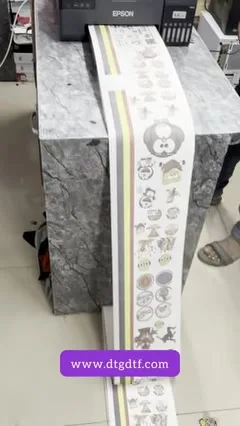
- 0:16 — The printed sticker roll
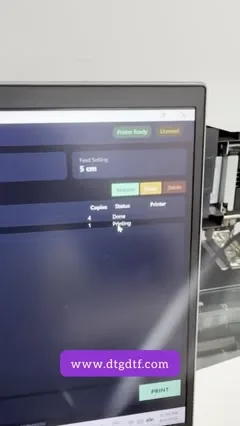
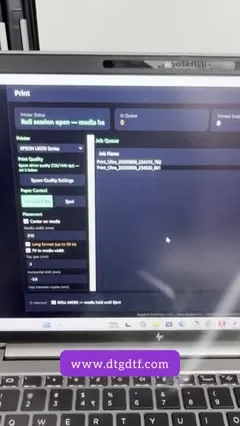
- 0:26 — The software: job list and print screen
- 0:37 — Feed to Cut: 5 cm
- 0:48 — Roll section open, media in; copies
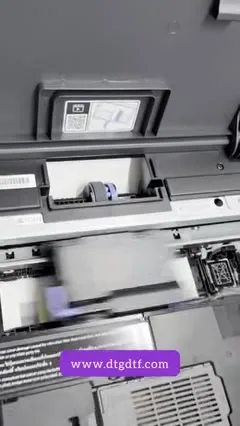
- 0:58 — The L8050 printing from the roll
- 1:09 — Under the lid: head over the roll
- 1:41 — The roll on the laptop screen
- 1:52 — The printed roll running off the front
What launched
SubliPhoto: roll printing for the Epson L8050, L18050, L805 and ET-8550 without a RIP and without touching the printer. The L8050 in the clip has Epson's own tanks filled with sublimation ink, a roll stand behind it, and the software on a laptop. Nothing else.
The screens
A job list with the roll section showing media in. The print screen with Feed to Cut at 5 cm, which advances the roll so you can cut the last print cleanly, and copies for repeating a job. Print, and the printer takes it from the roll without the paper prompt a stock Epson would give.
The printer
Under the lid the head runs over the roll like any sheet; the roll keeps coming because the software never ends the page. The printed roll runs off the front onto the table, cartoon stickers end to end.
Buy and learn
SubliPhoto lifetime at ₹4,000 + GST or yearly, licence by email. The full launch demo with the 50-inch print is here, the colour-chart session here, and the one-minute summary here. For DTF rolls with white, ZiggRoll V4.
Frequently asked questions
What software launched for the L8050 and L18050?
SubliPhoto: sublimation, photo and sticker roll printing with no RIP and no printer modification.
What is Feed to Cut?
Advances the roll by a set length, 5 cm here, so the last print can be cut cleanly.
Do I need to modify the L8050?
No. Epson's own tanks with sublimation ink, a roll stand, and the software.
Is it for DTF?
No. DTF with white uses ZiggRoll V4.
L8050 or L18050 owner?
WhatsApp the model; the licence and setup video arrive the same day.
WhatsApp +91 86555 56060More videos: Sublimation printing
- A 12 × 40 Inch Lanyard Roll in Six Minutes: Sublimation Roll Printer With IVFO and Vacuum
- Print Rolls on an Epson With No RIP and No Modification: SubliPhoto in One Minute
- ZiggRoll SubliPhoto Launch, Uncut: Roll Printing on a Stock Epson L8050 From CorelDRAW, 50-Inch Prints, Four Copies, No RIP
- A 48-Inch Roll-to-Roll Sublimation Printer Under ₹2 Lakh: Why I Say Skip 24 Inch, and Where Epson Falls Short
- The L18050 as a Roll Sublimation Printer: Converted Properly, With Resetter, Custom Tank and the Lanyard Job It Was Built For
- SubliPhoto in Practice: Ten Copies of a Colour Chart on an L8050, Two Pass, 43 Percent Ink, 1 mm Gap, Roll Stays Inside