The L18050 as a Roll Sublimation Printer: Converted Properly, With Resetter, Custom Tank and the Lanyard Job It Was Built For
Published 24 July 2024
Most people who print sublimation rolls print lanyards, and the L18050 is the cheapest printer that does it well, if it is converted properly. That is the first thing I say in this video: buying a printer from the market and installing software will not get you there. Thirteen minutes on the attachments to insist on, the custom tank, the maintenance box and its resetter, the roll stand, the two softwares, and then a 40-inch lanyard file running on the roll. Honest about warranty too: there is none, and there is lifetime support.
What the video shows
- 0:01 — A converted printer, not a stock one with software
- 0:34 — Two softwares in the package; the speed-drop problem people have
- 1:09 — Capping: original works for sublimation, or we replace it
- 1:35 — Custom ink tank: Epson's holds too little
- 2:00 — Maintenance box: new pad, chip, or the resetter
- 2:21 — Waste bypassed to a tank below; reset unlimited times
- 2:42 — Roll printing is mostly lanyards; the roll stand with PVC pipe, included
- 3:15 — Sublimation ink voids the printer warranty; our support is for life
- 3:30 — Every part available; sublimation gives few issues compared to DTF white
- 3:46 — A 40-inch lanyard file; print any length
- 4:51 — Printing the roll
- 7:00 — Lanyards coming off
- 9:09 — Inside the printer during the run
- 11:19 — The finished lanyard roll
Converted, not improvised
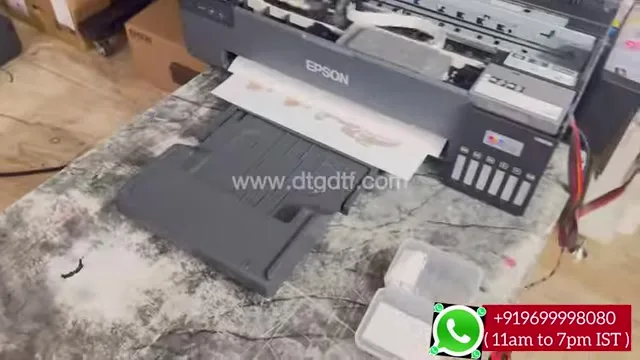
The L18050 drops speed on long jobs, ejects at page ends and holds very little ink in its own tanks. Software alone fixes none of that. The converted printer carries the speed-drop fix and sensor bypass, a custom external tank, and a roll stand; if you are buying from anyone, make sure all of those attachments are on the printer first. If you can convert it yourself, do; otherwise buy it converted.
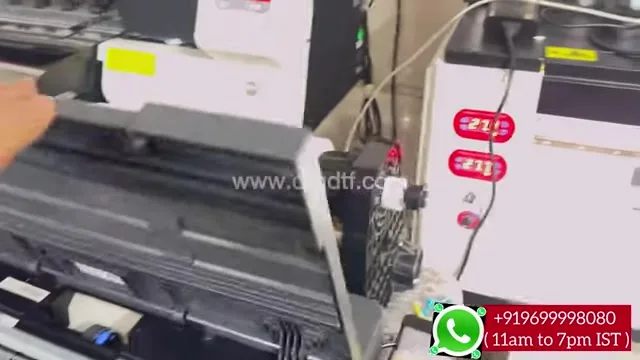
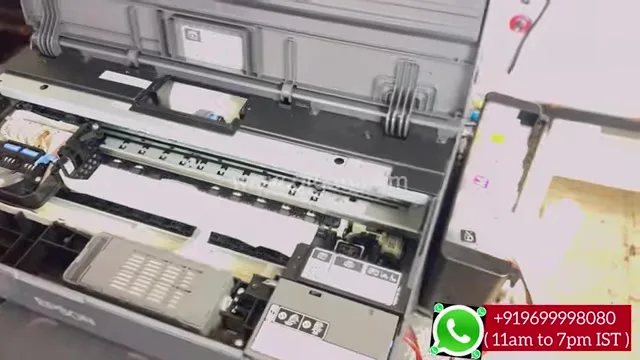
Capping, tank, maintenance box
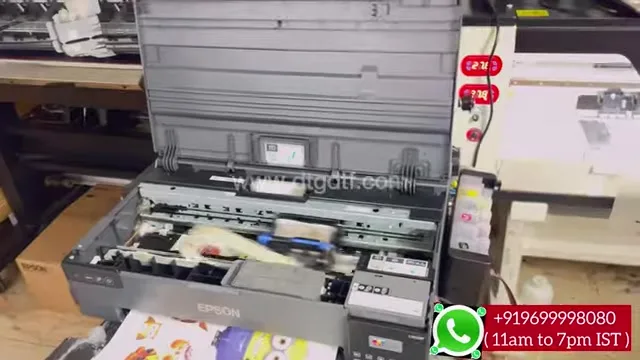
For sublimation ink the original capping unit works; we can replace it if you prefer. The Epson tanks are bypassed for a custom external tank because they hold too little for roll work. The maintenance box, the waste pad, fills with every clean; three ways to deal with it: buy a new pad, replace its chip, or use our resetter. On this printer the waste is piped to a tank underneath and the resetter clears the counter as many times as you like.
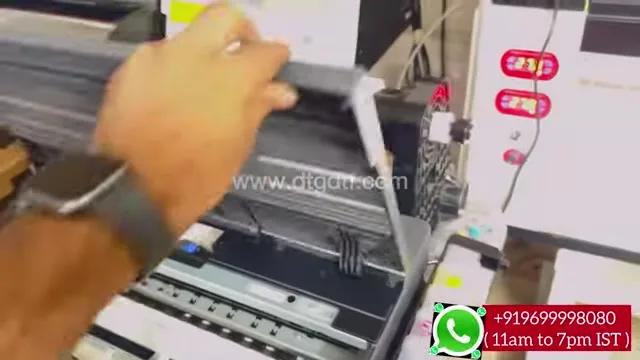
Roll stand, two softwares, no warranty
The roll stand takes a PVC pipe through the roll and runs smoothly; both parts come in the package. Two softwares come with it as well. Sublimation ink in the printer means no warranty from Epson or from us, and I say so plainly on camera; what you get instead is support for life, buy from me or not, and every part available. Sublimation gives far fewer problems than DTF white, so the support is rarely needed.
The lanyard job
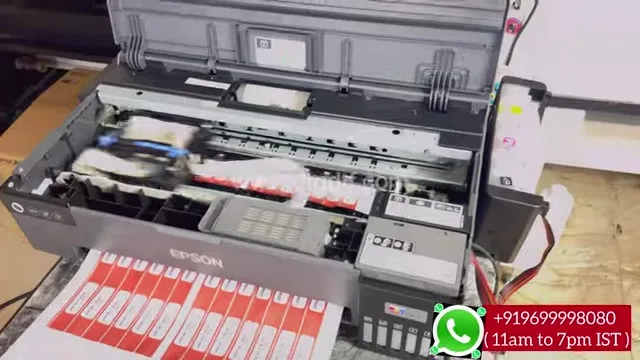
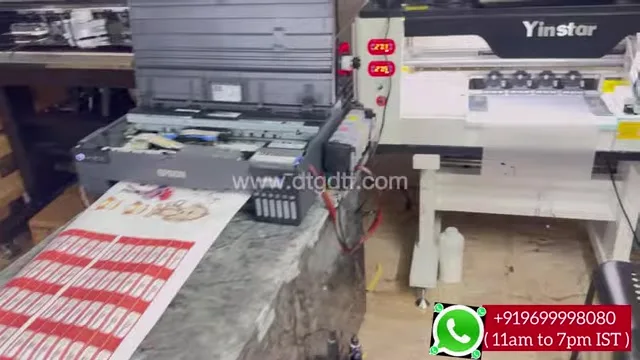
A 40-inch file, 30 inches of it lanyards at 14 inches and smaller sizes, printed on the roll in one job. Set any length you need. That is what this printer does all day in the shops that buy it. Today the software side is SubliPhoto for sublimation rolls, the resetter is here, the stand here and the inks here; the lanyard speed clip with IVFO is here.
Frequently asked questions
Can a stock L18050 print sublimation rolls with software?
No. It needs the speed-drop fix, sensor bypass, external tank and a roll stand. Buy it converted or convert it fully.
Does the original capping unit work for sublimation?
Yes. It can be replaced if you prefer.
What about the maintenance box?
The waste is piped to a tank below and our resetter clears the counter unlimited times. The alternatives are a new pad or a chip.
Is there a warranty?
No, from Epson or from us, once sublimation ink is in. Support is for life and every part is available.
What is roll sublimation mostly used for?
Lanyards. The video prints a 40-inch lanyard file; any length is possible.
Related guides
Lanyard business?
WhatsApp your daily metres; the L18050 with SubliPhoto or the 48-inch is a one-line answer.
WhatsApp +91 86555 56060More videos: Sublimation printing
- A 12 × 40 Inch Lanyard Roll in Six Minutes: Sublimation Roll Printer With IVFO and Vacuum
- Print Rolls on an Epson With No RIP and No Modification: SubliPhoto in One Minute
- ZiggRoll SubliPhoto Launch, Uncut: Roll Printing on a Stock Epson L8050 From CorelDRAW, 50-Inch Prints, Four Copies, No RIP
- A 48-Inch Roll-to-Roll Sublimation Printer Under ₹2 Lakh: Why I Say Skip 24 Inch, and Where Epson Falls Short
- Roll Printing Software for the Epson L8050 and L18050, Finally Launched: Feed to Cut, Copies, and a Sticker Roll Off a Stock L8050
- SubliPhoto in Practice: Ten Copies of a Colour Chart on an L8050, Two Pass, 43 Percent Ink, 1 mm Gap, Roll Stays Inside