L805 DTF Speed Test, Real and Live: A Ten-Metre Roll, Deliberately High White, and Why Lines Mean the Platform Is Not Flat
Published 21 August 2021
People asked how fast the L805 really prints DTF, so I set a roll, a multi-image file and a clock, and let it run for fifteen minutes with the camera on. White density was deliberately high, the hardest case. The auto-captions on this upload are nearly useless, so I have written this from the footage and what I remember saying: the speed, the lines you get when the platform is not flat, and the rule that no software can make a head faster than it is.
What the video shows
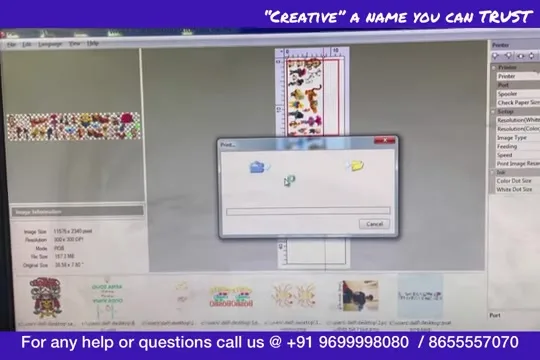
- 0:36 — The file in AcroRIP, ripping to the virtual printer
- 1:50 — Rip done; job sent to the roll software
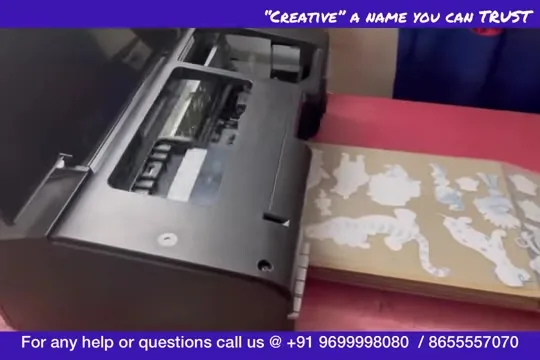
- 3:04 — Printing starts; a sheet of cartoon stickers
- 4:18 — A teddy sticker up close
- 5:31 — The roll running; platform in front
- 6:45 — White density deliberately high
- 7:59 — Lines at the start: platform not flat
- 9:13 — Half the roll done
- 10:26 — Do not lift the roll while cutting
- 11:40 — No software increases speed beyond the head
- 12:54 — Ten metres
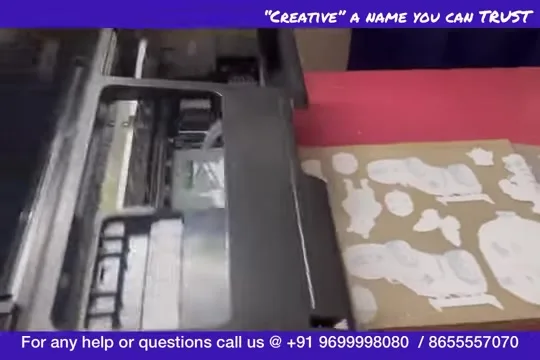
- 14:08 — The finished sheet: Minions, Pooh, cars
The test
A multi-image file, Minions and Pooh and cartoon cars, ripped in AcroRIP and sent to the virtual printer that the roll software listens to. Ripping takes its own time, which I left in. Then the L805 runs the roll while I talk and the clock runs.
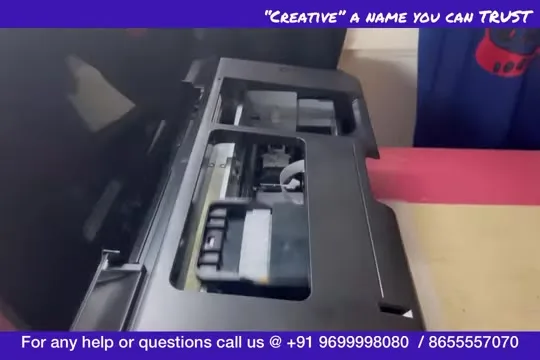
White set high on purpose
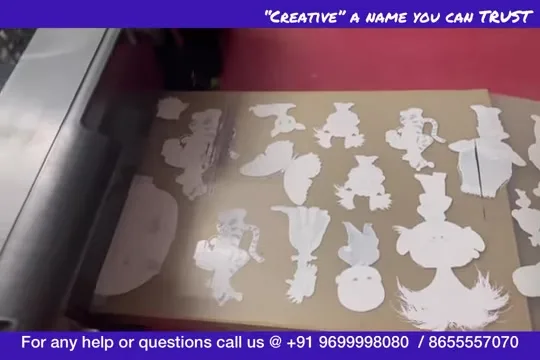
I kept the white percentage higher than I would for production so the test showed the slow case. On an L805, white density is where speed goes; more white, more passes. The quality in the frames is the result: dense white, clean edges.

Lines, platform, cutting
Two things I showed because people ask. Lines at the start of a print come from film that is not flat on the platform; set the platform flat and level with the exit and they go. And when you cut a finished section from the roll, do not lift the roll: lifting pulls the film at the head and the next print starts with a line.
The honest conclusion
The L805 is a small-logo and small-business printer: fast enough for a few dozen prints a day, not a production machine. No software, ours included, can make it print faster than its head; what the software gives you is unattended roll printing, which is time saved, not speed gained. The same applies to the L18050 that replaced it; see the L18050 speed test. Software: ZiggRoll V4.

Frequently asked questions
How fast is a converted L805 at DTF?
A small-logo printer: a few dozen prints a day, slower with high white. The 2021 test ran ten metres of roll in a session.
Why do I get lines at the start of a print?
The platform is not flat or level with the exit. Fix the platform; it is not the head.
Does roll software make the printer faster?
No. It saves your time by printing unattended; the head sets the speed.
Should I lift the roll when cutting?
No. Keep it down or the next print starts with a line.
Related guides
Wondering what your printer can do?
WhatsApp the model and your daily volume; the honest number is one message away.
WhatsApp +91 86555 56060More videos: Roll printing software (ZiggRoll, SubliPhoto, Powerhouse)
- ZiggRoll V4 Now Runs DTF Rolls on the Epson L18050 and L8050: No Tape, No Paper Error
- Roll Printing on a Stock Epson L8050: No Modification, No RIP, Just ZiggRoll SubliPhoto
- The Clip That Started ZiggRoll: Roll Printing on a Stock Epson L1800 at a 2023 Exhibition
- Printing a DTF Roll on the L18050 with ZiggRoll V4 and AcroRIP 11.2: The Full Walkthrough
- ZiggRoll SubliPhoto in Studio Mode: Continuous Sublimation Rolls on Unmodified Epson Printers
- ZigRoll, Every Function Live and Uncut: Roll Printing on a Plain Epson L1800 with No Module