CGI 32 Pro Laser Vinyl Cutter: Cut Heat-Transfer Vinyl With a Laser Instead of a Blade, Then Press
Published 9 May 2025
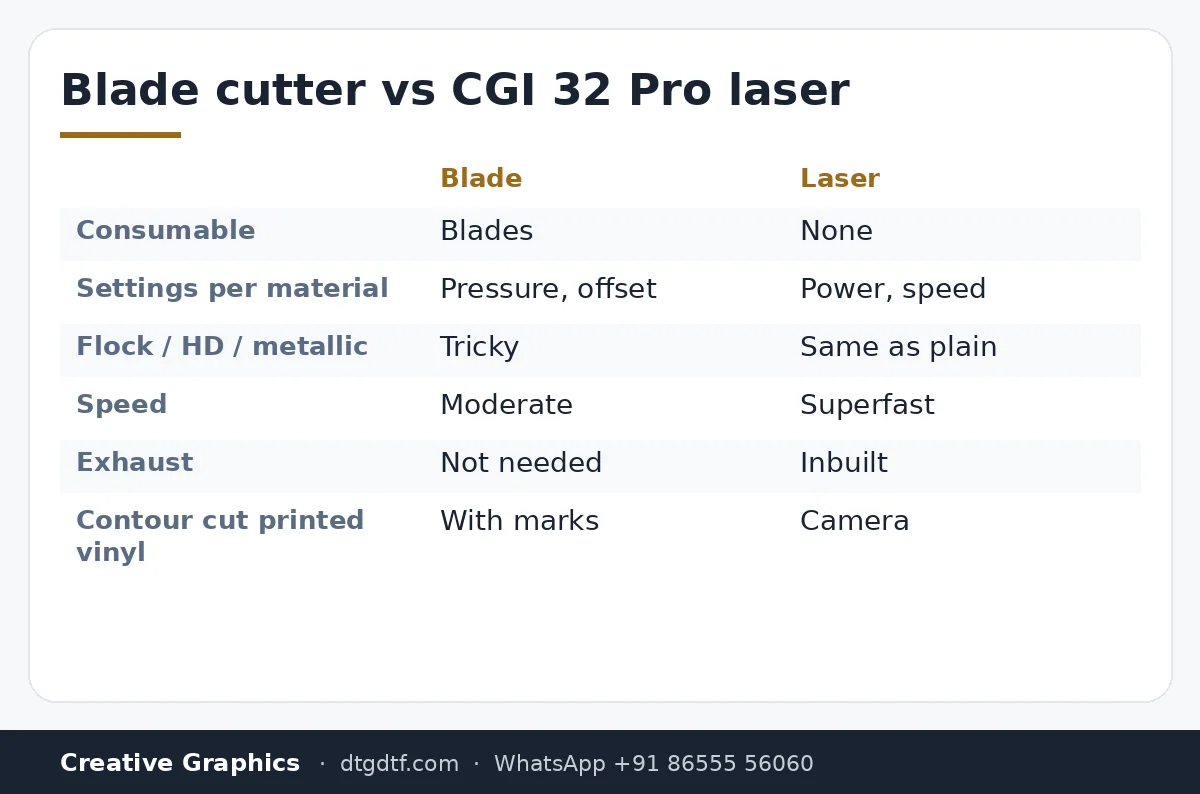
Blade cutters drag through heat-transfer vinyl and need a new blade and a new pressure setting for every material. This one cuts with a laser: fine, fast, and the same on flock, HD, metallic or plain vinyl. Forty seconds in the clip, and the whole workflow is laser-cut, weed, press. We assemble these in-house, so they are tested before they leave. Here is what the clip shows and who should want one.
What the video shows
- 0:00 — Forget conventional blade cutters
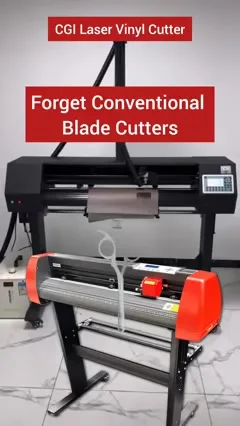
- 0:08 — Single laser head; superfast cutting
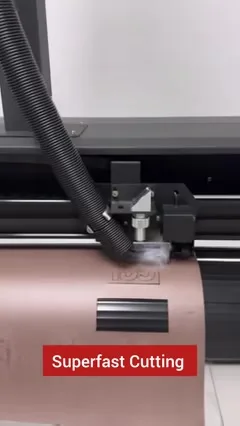
- 0:15 — Inbuilt exhaust; determine cutting and plotting
- 0:21 — HD, flock or any vinyl
- 0:25 — Assembled in-house, tested
- 0:28 — Press onto the tee
Laser instead of blade
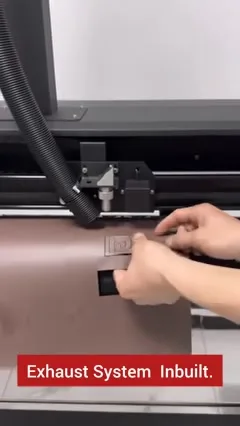
A blade cutter pushes a knife through the vinyl and relies on pressure and offset settings that change per material. The laser burns a clean line without touching the sheet, so flock, HD and metallic cut the same as plain vinyl, with no blade to replace and no pressure to tune. One laser head, with a mode to decide what is cut through and what is only plotted.
Exhaust and camera
Cutting vinyl with a laser makes fumes, so the exhaust system is built in with a hose to outside. The camera reads marks so a printed sheet, for example a DTF-printed vinyl, can be contour-cut in register.
Cut, weed, press
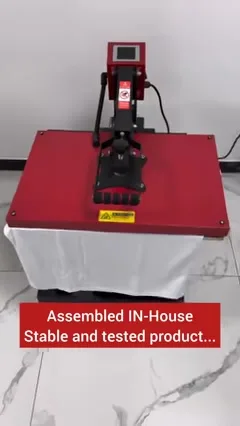
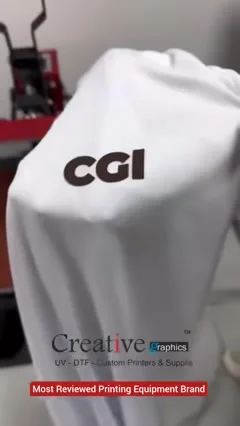
Laser-cut the vinyl, weed the waste, position on the tee, heat press. That is it. The clip ends with the CGI logo pressed on a white tee. Assembled in-house, which means the machine on your floor has run on ours first.
Where it fits
Vinyl is for one- and two-colour jobs, names and numbers, and premium finishes like flock and metallic; DTF is for full colour. Shops that run both cover every order. The press in the clip is our 16 × 24 heavy-duty press; for full-colour transfers see the DTF printing service. Message us for the cutter's current price and demo.
Frequently asked questions
Why a laser vinyl cutter instead of a blade?
No blade wear, no pressure settings per material, and flock, HD and metallic vinyl cut as cleanly as plain vinyl.
Does it need ventilation?
Yes. The exhaust is built in; route the hose outside.
What is the camera for?
Reading registration marks so printed sheets can be contour-cut in register.
Vinyl or DTF?
Vinyl for one or two colours, names, numbers and special finishes; DTF for full colour. Many shops run both.
Related guides
Want to see it cut your vinyl?
Bring a roll to the Navi Mumbai unit, or WhatsApp for a video of your material being cut.
WhatsApp +91 86555 56060More videos: Starting and running a DTF business
- DTF Facts from the 2021 Expo Booth: The Process, What Inks Change, and Why You Don't Need a Vacuum
- DTF Explained in 2021: One Process for White and Dark Tees, and What the Setup Cost Is Made Of
- How to Start a DTF Business: L805, L1800 or a 12 / 24-Inch Industrial? The 2021 FAQ, Answered Again
- Black Book and Project Book Binding From Scratch: Gold Embossing on Rexine, Then Bind It in Five Minutes
- Start a T-Shirt Printing Business, or Scale One: Basic Setup to Bulk Production With DTF, UV and DTG
- DTF Explained for Hindi Viewers, in English: The Process, the Three Printer Options, and the Accessories You Actually Need