The 2021 Roll-to-Roll Working Setup on an L1800: Load, Print From AcroRIP, Eject to Cut, Live in the Shop
Published 15 August 2021
People asked in 2021 to see the roll printer working in the shop, not in a studio, so I set the camera on the bench at Creative Graphics and ran it. There is no narration on this upload; the captions give the phone number and nothing else. So here is what you are watching, step by step, with the screen shots from the recording, and what has replaced each part since.
What the video shows
- 0:00 — The converted L1800 on the bench
- 1:51 — A plain sheet feeding first
- 3:05 — AcroRIP on screen: the job and settings
- 5:33 — ZigRoll: the job list and print controls
- 6:47 — Film going in; the exit board
- 9:15 — Printing: white underbase visible
- 11:43 — Finished transfers: tees and sports numbers
- 14:11 — Back to the screen for the next job
The bench
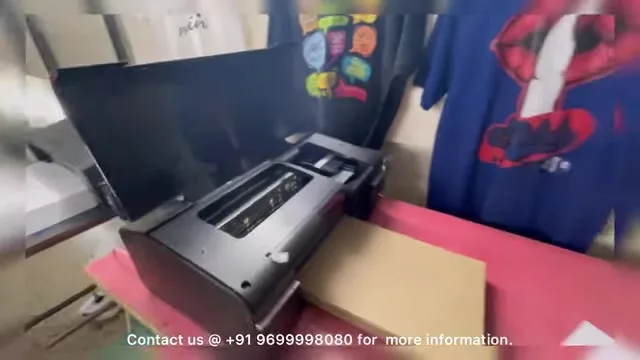
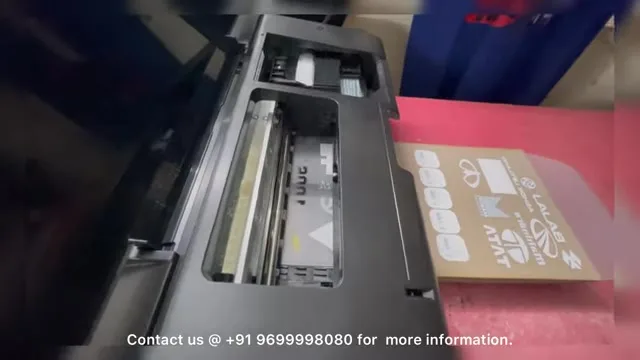
An Epson L1800 converted for DTF, with the front grippers removed, the waste pipe to a bottle, and the roll module fitted. A cardboard-backed exit board sits in front so the film lands flat. T-shirts printed on it hang on the wall behind.
Sheet first, then roll
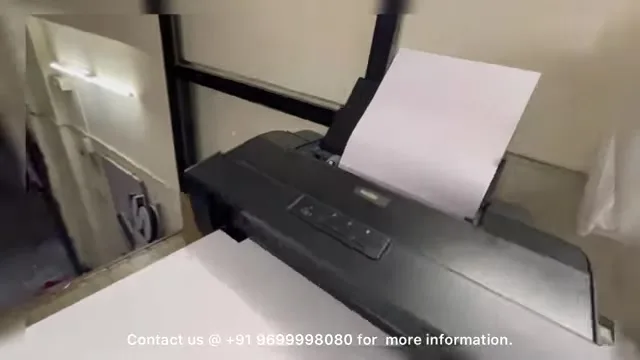
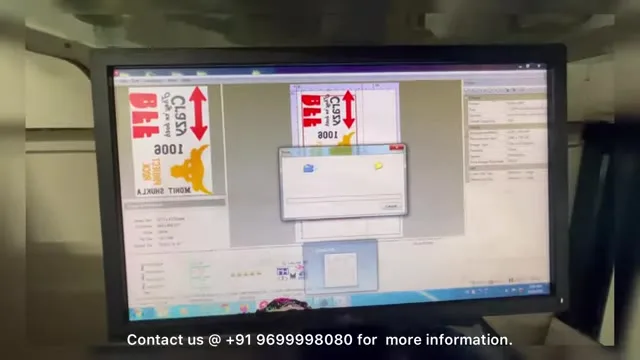
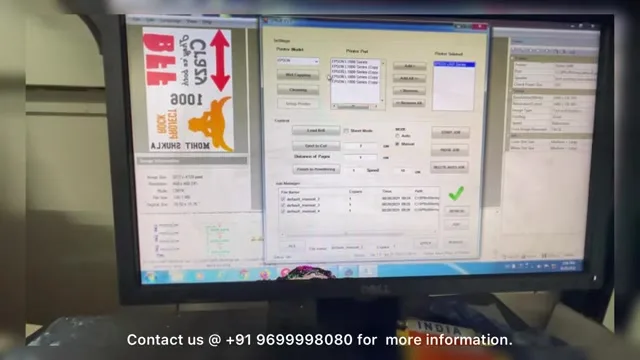
I feed a plain sheet first to show the printer is a normal printer: it takes a sheet, prints, and stops. Then the software side. AcroRIP has the job open, the print settings dialog is on screen, and the job is sent to the virtual printer that ZigRoll listens to.
ZigRoll takes over
The ripped job appears in ZigRoll's list. From here you set copies and start. The roll feeds in, the printer prints the colour and white layers, and the film comes out onto the board without the printer ever ejecting it. In the frames you can see the white underbase on the film as it exits.
The output
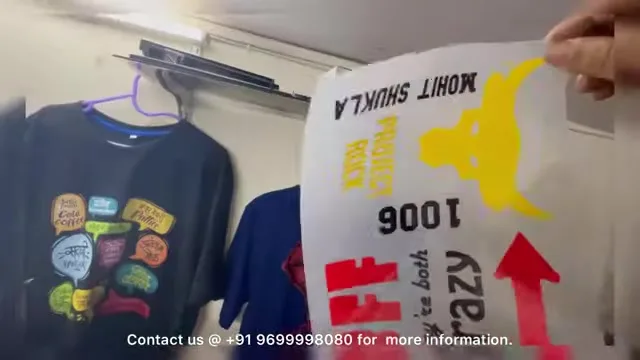
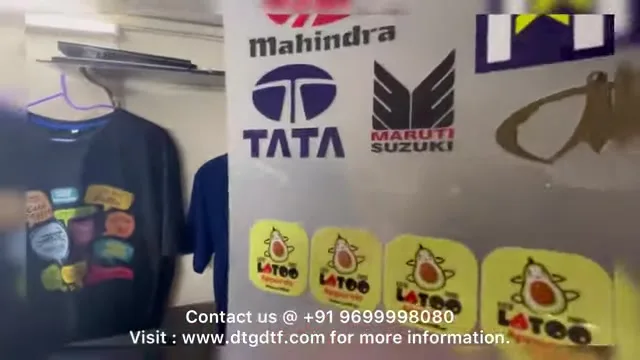
Sports numbers, kids' cartoon tees, car-brand logo sheets: all printed on this setup and pressed in the shop. That was the point of a live demo; the printer that made the tees on the wall is the one running on the bench.
Today
The L1800 is discontinued and ZigRoll has become ZiggRoll V4, which runs the converted L18050 the same way, with Load Roll, copies and Eject to Cut and no module. For what each function does, the uncut 2021 feature tour is here; for the 2024 build with every modification, here.
Frequently asked questions
What printer is in the 2021 live demo?
A converted Epson L1800 with a roll module, running AcroRIP and ZigRoll.
Does the printer eject the film between jobs?
No. ZigRoll keeps the roll inside; you eject a short length to cut when you want.
What is in front of the printer?
An exit board so the film lands flat and does not curl back into the head.
What is the equivalent setup today?
Converted L18050 with ZiggRoll V4; the functions are the same, no module needed.
Related guides
Want to see it live?
Demos run daily at the Navi Mumbai and Hyderabad units. WhatsApp before you come.
WhatsApp +91 86555 56060