What a Real Roll-to-Roll L18050 Must Do: Pause Without Ejecting, Clean With the Roll Inside, Buy Nothing Extra
Published 29 July 2024
A lot of people in India were selling 'roll-to-roll' L18050s in 2024. So I set four tests and filmed this printer live, uncut: pause mid-print and the paper must stay in; head clean with the roll still loaded; switch the printer off and on and the roll must not move; and nothing extra to buy, no maintenance box, no chip, no resetter. Then I opened it up and showed every modification that makes those four things possible. Here is the video and the whole walkthrough in English.
What the video shows
- 0:00 — The four tests for a roll-to-roll printer
- 1:53 — Power off, power on: the roll stays inside
- 2:45 — Head clean with the roll loaded
- 3:27 — Original vs modified capping motor
- 4:10 — The module: PE, PW and ASF bypassed; forward-reverse button
- 4:36 — On error the printer never throws the paper out
- 5:00 — Waste-pad reset from a USB-C cable; the chips you do not need
- 6:50 — Printing starts; powder shaker is fine now
- 7:41 — Custom manifold and custom dampers
- 8:20 — Low-sediment ink; circulation and IVFO are optional
- 9:14 — Sheet or roll? Vacuum bed?
- 10:28 — Warranty: no head warranty on any printer; parts for two years
- 11:12 — Two original softwares: RIP dongle and ZigRoll
- 11:45 — Cancel a job: double press, paper stays in
- 12:06 — Why scratches happen and what to do
- 13:05 — Live demo at the Mumbai unit; JAP-X ink
The four tests
Before anything else, four things. If I pause a print, the paper must not come out. If I want to clean the head, I must be able to do it with the roll inside. If I switch the printer off and on, the roll must not move. And there must be nothing to keep buying: no maintenance box, no chips, no chip resetter. If a converted printer fails any of these, it is a sheet printer with a roll holder, not a roll-to-roll printer.
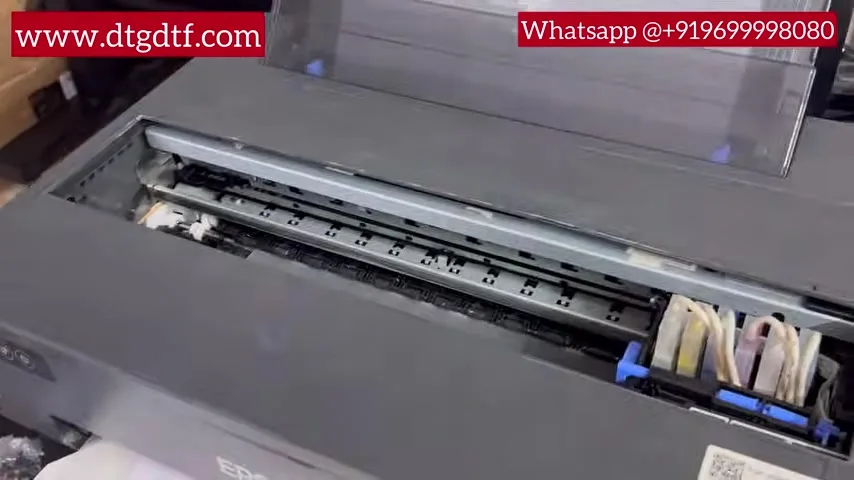
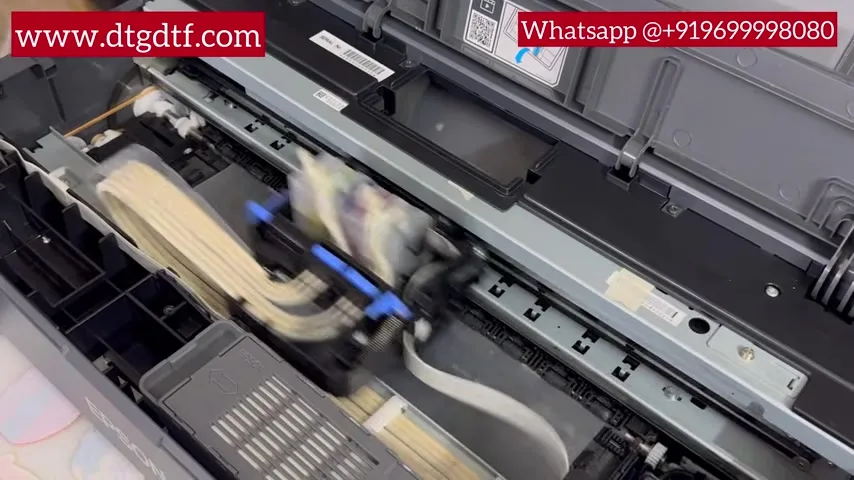
Off and on, clean with the roll in
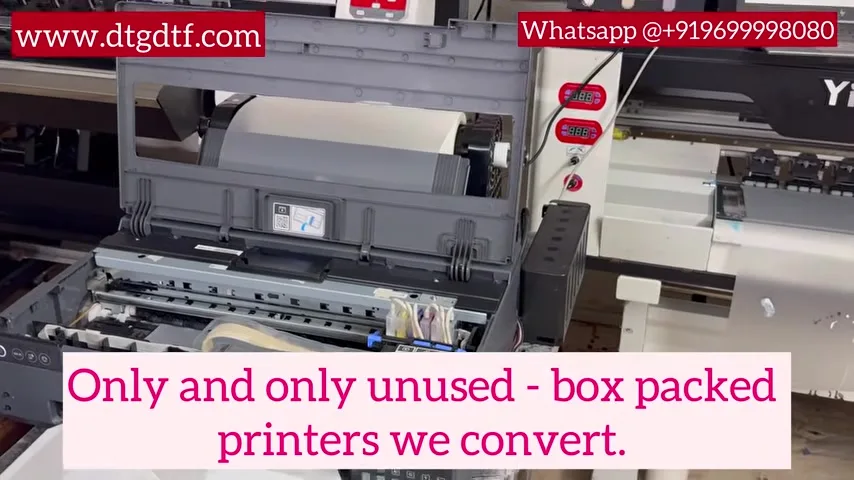
On camera I switched the printer off, pulled the plug, plugged it back in and started it. The roll stayed exactly where it was. Then a head clean with the roll still loaded, long press, done. The module inside starts up with the printer and holds the paper path.
The capping motor
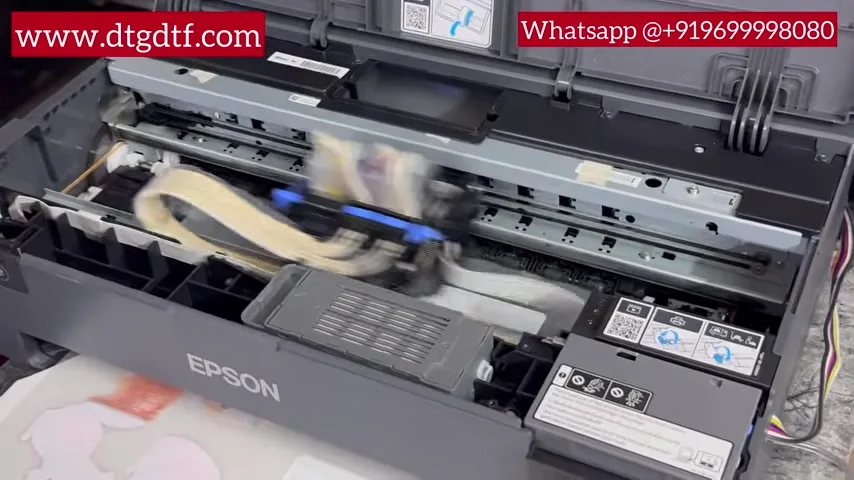
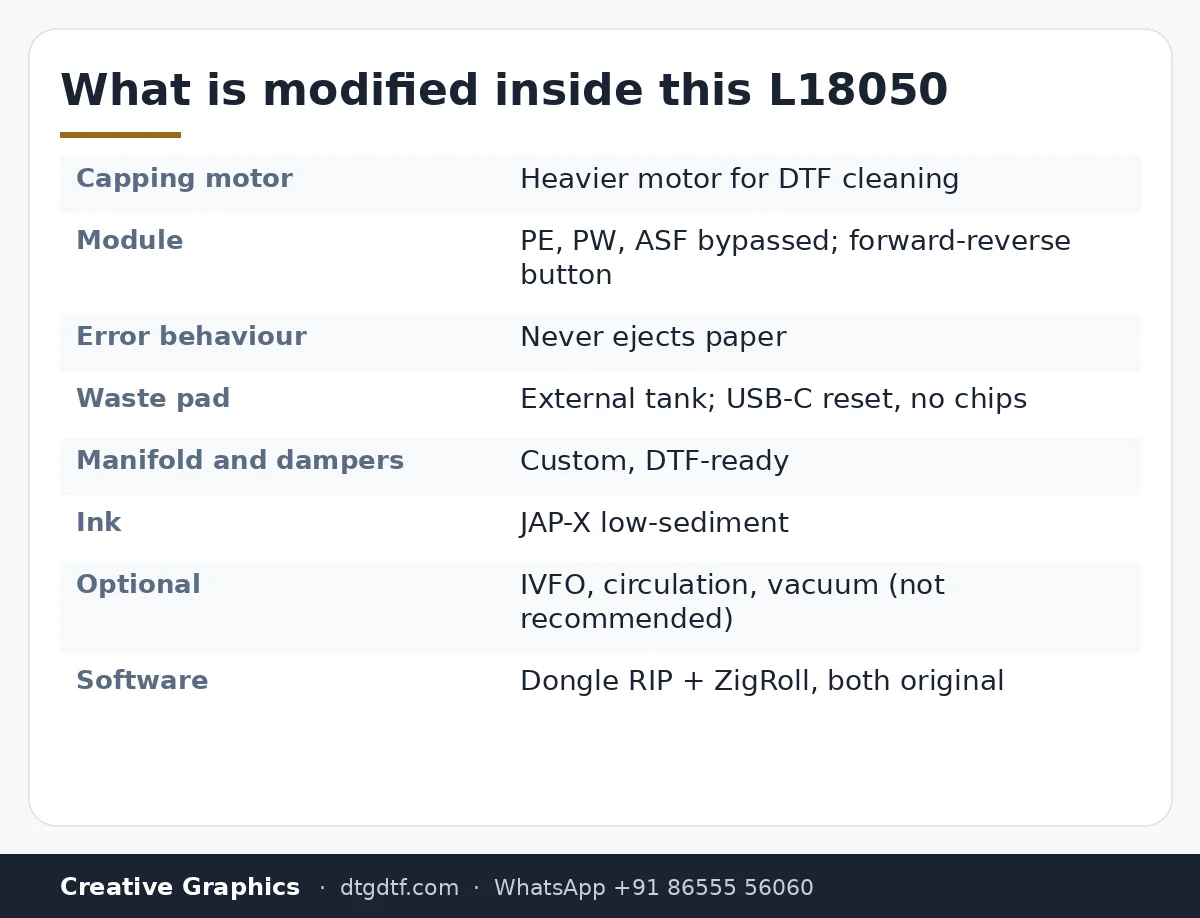
I showed the original capping motor next to our modified one. DTF needs cleaning on a regular basis and the stock motor is small and weak, so we bypass it with a heavier motor. At the time nobody else in India was doing this.
The module
This board is what makes the roll function work. The pick-up system is fully bypassed: PE, PW and ASF all three. A forward-reverse button sits on the printer so you can move the paper either way by hand. And the important part: if there is an error during a print, the printer never throws the paper out. You can cancel a job with a double press and the paper stays in.
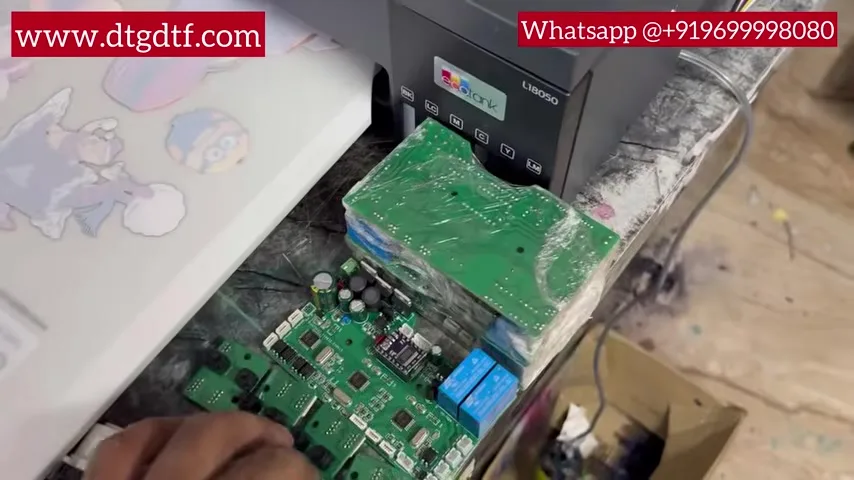
Waste pad: a cable, not a chip
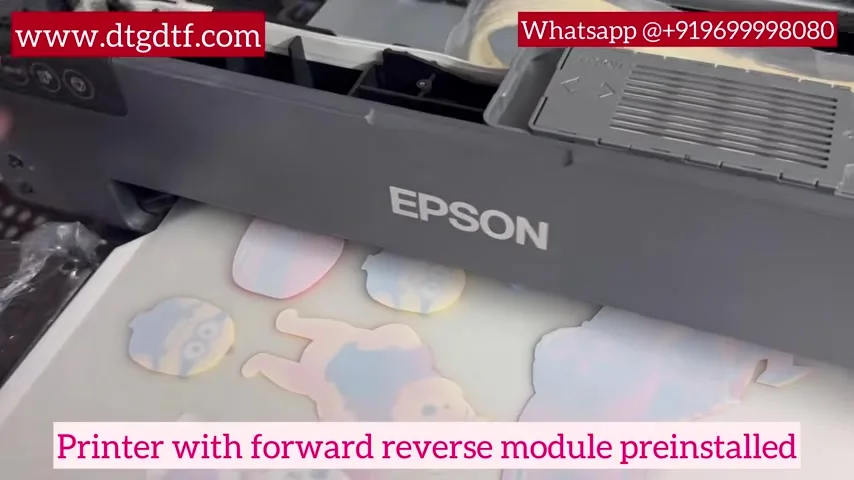
The waste pipe is bypassed to an external tank, so the printer's counter still thinks a pad is filling. People sell you chips for this. You do not need them. Plug in a USB-C cable, from the PC or any phone charger, hold the button, and the waste pad counter resets. Unlimited times. These are the small things that are hidden from buyers and I wanted them on camera.
Printing, powder shaker, manifold
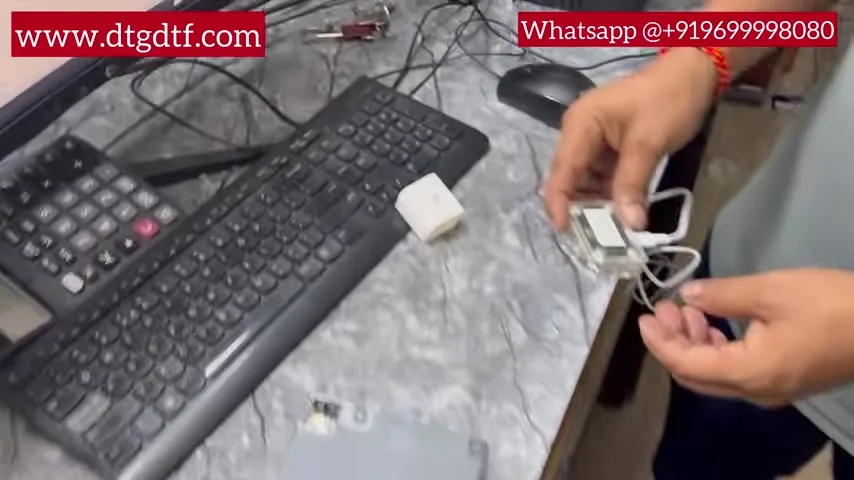
Print sent from the RIP, the printer starts from the roll. You can run a powder shaker in front of it now. On the old L1800 conversions I did not recommend one, because any error ejected the paper into the shaker. This printer never ejects. Also fitted: a custom manifold and custom dampers. If you are buying a roll printer from anyone, check both.
What not to add
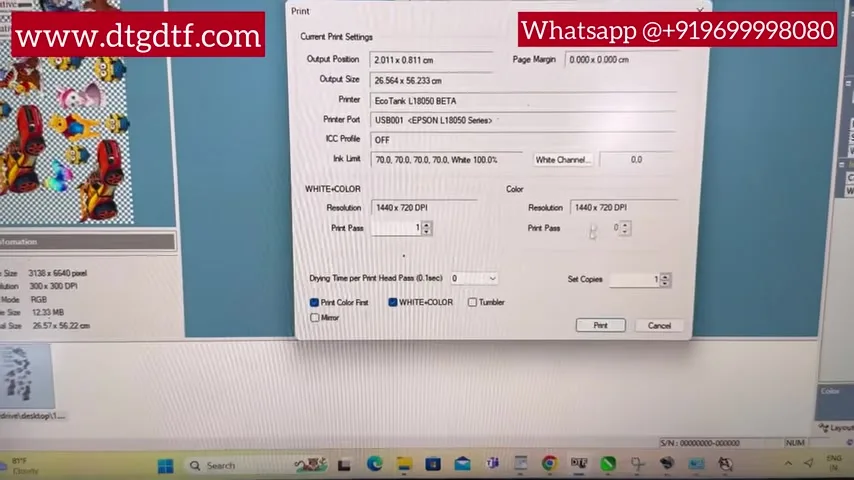
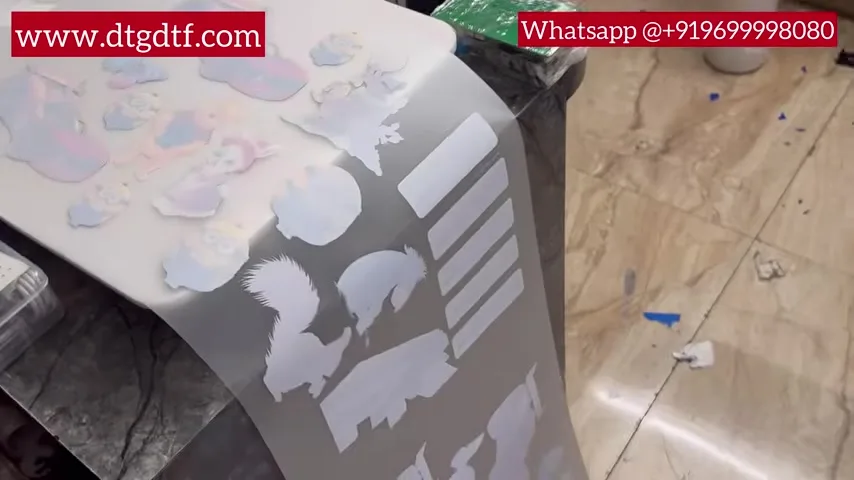
Use low-sediment ink; ours is JAP-X. Ink circulation can be added, and I say do not bother on a small printer; it is an unnecessary investment. The IVFO adapter that stops the speed drop can be added if you want it. A vacuum bed I have never needed. My advice has not changed: start small, learn, and upgrade to a bigger machine. If your volume is low and you want low maintenance, buy the sheet version instead; we sell both.
Warranty, parts and software
Once a printer is altered it has no warranty, and no printer anywhere, 12-inch or 24-inch, XP600 or i3200, gives you a print-head warranty. At most you get the mainboard. What I committed to: every part of this printer on our store for two years. In the box: an original dongle RIP and ZigRoll for the roll, both original, no piracy. The ink tank is custom too.
Scratches, and the latest video
When the paper cannot flow forward it backs up and the head scratches it. As soon as the printer slows, cancel, cut the paper, move on. And watch the newest video on the channel before buying; this printer kept changing. Today's version is here at ₹92,300 + GST, with the PE/PW module, IVFO and resetter sold separately for people converting their own. Live demos at the Navi Mumbai unit and now in Hyderabad.
Frequently asked questions
What makes an L18050 a real roll-to-roll printer?
Pause without ejecting, head clean with the roll loaded, power cycle without the roll moving, and nothing extra to buy. The module bypassing PE, PW and ASF makes that possible.
Do I need to buy chips or a maintenance box?
No. The waste pipe goes to an external tank and the counter resets from a USB-C cable, unlimited times.
Can I use a powder shaker with it?
Yes. Unlike the old L1800 conversion, this printer never ejects the paper on an error.
Should I add ink circulation or a vacuum bed?
Not on a small printer. Learn on it and put that money toward a bigger machine later.
Is there a warranty?
No warranty on a modified printer, and no print-head warranty on any DTF printer. Parts are stocked on our store.
What software comes with it?
An original dongle RIP and ZigRoll for roll management, both original.
Related guides
- DTF Printer Buying Guide — What to Look For (and Avoid) in India
- DTF vs Sublimation vs Screen Printing — Which is Right for You?
Buying a roll-to-roll L18050 from anyone?
Send me their video on WhatsApp and I will tell you which of the four tests it fails.
WhatsApp +91 86555 56060