How the L805 Printed Rolls in 2021: AcroRIP Plus the Virtual Roll Software, Load, Print, Eject to Cut
Published 20 August 2021
August 2021, an Epson L805 on a crowded desk, and the first version of the roll software we wrote to sit beside AcroRIP. The audio on this upload is poor, so I am writing from the screen and what I did: load the roll, send a job from AcroRIP, set the number of prints, let it run, eject a few centimetres to cut, take the roll back in. Six minutes. The L805 has been discontinued since, but this is exactly how roll printing still works on a desktop Epson.
What the video shows
- 0:00 — The L805 roll model and the separate roll software
- 0:30 — Load Roll: a sheet goes in, the roll goes in over it
- 1:01 — Manual mode: wind back the roll that went in
- 1:59 — Back to print mode; the AcroRIP job
- 2:32 — Select the job, Start Job, number of prints
- 3:02 — Printing starts; a plastic board in front stops scratches
- 3:47 — Feeding from the front works too
- 4:28 — The paper does not come out; eject a set length to cut
- 4:54 — Cut, then pull the roll back in
Two programs
AcroRIP rips the file with the white channel, as it always did. A second program, the virtual roll software, takes the ripped job and manages the printer so the roll never ejects. This was ZigRoll before it had the name; today the same split is AcroRIP plus ZiggRoll V4.
Load the roll
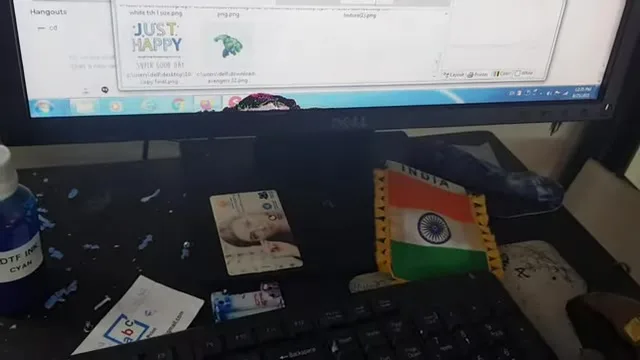
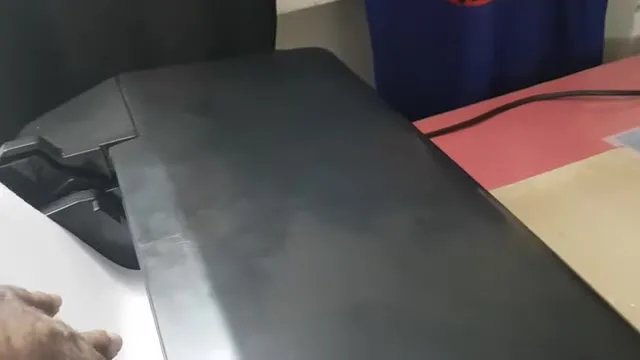
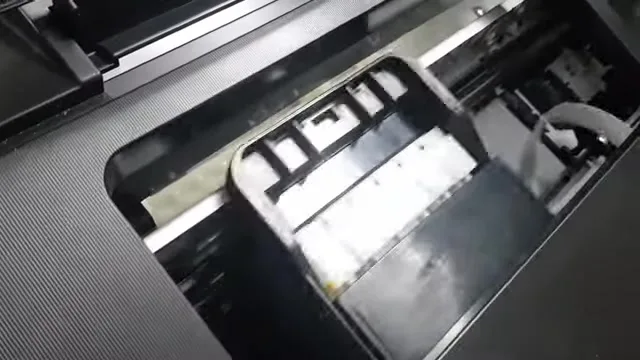
Click Load Roll. The printer pulls a plain sheet in; lay the roll over that sheet and it gets pulled in on top. If more roll went in than you wanted, switch to manual mode and use the button to wind it back out; you do not waste what went in. Switch back to print mode.
Send and start
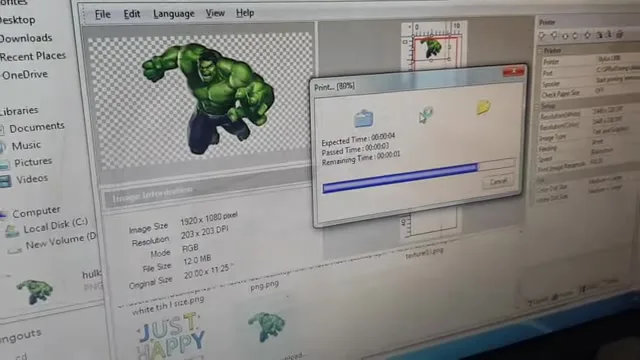
Print from AcroRIP to the virtual printer; the job appears in the roll software. Select it, set how many prints you want, Start Job. The printer starts and prints the copies one after another without you touching it. Set a plastic board in front of the printer so the film lands flat; without it the film drops, curls back and the head scratches it. Feeding from the front works as well, if you prefer.
Eject to cut
When the job finishes the paper stays inside. Tell the software to eject a length, a few centimetres, enough to cut cleanly, cut it, and pull the roll back in for the next job. That eject-and-return is what people mean by roll-to-roll on a desktop printer, and it needs no module.
Then and now
The L805 and L1800 are discontinued. The current small printer is the converted L18050, and ZiggRoll V4 (₹2,542.37 + GST, instant licence) does everything in this video with Load Roll, Eject to Cut, copies and stored jobs. The uncut 2021 feature tour on the L1800 is here.
Frequently asked questions
Did the L805 need a module to print rolls?
No. AcroRIP ripped the file and the virtual roll software managed the printer so the roll never ejected.
How was the roll loaded?
Load Roll pulls a plain sheet in, the roll is laid over it and pulled in on top. Manual mode winds back any excess.
Why a plastic board in front?
So the printed film lands flat. If it drops and curls back, the head scratches it.
What replaced this software?
ZiggRoll V4, with the same Load Roll, Eject to Cut and copies functions, on the L18050, L8050, L1800, L805 and L8180.